*  🇯🇵日本語ページ🍓🍓Raspberry Pi B+ for Sound source SPDIF out
tube--Wel come to Site----------This site shown D.I.Y Single Ended Amplifiers-----almost valve amplifiers----some of digital staff--- ----Ham Radio --------Hi Fi sound to suppose be high end audio---etc etc-----from Yachiyo Chiba---Japan-------small city of Yachiyo located around 30Km west of down town of Tokyo ------very close to Narita International Air Port--- tube


2025年12月から Raspbian OS つまり世界的にアプリケーションの編集ができなくなりました
ユーザーには権限がないのです。つまりエラーが出たら編集出来ない為にゴミ箱行きになります。開発者がそこまで頭脳を持っている人が皆無になってきたのです。音楽サーバの話はこれで終わります。
DebianやRaspberryパイの組織が良いアプリケーションを作る意志がないのです。残念ねそして新しい方法が出てきても公開されません、それはセキュリティ上の問題と言われています。
rootになっても編集は出来ませんその様にOSを作っています。挙動不審は12月から始まりましたがこのまま世界中にあるパソコンはOS無しでゴミ箱行きになります。Debianの責任なのかはわかりません
これらは多くのレンタルサーバーなどでも障害が出てくると予測できます。Rootの権限が剥奪されています。
/boot を RW で再マウントするコマンド
SSH で次をそのまま実行してください:
sudo mount -o remount,rw /boot/firmware
実行後にエラーが出なければ成功です。そのまま編集できます:
sudo nano /boot/firmware/config.txt
これは編集できなくなった例です。AIに聞きましたら上記の様に指示をもらいました。ChatGTPに聞きました。


Wifi をOFFにする Raspberrypi はセキュリティが良くないので

bash
sudo rfkill block wifi
sudo nano /boot/config.txt

ファイルの末尾に以下の行を追加します。

dtoverlay=disable-wifi

config.txt
は最新のOSでは
boot/firmware/config.txt
になります。config の場所が違います。


Your Browzer OS are
if indicated X11 ,U,Linux,BSD 、there are BSD/Linux/Unix Family OS
Smartphone is kind of Linux or UNIX


🍓🍓Let's try to use Raspberry Pi B+ Pi2 Pi3
for Audio source ,flac,DSD HiReso Audio DAC DIY

Flag Counter
🍓

This counter start 30th july 2025

Raspbian OS

 🇬🇧 English 

OSの Down load Raspberrypi OS from here

Confugire example for sound device 一例です

lower side show Nanopi Neo Music 32bit Music server. nanopi neo music server directly getting SPDIF out on GPIO terminal


raspberrypi はモニターを持っていないとSSHの設定が出来ません残念な機械です OSの仕様ですDebian系OSの欠点です

🍓 Raspibian OS に於いてSSHが出来ない場合はそのバージョンのSSH関連のファイルが欠落しています。最新のバージョンにするかNightlyバージョンを使ってください。
変則的なページです。音楽サーバーのOSと言うOSは使いません強いて言うと Raspbian OS若しくはDietopiやArmibian でも構いません。
音楽サーバですのでOSはサーバーに使うバージョンでOKと思います。ここではOSとしてRasbian OS を使っています。なんでもOKです。Debian 系が良いと思います。
サーバー用のOSをインストールしましたら、ホストPCで動作する様に設定を必ず行って下さい。SSHを使える様にしましょう。
基本的には /boot の中に ssh と言う空ファイルを最初に作っておきます。sshファイルはマイクロSDの中に空ファイルを作ります。
コマンドラインからでもGUIを使っても同様です。ファイルマネージャーで空ファイルを作っておきます。拡張子はありません、小文字で ssh のみです。
これを置くことによりsshが動作します。ssh でログイン出来ましたら ユーザーを数個作ります。pi mpd mympd の3つが必要です。名前も作ると良いかも知れない。
私はkenji なのでKenjiを作っておきましょう。それぞれのパスワードも変更しておきましょう。root のパスワードも変更しておきます。
最初にmpd と samba をインストールして置きましょう。デフォルトで構いません、後からmpdのソースをダウンロードしてそれを好みによってコンパイルして
インストールをします。samba と mpdをインストールしたことで音楽サーバとして使える様になります。
音が出ましたら、内蔵のDACでも構いません、内蔵のDACは自作になると思います。簡単です。とても良質な音楽を聞くことが出来ます。
すべての人がモニターを持っていませんので、SSHを使って設定をして行きます。編集 Editor はViやEmacsを推薦します。私は emacs を長い間使っています。emacs は優秀なアプリです。
空ファイルの作り方は # touch ssh で作れます、ディレクトリーの場合は # mkdir tmp3 です。この場合は mpd3 です。
これで終わりです。後はやる気で音楽サーバーを作ることが出来ます。
Raspberrypiの場合音を出すには /boot/config.txt のファイルの編集で音を出すことが出来ます。
コマンドラインでは $ sudo raspi-config で大体のインターフェースの設定が完了します。これらはコマンドラインで行っても同様です。
マイクロSDにインストール 実際はイメージを焼いてsshで起動した場合
$sudo apt update 最初に行います。
$ sudo apt upgrade でそのOSの構築が始まります。
ssh が出来れば モニターは必要ありません。NanoPiNeo などはLANが一つのポートしか付いていませんのでこれで全てを設定します。
PCのコマンドラインから ターミナルを開いて 
$ ssh pi@raspbian.local 若しくは ssh pi@192.168.1.11 と入力して操作を初めます。
windows PC からはPutty などのアプリケーションを使って操作します。ホストPCが Linuxの場合は沢山のターミナルがついていますのでどれでもOKです。
RLogin TeraTerm、Putty、Poderosa などが Windows 用途のtarminal アプリケーションです。


何度も説明しています、貴方次第です mpd music server を構築しましょう 必要なアプリケーションを紹介します

音楽サーバーとしてmpd music サーバーから音が出ましたら次のステップです
1)NGINX のインストール これはアパッチでも同じことができると思います
2) 次にmyMPDをインストールします
これらのプロセスは全てLinux foundation から情報を得ることが出来ます。Step by Step でインストールしましょう


facebook

raspberrypi facebook


NAS が壊れました Volumio使った簡易 NASですが在日朝鮮人にハッキングされた


2026,Jan 27th .....もしかすると?
/media/usb1 のディレクトリーに
SATAのハードディスクを接続すると
自動的にマウントするかも知れません。
つまりそれが出来ると数万曲の音楽が
Raspberrypi Music Server に追加されます。
検証:
LANのモニターには同じRaspberrypi 4のが接続していますが
そこにハードディスクを接続しましたら全部見えました。
同じOSですので、出来るはずですが
音楽サーバーにはポートがないのです。
USB HUBをつければ解決するか?です。
ーーーーー
こう言うのは壊れないと実験しませんので
今回はNASが壊れたので実感しました。
Volumioは外部からアタックされやすいのでしょう。
なるべく使わない様にしましょう。


LAF


ソースコンパイル時のエラーについて、何にもしなくてもOKですがコンパイル時の:マークで止まってしまいます。qで抜けてもOKですが気持ちが余り良くないので以下の様にします。
~/mpd-0.24.6 $ meson configure /home/pi/mpd-0.24.6/output/release --no-pager -Dbuildtype=release これで:で止まらなくなります。

バイナリーのライブラリーをインストールすると、ALSAのパイプラインが削除されてしまいますその為に音が出なくなります。これはPluseAudioになってしまうからです。


1. パッケージ修復
sudo apt update && sudo apt install -f

2. 音声サーバーの再起動 (PipeWire)
systemctl --user --now enable pipewire pipewire-pulse wireplumber
systemctl --user restart pipewire pipewire-pulse wireplumber
3. PulseAudioに戻す場合
sudo apt purge libpipewire-0.3-dev
sudo apt install pulseaudio alsa-base alsa-utils
pulseaudio --start
4. 設定のリセット
sudo alsa force-reload
EOF
以上はChatgtpに教えてもらいました。

chatgtp

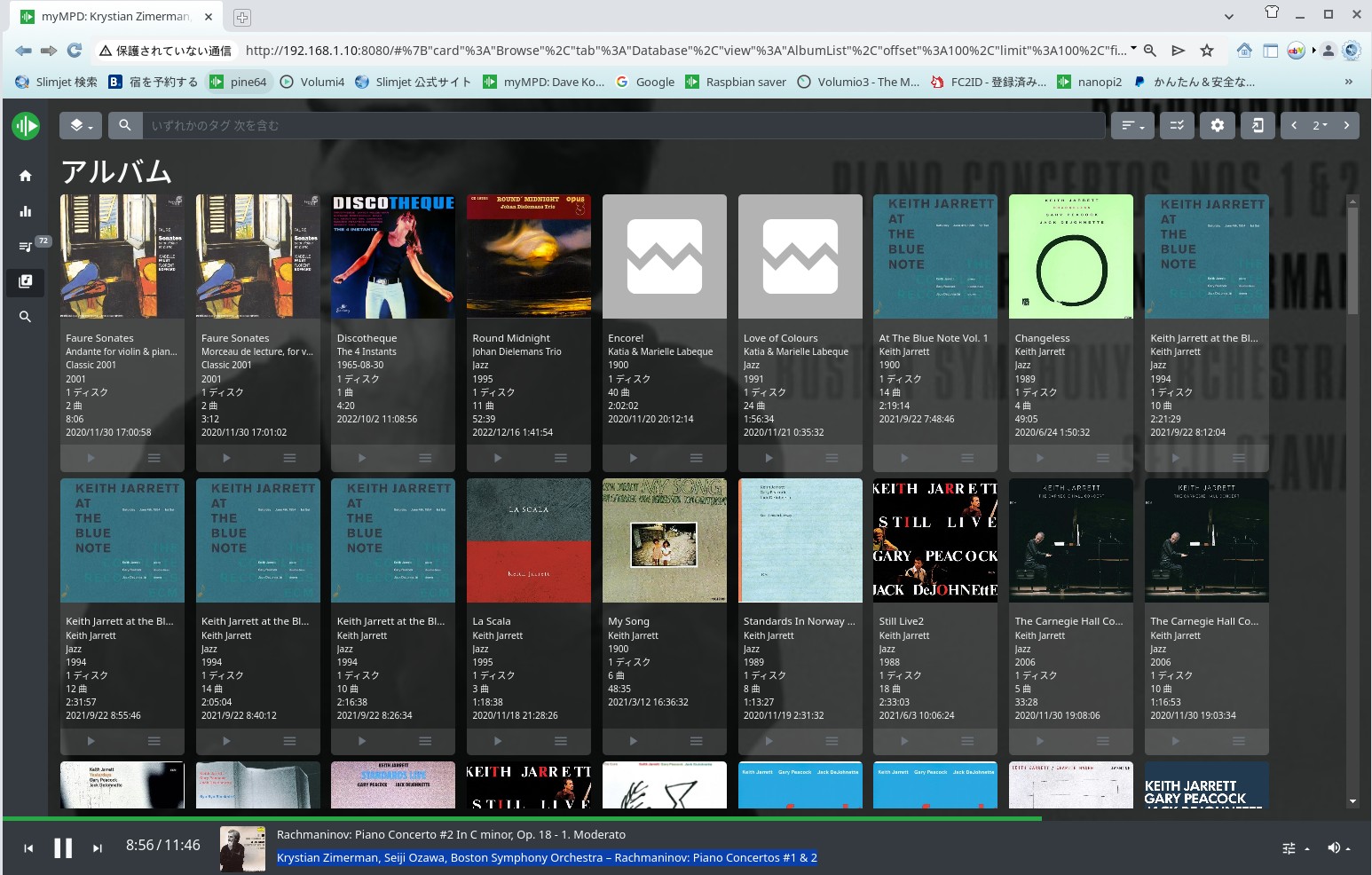
my mpd

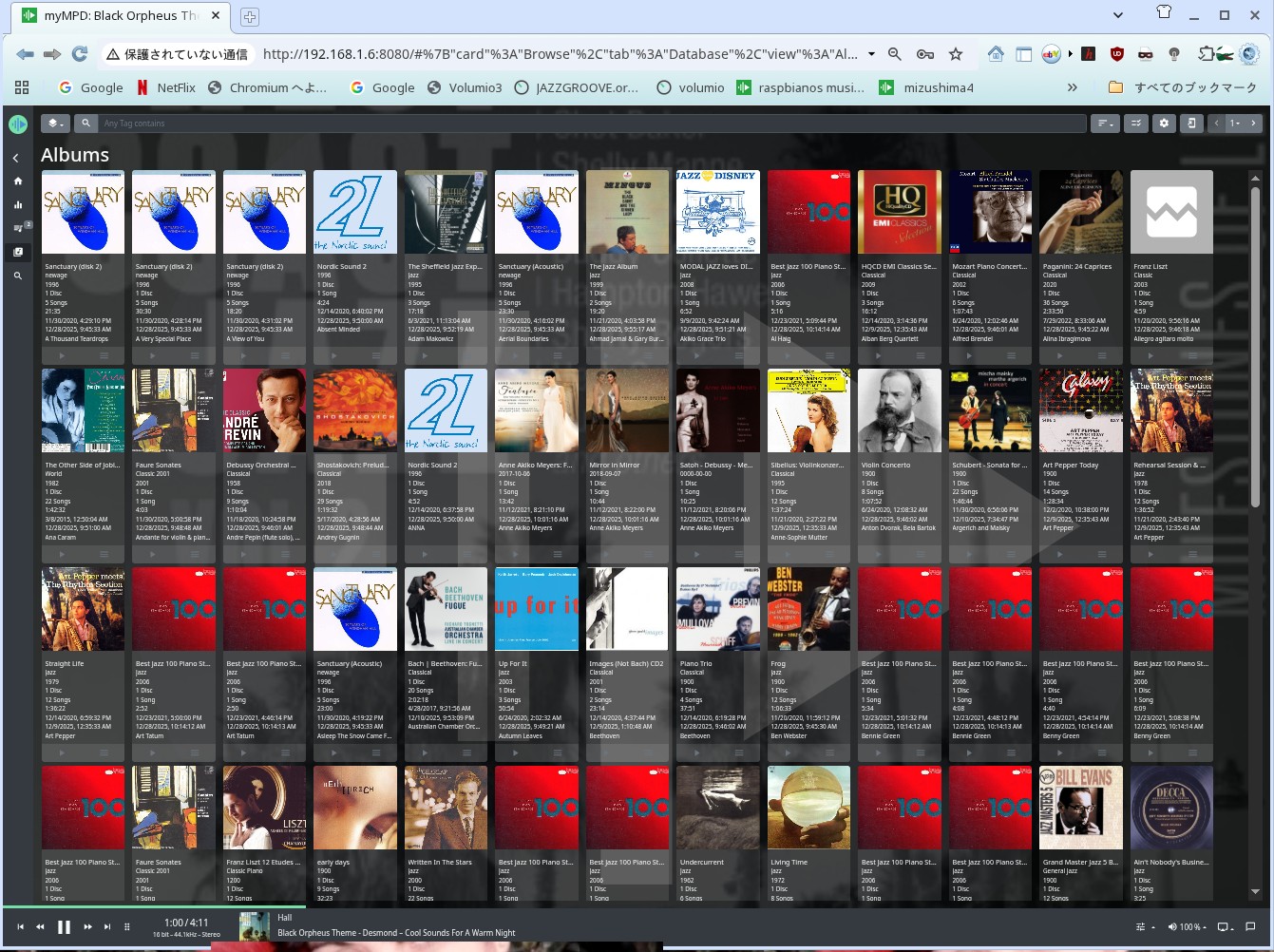
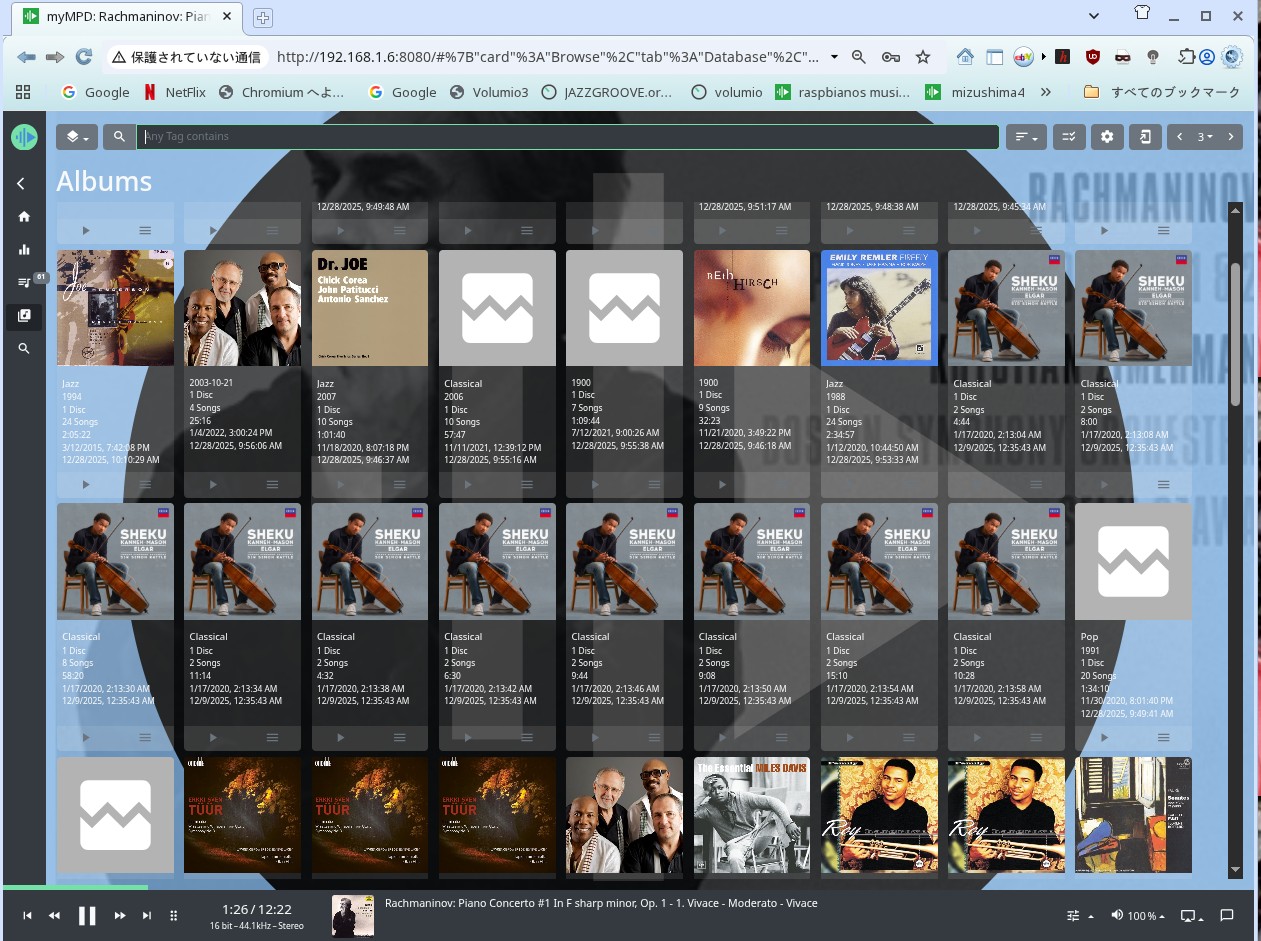
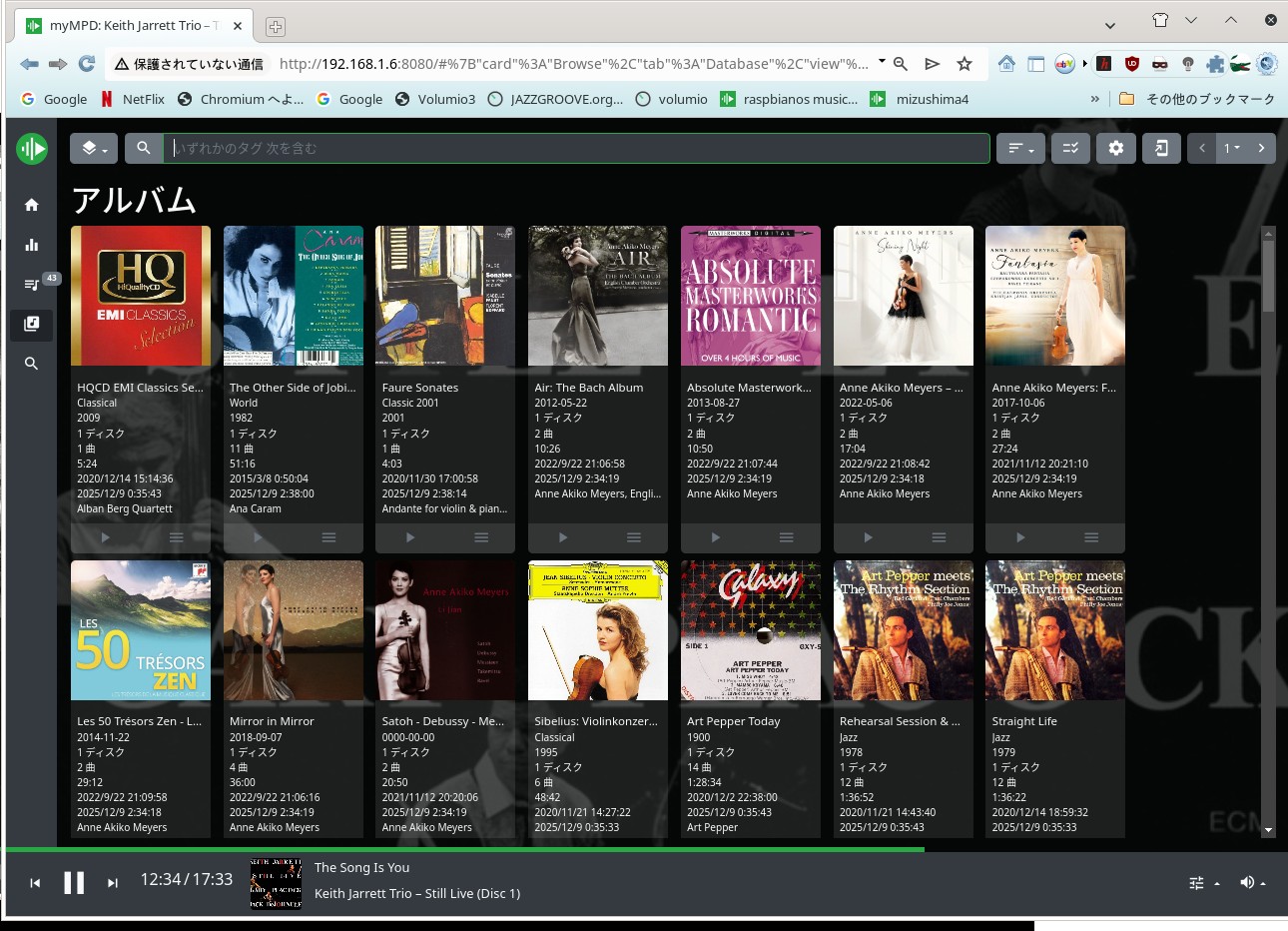
New mympd 31st Dic 2025 mympd raspbian OS.


OpenMediaVault を使わない Nanopi-Neo 2 の NAS化

一番簡単な方法です。OpenMediaVault と言うアプリケーションを使わずしてNAS化する方法です。 NaopiでもPine64やRaspberrypi
やLaptop のPCでも構いません、Volumioをインストールするのです。後は全て自動でNAS化出来ます。音楽ファイルの整理も全て
Volumioが全て行ってくれます。Volumioのバージョンは関係はありません。どれでも使うことが可能です。
DACも必要ありません、それはNAS本体では音を出さないからです。音出しは音楽サーバーから音を出します。
VolumioはIPの生成から音楽データーの送信も行ってくれます。殆どは無設定です。初期の設定のみです。
勿論 NASのホスト名も変更が出来ますし、数個ハードディスクがあっても認識します。
USB HUBを使うことで 数個の SATAのUSBハードディスクを認識出来ます。私の場合は2テラ バイトのハードディスクを使っています


TKZ AK4495 File for Nanopi-neo2


勿論 OpenMediaVault を使っても構いません。
Volumioを使うと簡単にワンボードPCがNAS化出来ます。Volumio は管理が抜群です。その他の音楽サーバのマウントも自動で出来ます
マウントは手動です。一番安全です。マウントの方法は以下の通りです
$ sudo mount.cifs //192.168.1.10/USB/81EC-DFF5 /var/lib/mpd/music/Music3 -o vers=2.0 iocharset=utf8
パスワードを聞かれますので Volumio を入れて下さい。パスワードを変更するのも良いと思います。

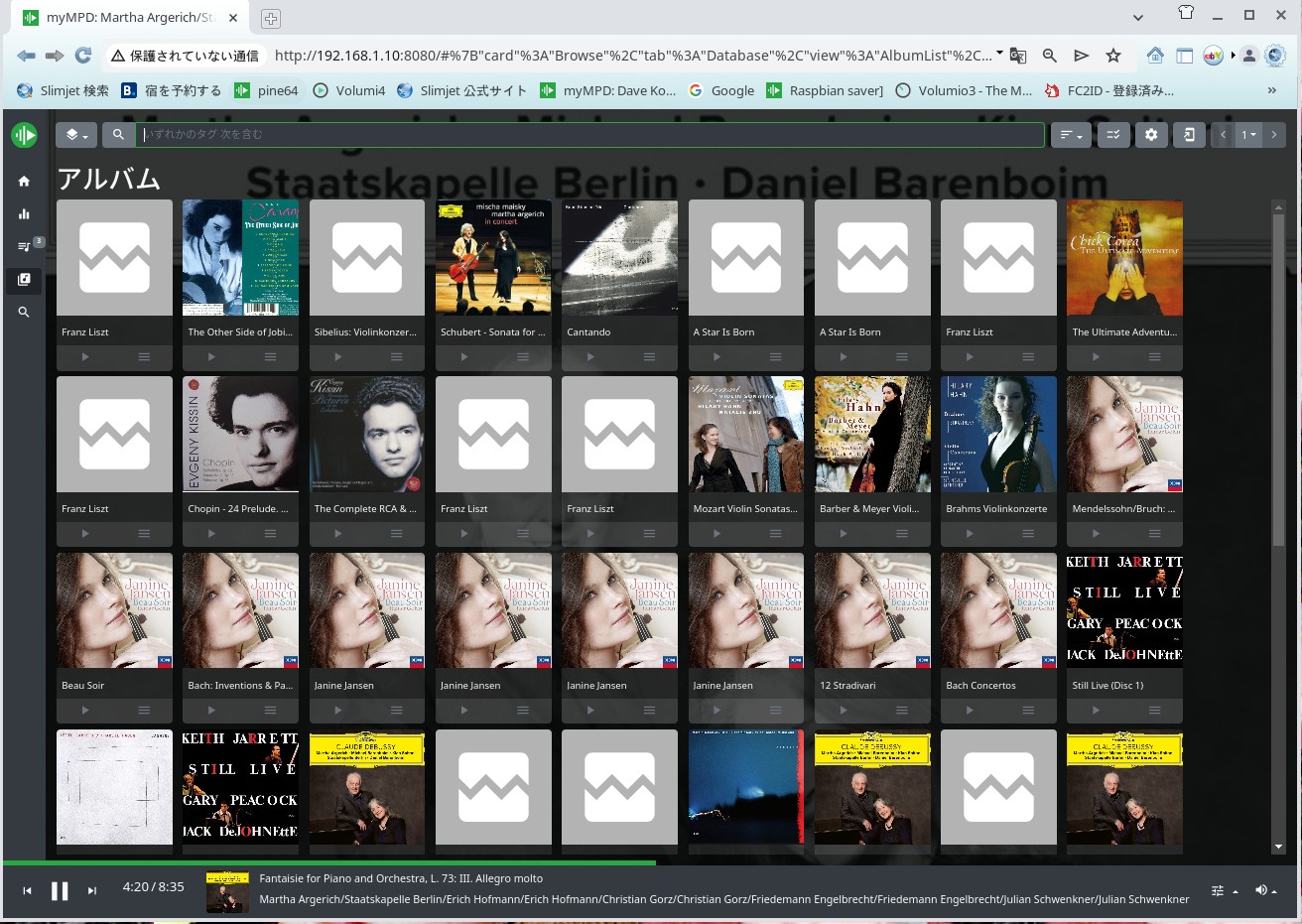
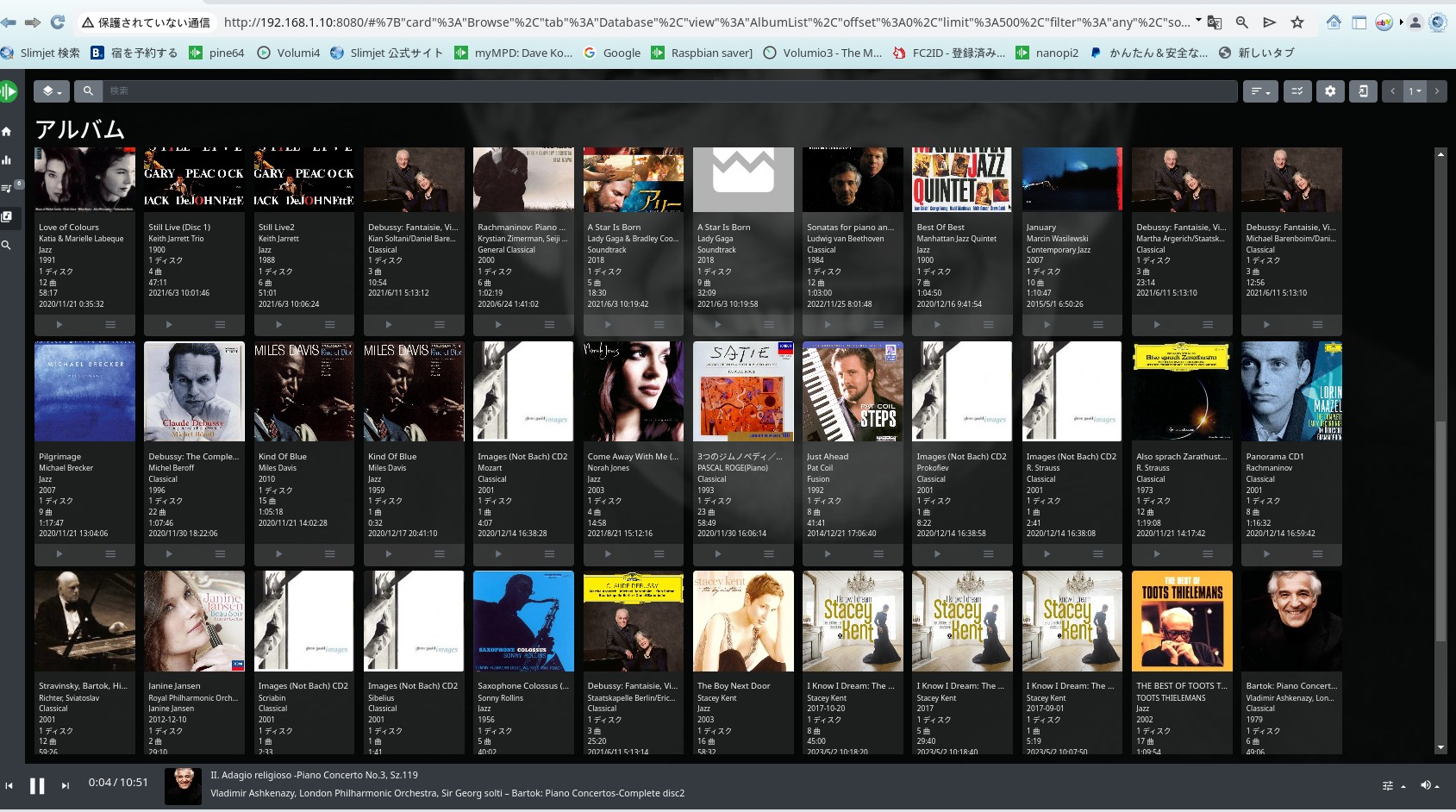
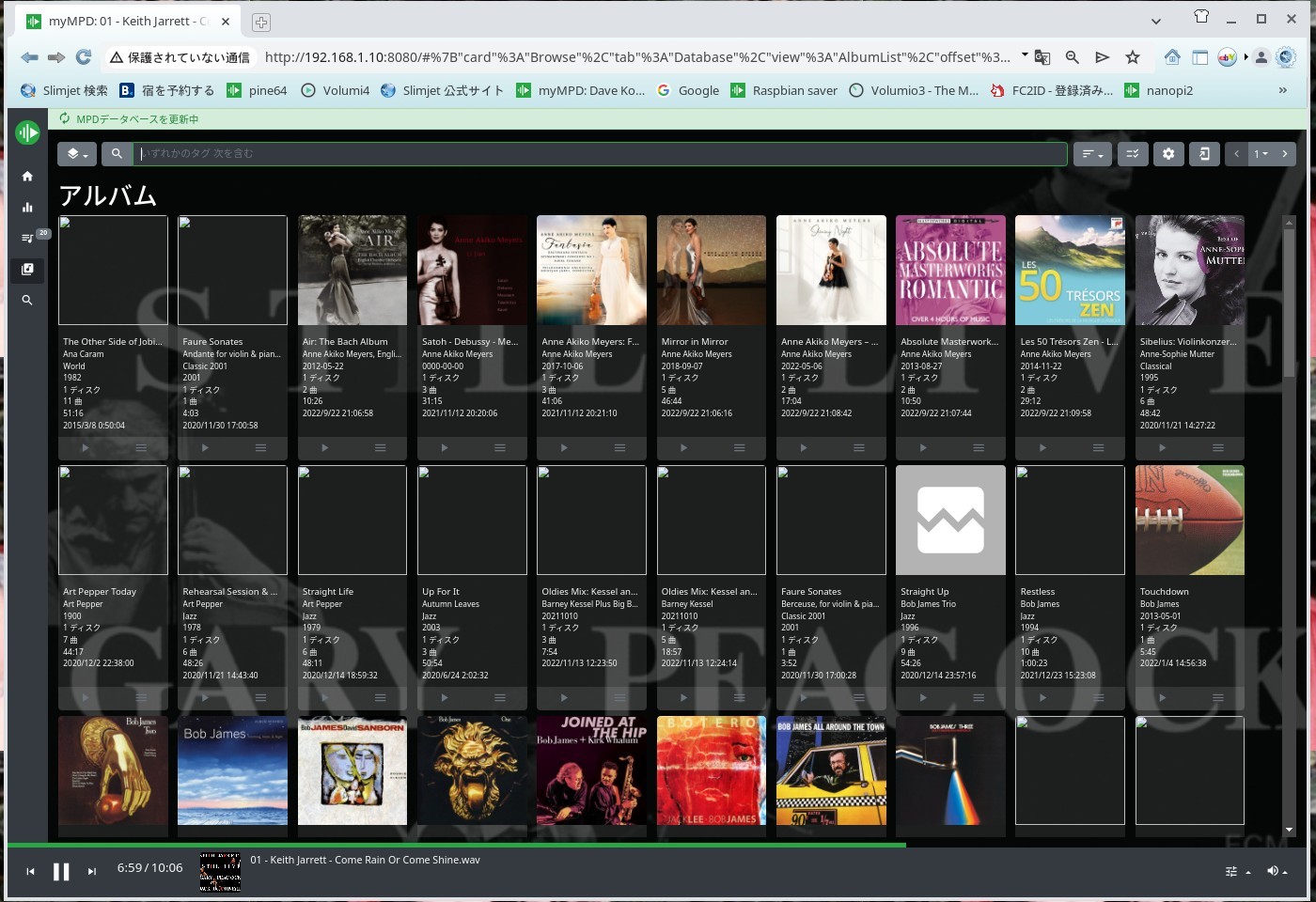
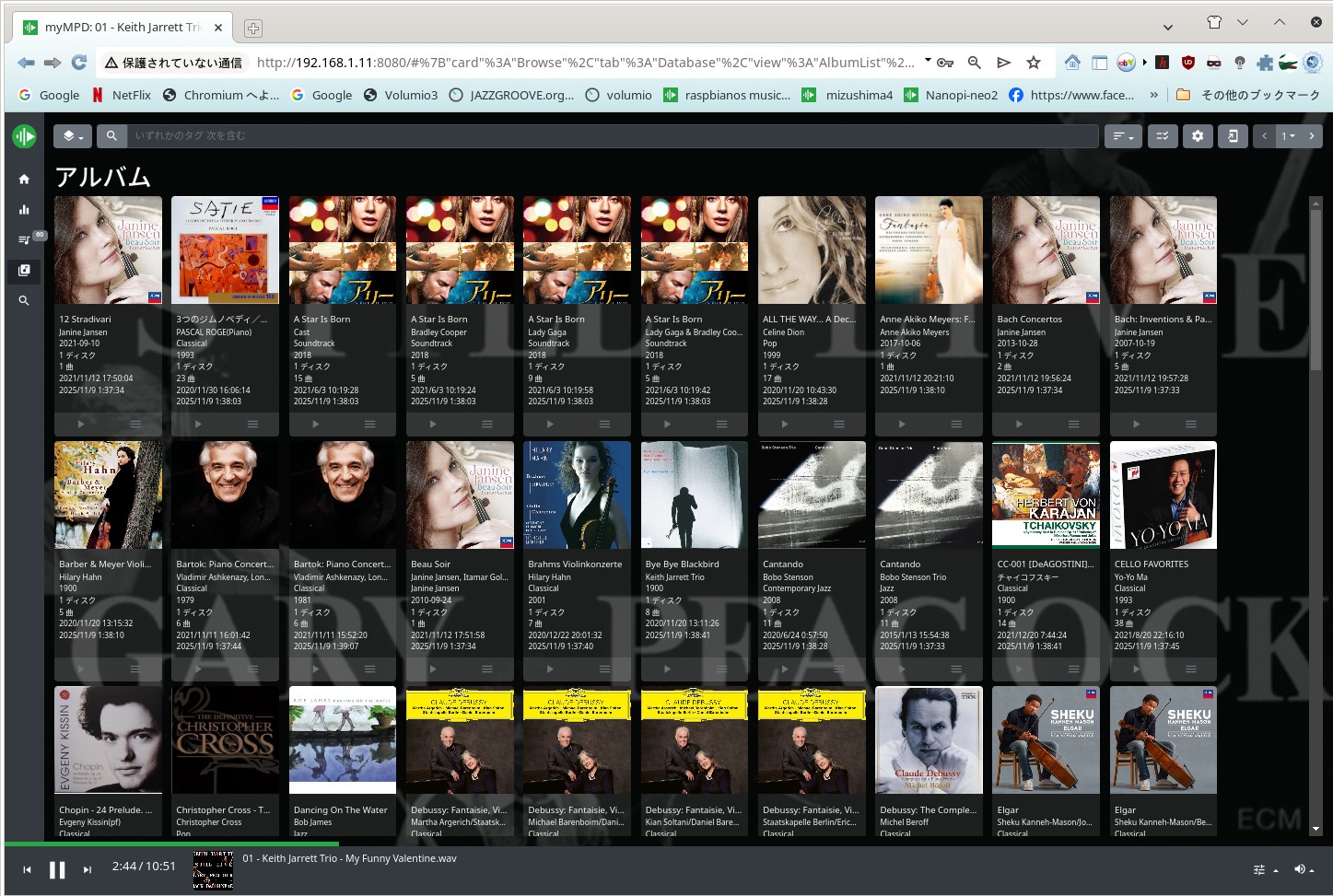
myMPD で アルバムアートが見えなくなった


時として急にアルバムアートが見えなくなったのです。困りました。画像の権限を変更したり新しくアルバムアートを作りなしたりもしました。
改善はされなかったのです。またハッカーなのか? 気がついた、ブラウザです。キャシュをクリアーにしてみましたが最初は見えていたのですが
時間がかかるとまた見えなくなったのです。音楽の題名と曲はあっていますが、アルバムアートのみ出てきません、
ブラウザはSlimjetを使っていますが、削除して新しいバージョンをインストールしました、全て何にもなかった様に表示したのです。
これはRaspberrypi OSの特徴なのではないかと思います。Nanopi-neoは正常に表示が出てきていましたので
この新しいバージョンのRaspbian OSの関係とブラウザの相性だったのです。
ChatGPTからの知恵でブラウザに原因ガル可能性があると指摘されました。そこでデータベースを削除して新しいSlimjetにしました。
結果が正しいのです。ブラウザを変更しました。ブラウザを新しくしてキャシュをクリアして正常に表示される様になりました。
ChatGPTの助けで、ホストPCにハッカーによって埋め込まれたスクリプトの削除と対策をしました。特にDR WEBと言うアプリケーションは最悪でした。
それをアンインストールしました。ちなみにインストールした経緯は全くなく削除しました。事後処理も全てAIに聞きました。MariaDBの削除なども助けてくれました。
AIをToolとして活用することですと示唆していました。ハッカーが勝手にアクセスして不要なアプリケーションをインストールするのは困っています。


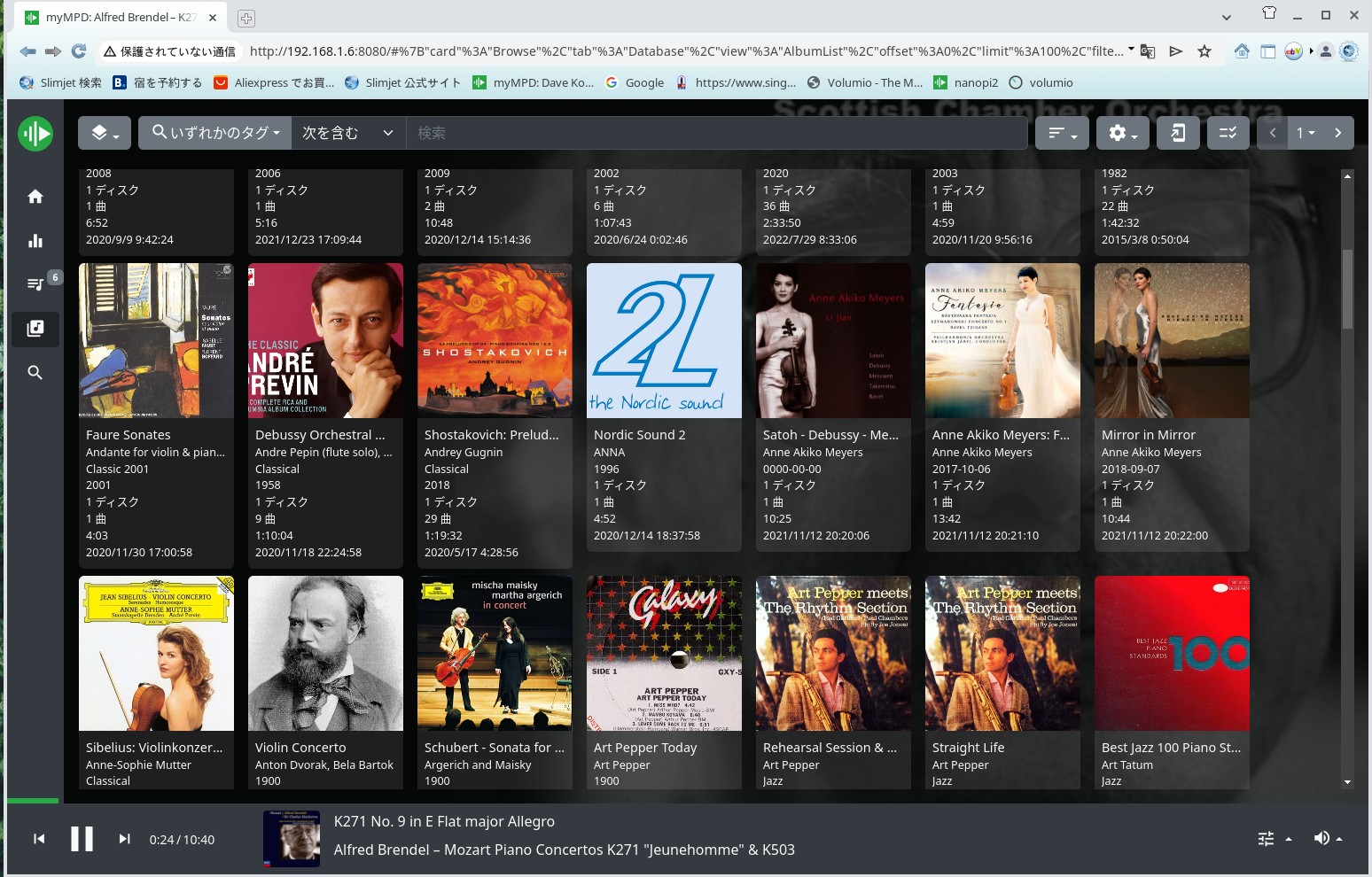
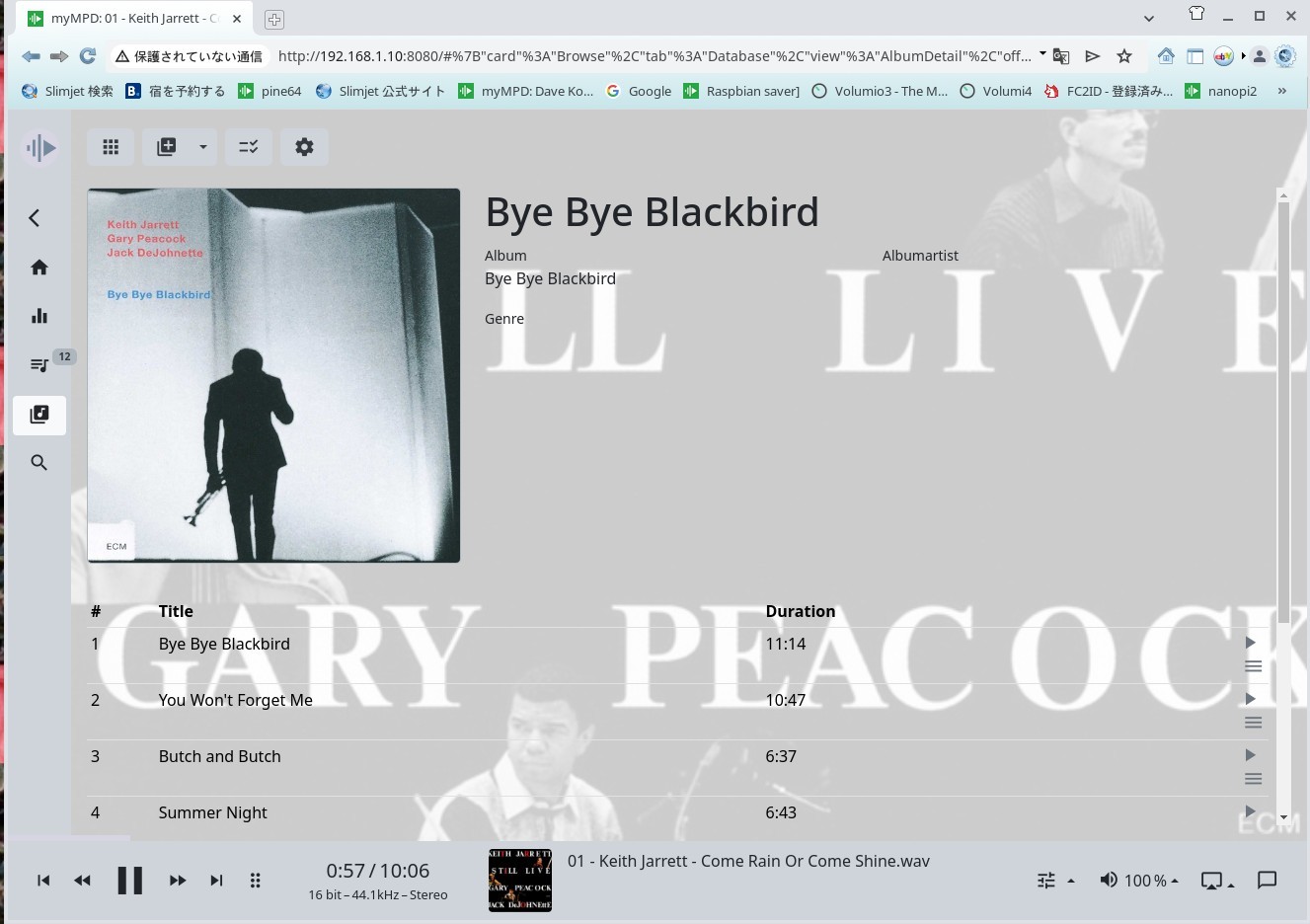
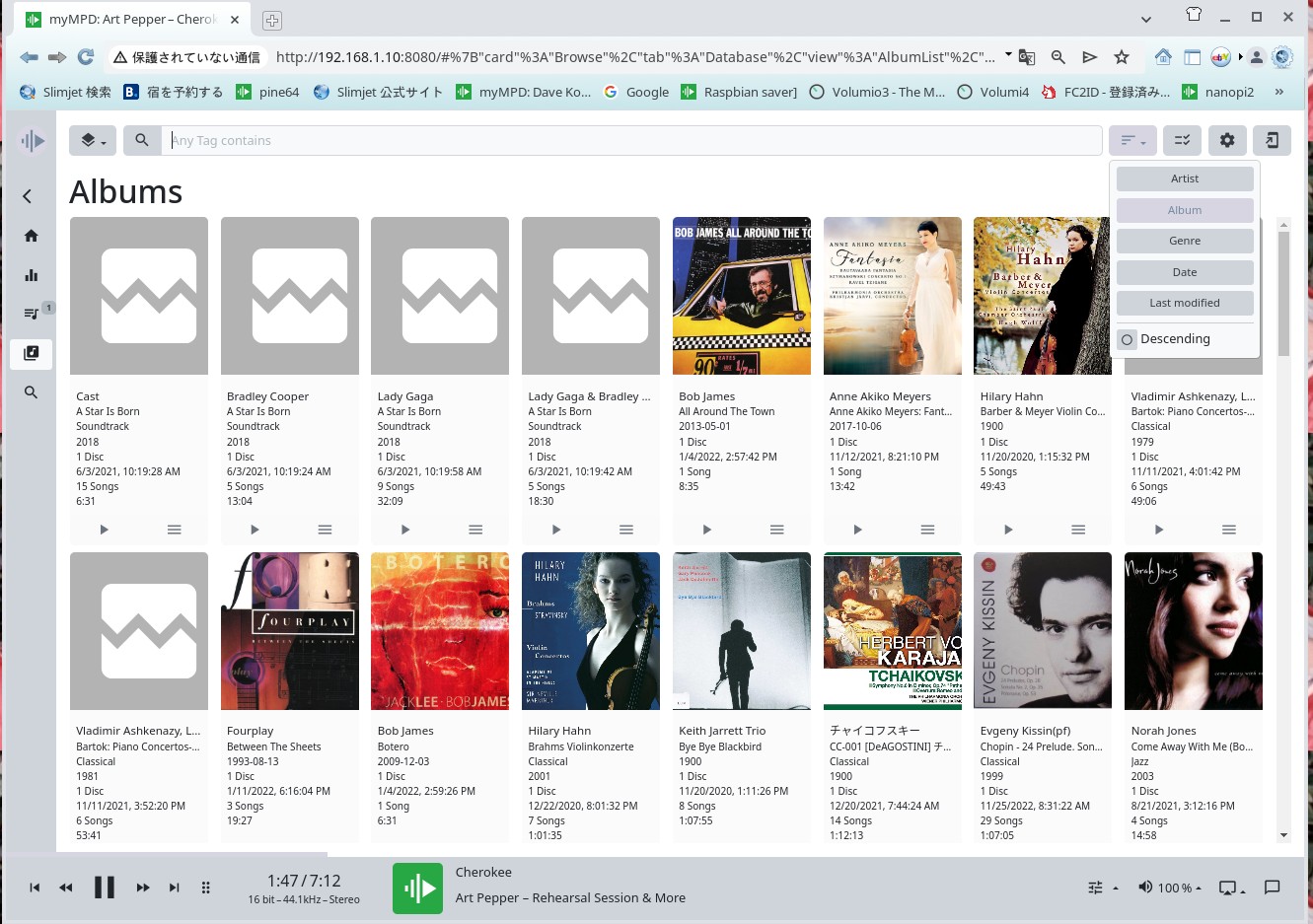
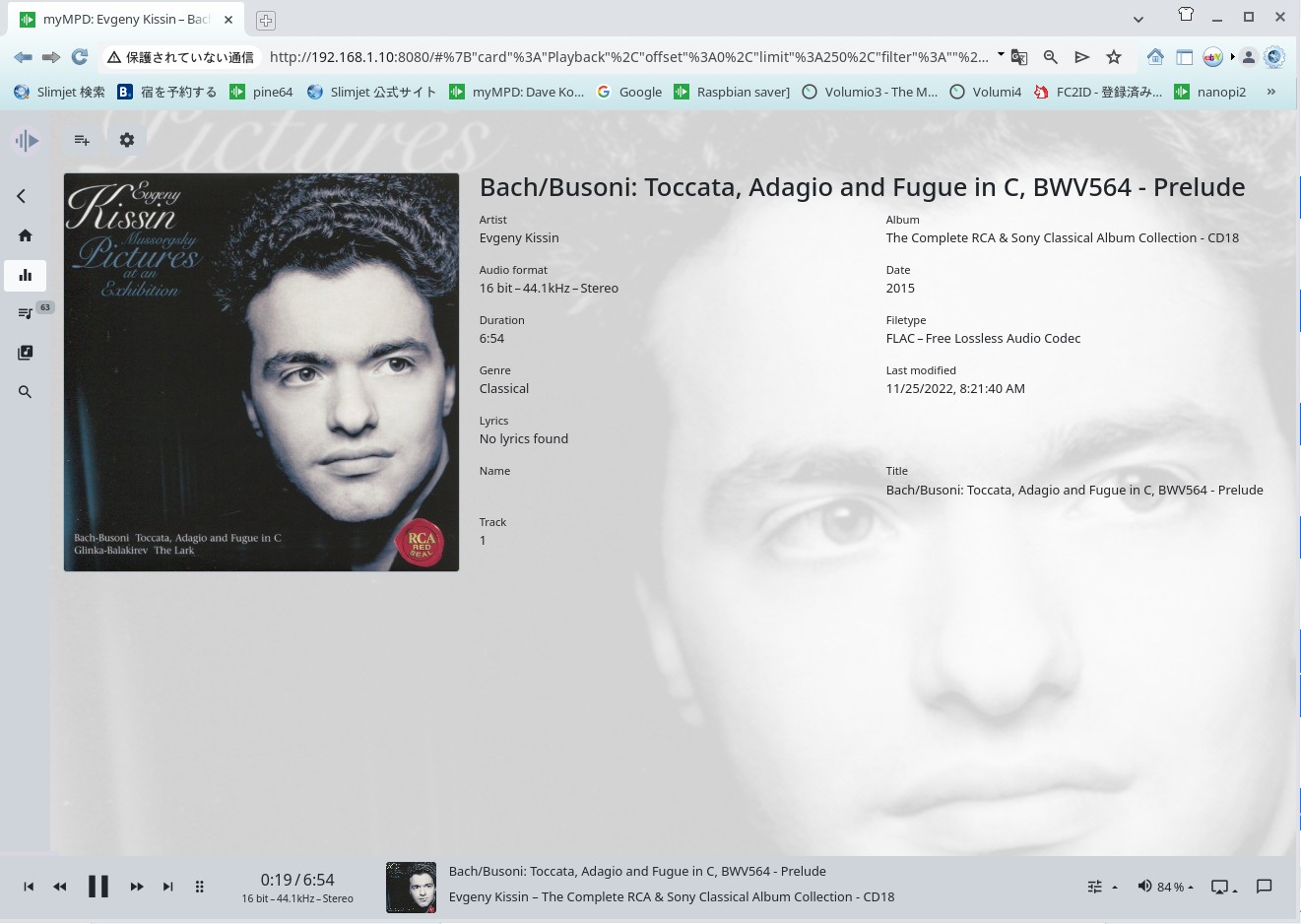
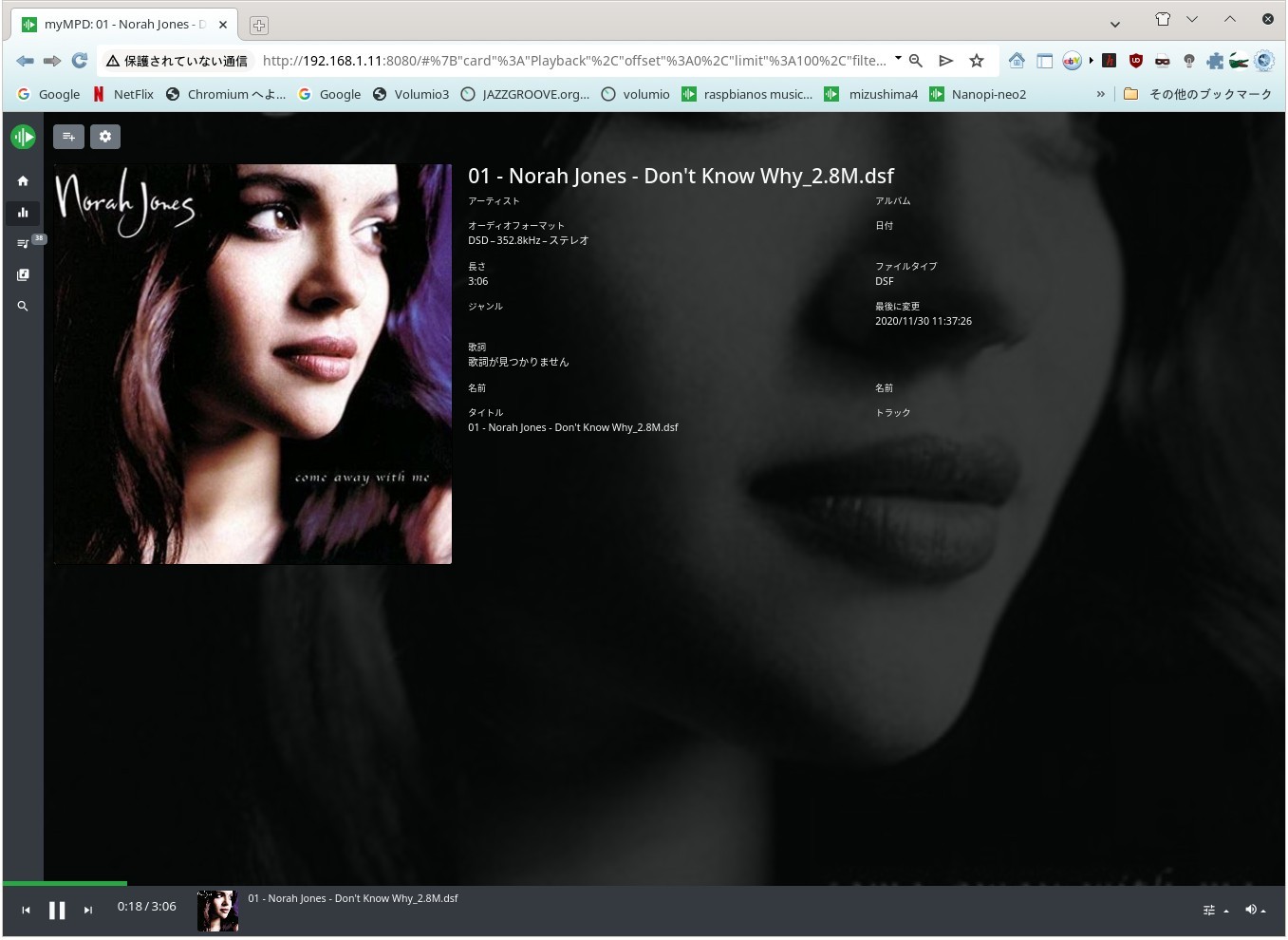
myMPD 23.0.1
(c) 2018-2025 Juergen Mang
https://github.com/jcorporation/myMPD
SPDX-License-Identifier: GPL-3.0-or-later


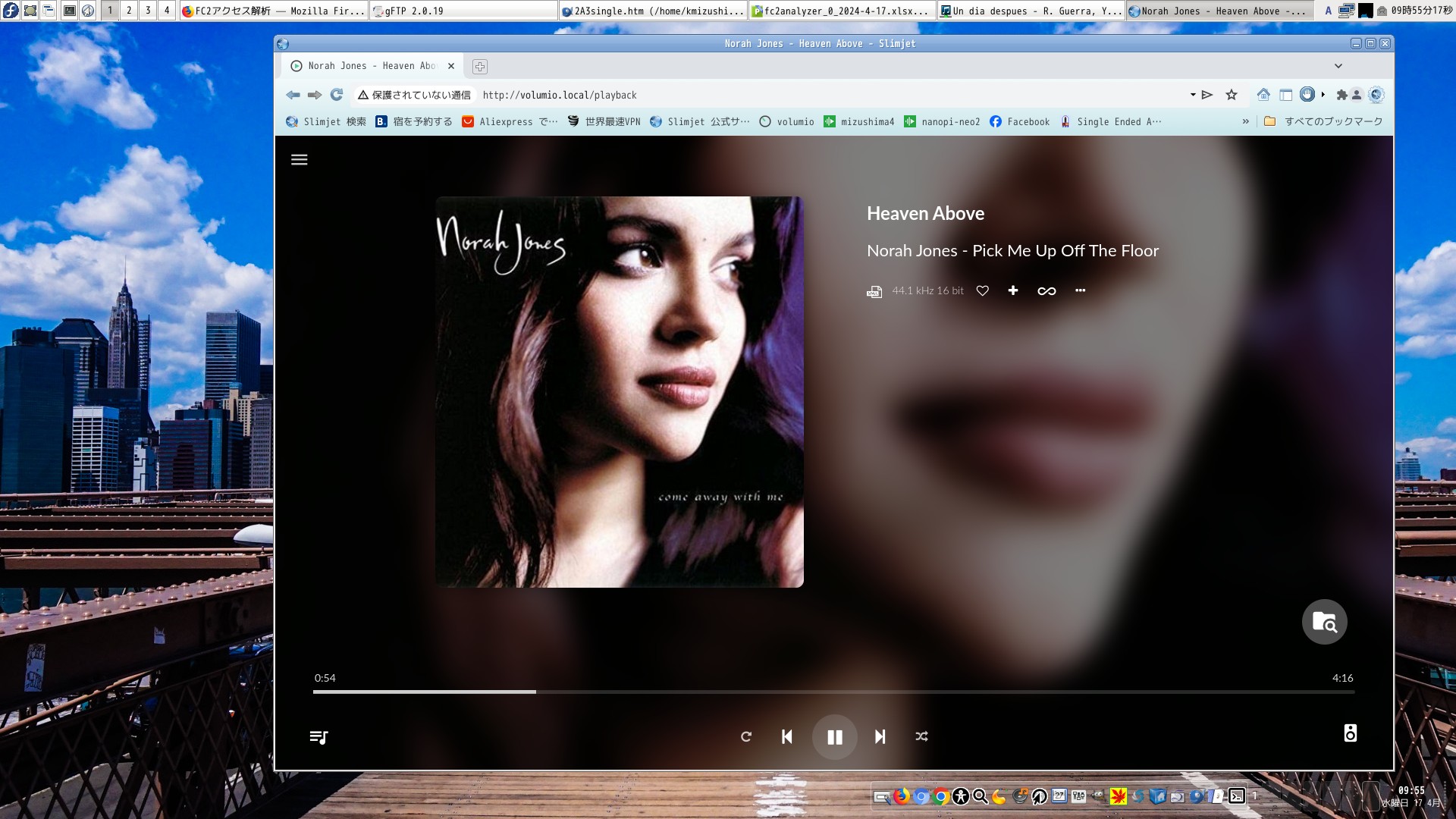
Slim Jet

New Slimi jet and myMPD


上のURLからsamba mpd のインストール nginx のインストール、mympd のインストールと構築を sshを使って行って下さい
失敗は少ないと思います。それは私は普通の老人ですからです
install が完了しましたらブラウザで以下のURLを閲覧しながらデータのアップデートを行って下さい
myMPD は年々 改善されており完成度が大変高くなっているのを感じます。なお 良質な LAN回線が必要になりますがスピードは IPV4 100MBPSもあれば十分です。
操作ブラウザは Slimjetがとても相性が良いと思います。なんでも構いませんが使ってみた感じではSlimijetが一番良いと思います。
尚、閲覧用のブラウザでのURLは 
pi@raspberrypi.local  ホスト名は好きなホスト名をつけて下さい。Editor で /etc/hosts を編集することで名称を変更出来ます IPでも構いません
IPの場合は表示は以下の様になります。
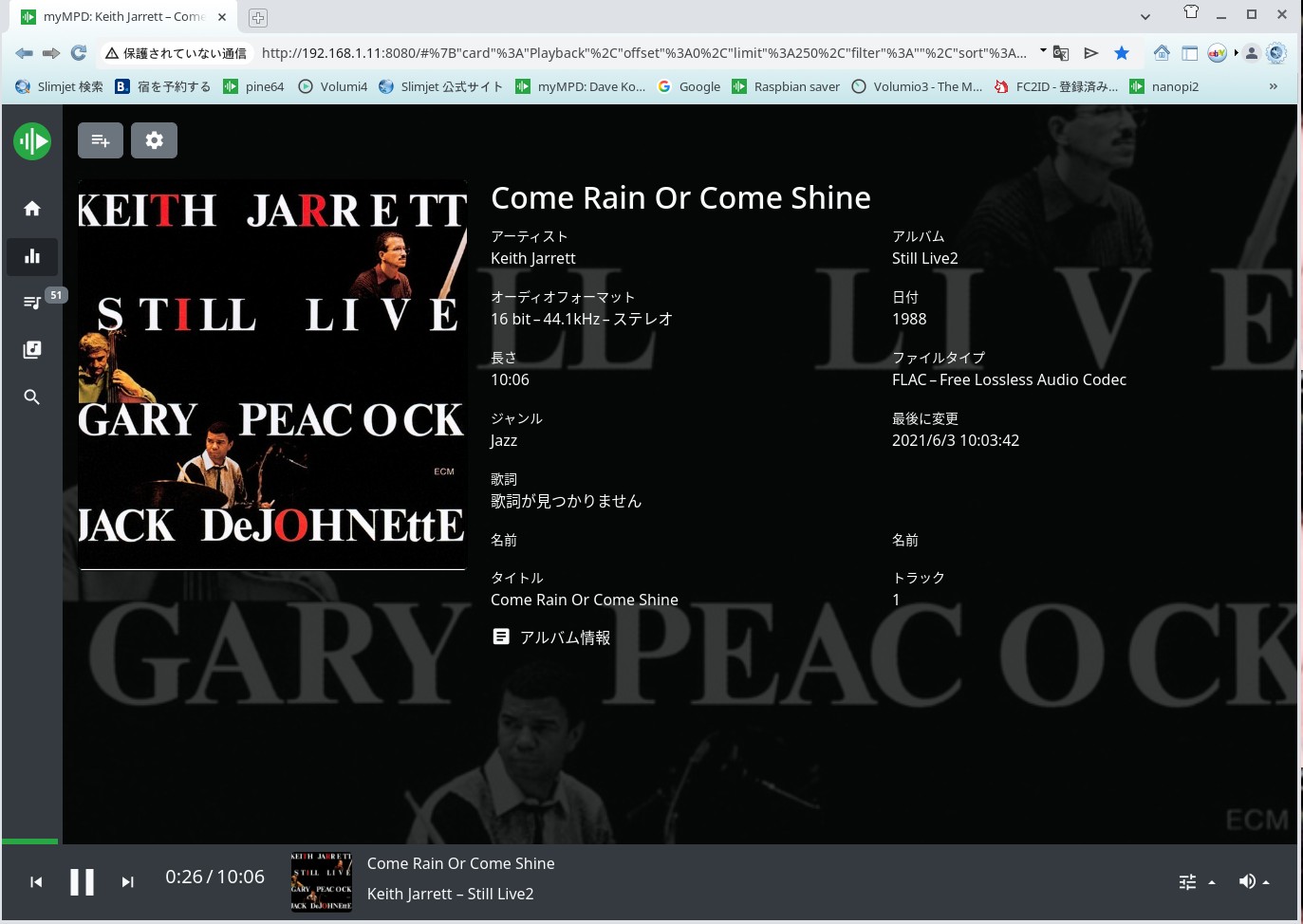
192.168.1.11:8080となります。このIPがmyMPD の IPになります。


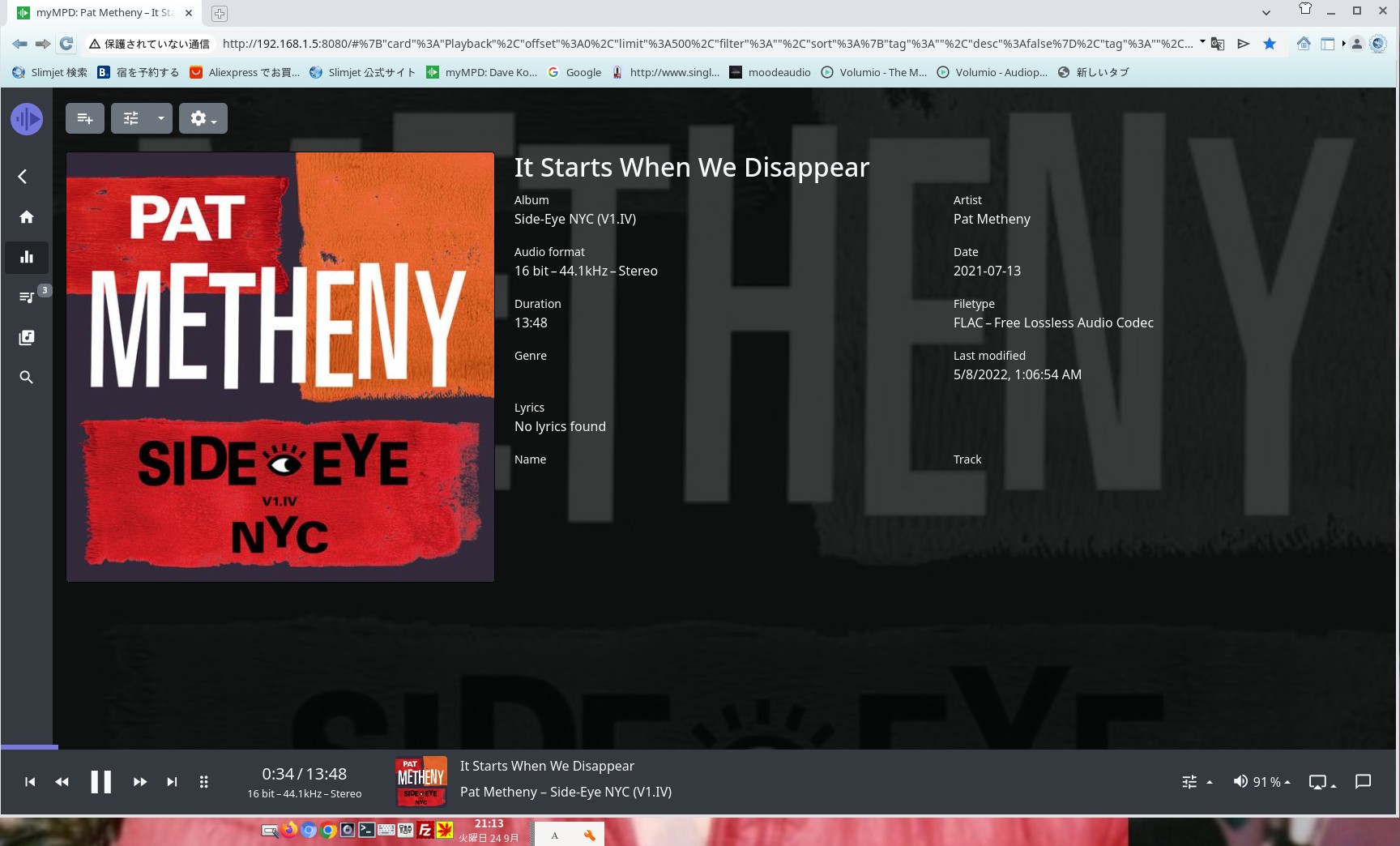
mympd

myMPD 23.0.1
(c) 2018-2025 Juergen Mang
https://github.com/jcorporation/myMPD
SPDX-License-Identifier: GPL-3.0-or-later on 9er Dic 2025


arrrau


my mpd


時としてLinux 端末がインターネットに接続されていないことに気が付きます


ChatGPTに聞きましたコマンドラインでテキストでDHCPを起動出来るか?に対して
答えは$ nmcli device connect enp4s0
ここで最後のIPは私の接続ラインです。enp4s0ですが個々番号は違います。
IP の検出は次の様にします。全てAIが教えてくれました以前のようにGoogleで検索する必要はありません。
これはIPV6が邪魔をしているのです。従来の場合はIPV4しかありませんが現代の回線はIPV6も存在しているのです。WiFiルータはIPV6で動作しています。
この回線が優先になっているのです。IPV6の場合 FTP回線を操作することが出来ないのです。
PCにつながっている回線は以下のコマンドでわかります。
これはPCのタスクバーにも出ています。その一部を抜粋して使います。
$ nmcli connection show
Text ファイルで保存して置きましたので参照下さい。
これはChatGptに聞いた文章です。
コマンドラインから接続を調べるコマンドの説明

Xserver は文字化けするためにhtmlで表示してあります。Xserverは自動変換が出来ないゴミサーバーです。気を付けましょう。


You can use daughter board SPDIF are Hifiberry digi and Just boom digi for convert SPDIF for transfer digital sound to your faver DAC.
Be sure to add the SWAP area to install. Compilation will be much faster.
traduce from Japanese to English by Google next part
As of October 2023, there is a possibility that sound may not be output when updating embedded Linux devices due to a problem with python. It uses alsa which is developed in python 2.7.
That's why there is a problem. Also, I cannot compile mpd properly. The impact of Python 3.11 has been felt in a fairly wide range of areas. It probably worked with a patch up to Python 3.9.
python error. Programmers are just idiots who don't think ahead when developing applications. It's egoism. A few months ago I got an error while compiling
A fatal error has occurred. I can't install Ninja. Ninja uses Python. Many applications use Python. alsa is also python 3.11 or higher
The time has come to build. alsa phthon 2.7 version is no longer usable. I'm sorry. Be sure to add the SWAP area to install. Compilation will be much faster.

In order to fully utilize Raspberrypi, he needs to know Linux OS, even if it's at least minimal knowledge.
It is not necessary to master C++, but you do need to be able to freely use Linux. First, let's understand Linux.
Both Windows and Linux will be in a similar position to UNIX. MacOS is also in the same family. The operating systems ported from UNIX are BSD-based UNIX, FreeBSD, Windows, MacOS, and Linux.
It also runs on Linux, Windows, and FreeBSD on intel AT compatible machines. MacOS is a Motorola-based OS. These OS can operate like Windows. It might be better. Many servers are Linux or
It is a BSD-based OS.

Recently, high-quality DAC products exclusively for RaspberryPi have been developed. With simple settings, the USB DAC can be used as a highest quality music server.
Its quality is comparable to that of audio equipment that costs several hundred dollars. By using MPD, it can be used as the best music device. ​
Please buy good USB DAC will be good result and also Hat Type DAC are good for you.


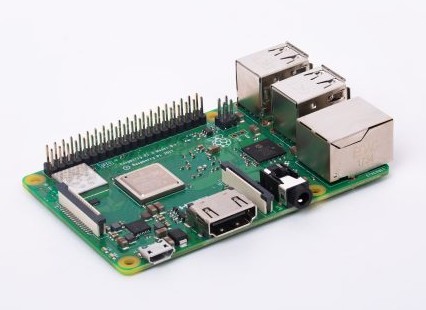
Rp3 B+ 1G

on 2018 Mar Debut New Raspberry Pi 3 B+ New RP3 B+ on 2018 Mar


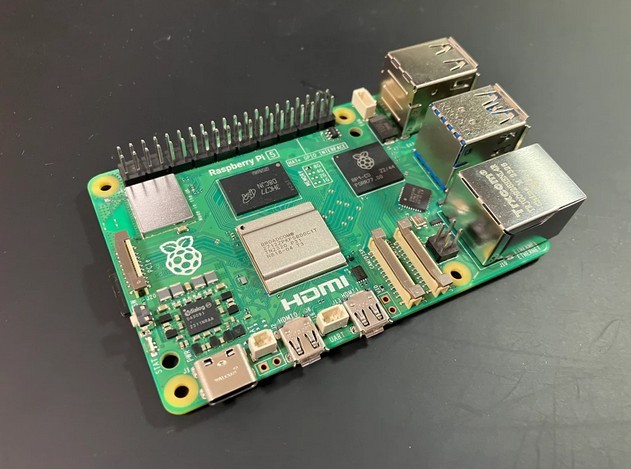
Pi-5

Rasberrypi 5 B 4G and 8G Byte on Nov 2023


RaspberryPi is a SONY product. Sony


penPeople who cannot operate Linux will not be able to make full use of this board. It is not too late to try again after learning how to operate Linux. Thank you.
Flag Counter

Start 18th Mar 2015


music server

Nightly Arm 64 on 7tth Nov 2025 V mpd music server


Fixed IP on the music server, that is, IPV6 may not produce sound, please add bind_to_address "0.0.0.0" to mpd.conf


Recently, high-quality DAC products exclusively for RaspberryPi have been developed. With simple settings, the USB DAC can be used as a highest quality music server.
The quality is comparable to audio equipment that costs 800 dollars. By using MPD, you can use it as the best music device is not kind of Toy
OS for raspberrypi MoodeAudio and Volumio2 are good for you and Dietpi and Armbian ,Raspbian are good OS for Rapberrypi.
En utilisant un excellent DAC USB
Vous pouvez créer un serveur de musique haut de gamme.
Les disques durs peuvent être montés automatiquement. Ainsi
Vous pouvez créer un NAS. Utilisez un système d'exploitation tel que MoodeAudio
Vous pouvez facilement créer un NAS ici.


build up samba share for net work

install samba is
$ sudo apt install samba
as you know any streamer need set up share from other PC and NAS and other PC to get sound library .
first need set up directly of share.
$ sudo mkdir /var/lib/mpd/music/Music ////this is where saved music directly.
$ sudo chmod 0777 /var/lib/mpd/music/Music
$ sudo mkdir /var/lib/mpd/music/Webradio // this is part of webradio
$ sudo chmod 0777 /var/lib/mpd/music/Webradio
this is set up for directly for music all of music server need set up at all. music are get from other PC or NAS.
stand alone music server need set up by hand for mount other NAS or other PC.
ex ) sudo mount.cifs //192.168.1.3/USB/6E24-5D74 /var/lib/mpd/music/Music3 -o vers=2.0 iocharset=utf8
above comand line is only one example for mount from NAS. volumio and moode audio can do automatically mount other server. but stand alone music
server must be mount by hand or using mount by etc/fstab editting. my case is using each time mound by cifs but not need each times
may be some few month no need mount other server. when do not make turn off server.do not make turn off server no need mount NAS for few years.
when do not turn off server.


install samba is

$ sudo apt install samba
as you know any streamer need set up share from other PC and NAS and other PC to get sound library .
first need set up directly of share.
$ sudo mkdir /var/lib/mpd/music/Music ////this is where saved music directly.
$ sudo chmod 0777 /var/lib/mpd/music/Music
$ sudo mkdir /var/lib/mpd/music/Webradio // this is part of webradio
$ sudo chmod 0777 /var/lib/mpd/music/Webradio
this is set up for directly for music all of music server need set up at all. music are get from other PC or NAS.
stand alone music server need set up by hand for mount other NAS or other PC.
ex) sudo mount.cifs //192.168.1.3/USB/6E24-5D74 /var/lib/mpd/music/Music3 -o vers=2.0 iocharset=utf8
The above command line is only one example for mounting from a NAS. Volumio and Moode audio can automatically mount other servers,
but stand-alone music servers must be mounted by hand or using mount by, etc./With these settings,
you can copy and drag music files stored on other PCs or NAS devices from your PC's file manager.
While you can copy music from the command line, you can also transfer music while viewing it in the GUI.


rasp-zero volumio2

Moodeaudio8 does not support SAMBA and cannot be used. However, I was able to use Moodeaudio7 up to Moodeaudio7, but in the end I ended up using Volumio2.


32 bit Rap like pi zero does not have any Volumo .volumio is only 63bit SBC.

32bit PC

Recently I've only been using the Nanopi-neo 32 bit music server, and I use the Raspberrypi as a NAS.


NAS

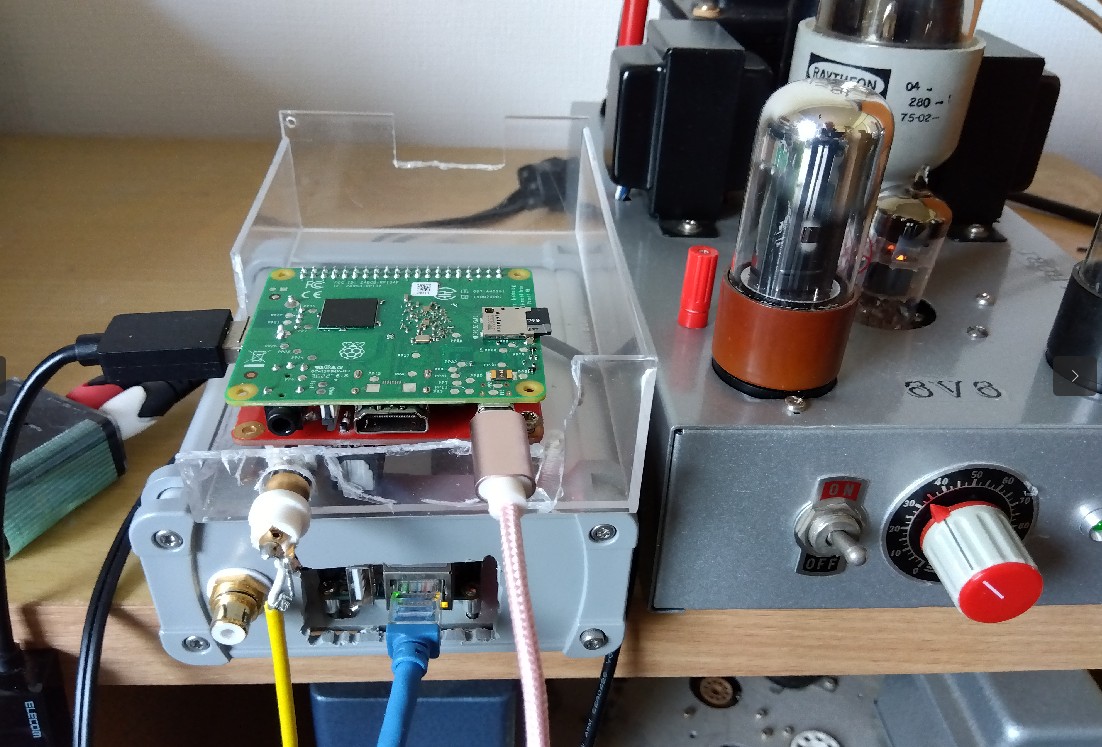
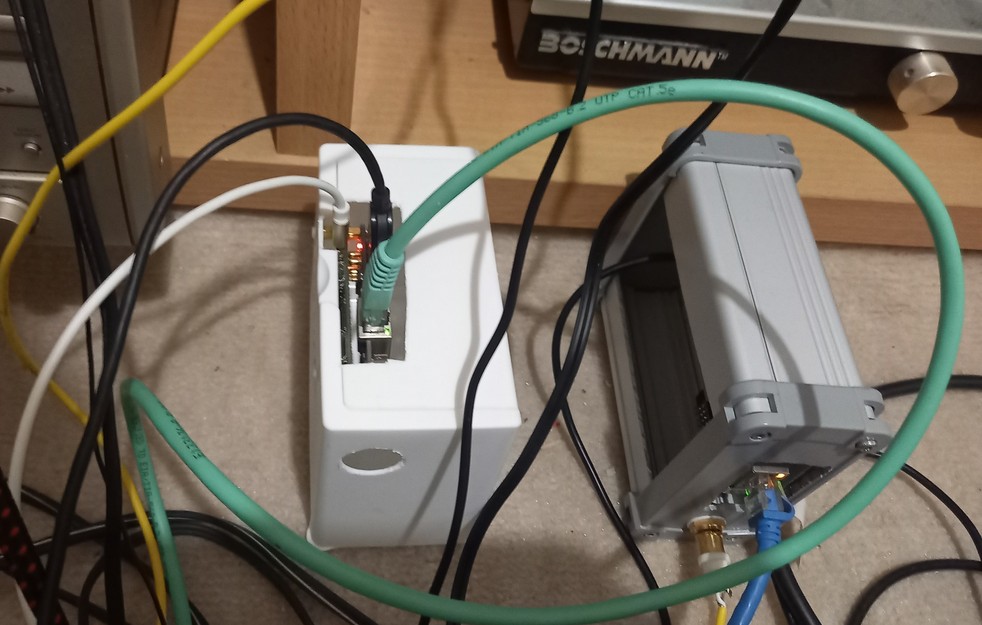
The white case contains a NAS with a Raspberrypi zero W + USB, LAN hat board, and two Tera hard disks. This is where I store my music.


Details: A LAN USB hat is attached to the Raspberrypi zero +W. It can be used as a music server, but since it does not have a DAC, you will need to install a DAC I2S DAC
to use it as a music server. Volumio is the OS. The hard disk uses SATA. This is mounted to the power supply via a USB adapter.
The USB hard disk can be mounted automatically by attaching the USB connector. This sound source will be listened to on another music server.
mount.cifs //192.168.1.13/USB/6E24-5D74 /var/lib/mpd/music/Music -o vers=2.0 iocharset=utf8
The above command is the URL for mounting the NAS. This music server uses Nanopi-neo. This is a command line command for the Dietpi OS.
By entering this from the music server side, you can mount the NAS audio source. Tens of thousands of songs are stored, so you can listen to them freely.


music server

Nanopi Mpd Music Server myMPD mpd 0.23.15


🍓 🍓 🍓 ♬ Building a server this parts 23rd April 2025

Nanopi is no good anymore. It's a kernel problem. C++ is low, and there are other problems

Introducing a music server made with Raspberrypi. Using Raspbian

Nanopi-neo does not have an OS. There is an OS, but the kernel is an early model, so MPD source cannot be compiled. However, there are problems with Raspbian. All OSs released after 2020
The Raspberrypi Foundation has not made any changes to the problem of not being able to SSH. I have sent several emails but they have been ignored. It is a sad fact that Sony, whose sales are doubtful, is turning its back on them.
Here, we will use an SPDIF hat on the raspberrypi. Both I2S and I2C signals are required. The driver is built into the OS, so all that's left is to set it up.
The only setting is to edit /boot/config.txt. With this, sound will come out via SPDIF. The rest depends on the DAC and amplifier. If you add the driver as is, the speed will be about 10% faster, so we'll solve that.
The hat board uses a Hifiberry-digi or justboom digi board.
I found that there is an old Raspberrypi Bullseye on the Raspberrypi org site. The buster ended in 2020 and Bullseye was released in 2021. SSH is only possible with versions prior to October 30th.
Boot exists up to this point, but from this point on it becomes Bootfs. SSH is not possible with Bootfs. After testing it several dozen times, SSH is not possible with OSs where Boot is Bootfs.
The FTP site is listed below. If you insert a partial string of the driver in config.txt, it will not fast forward. If you do not add this line, the speed will be faster.
dtoverlay=hifiberry-digi,slave=true> The slave=true part controls the speed. Without this string, the speed will be about 10% faster.
As an aside, be sure to create an empty ssh file in Boot. SSH cannot be used without this. Create the empty file in the microSD.

From here on, I will build MYMPD, but I don't know if it will go smoothly. It worked fine on Nanopi, but I don't know about Rapberrypi.
This is pretty good, I used SPDIF in my case, but I2S would be fine too. Building is relatively easy, just write it in Config.txt.
There is no need to use Volumio, and the sound is good. The installation of mympd was also very good.
The price has dropped so I recommend the raspberrypi 3B+. Use that. The 4 is fine too.


raspberrypi mympd

Mympd for Rapberrypi 3A+ myMPD 20.1.3

>
mympd

mympd on 24th April 2025


kissin

mympd by raspberrypi bullseye on 24th April 2025


Images

An example of the Hifiberry digi driver

mympd is currently not working properly. I don't know why. I think it will be solved with time.


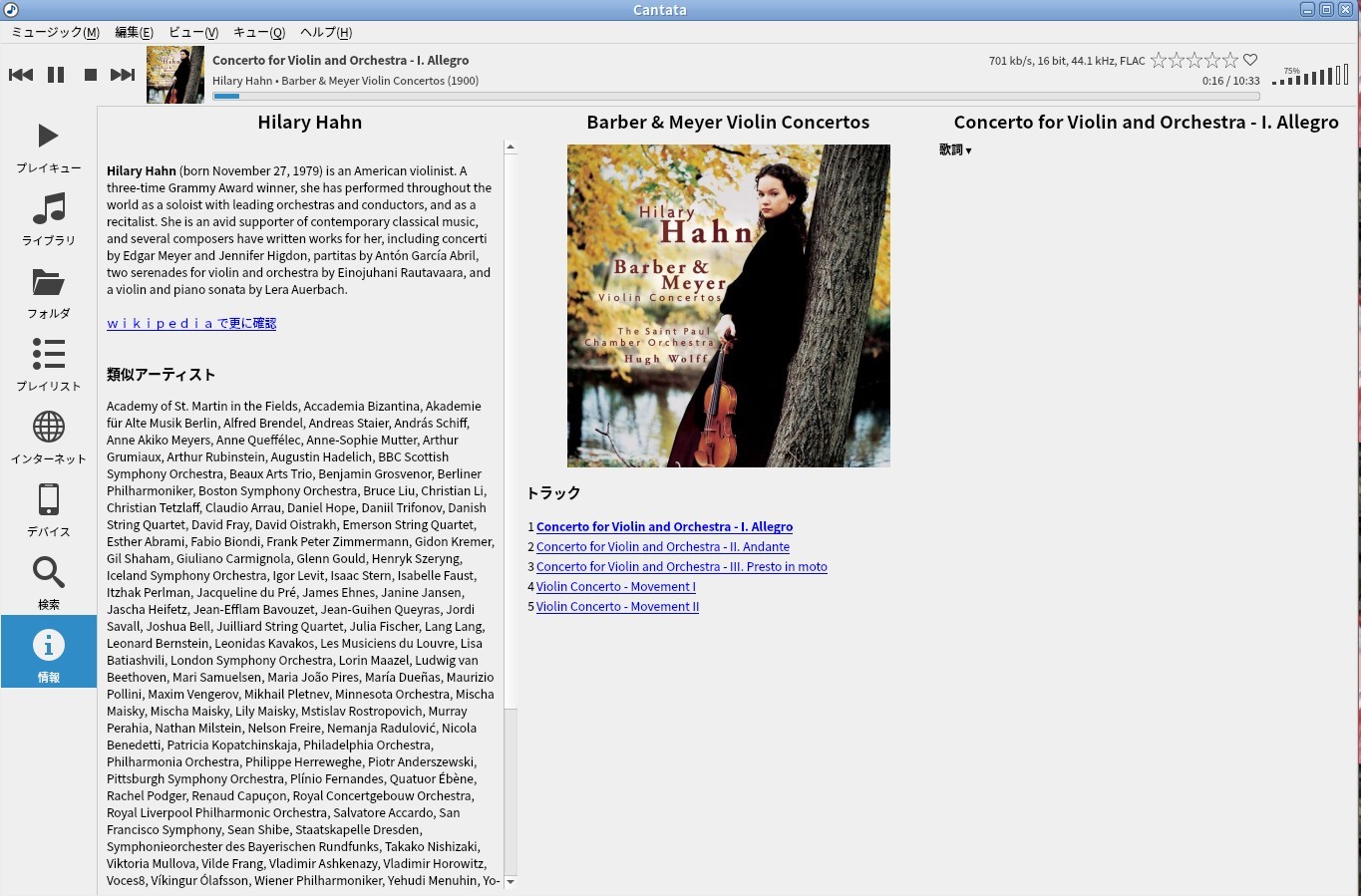
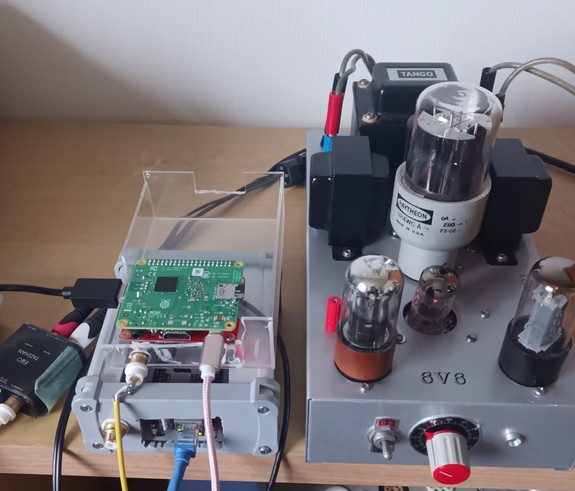
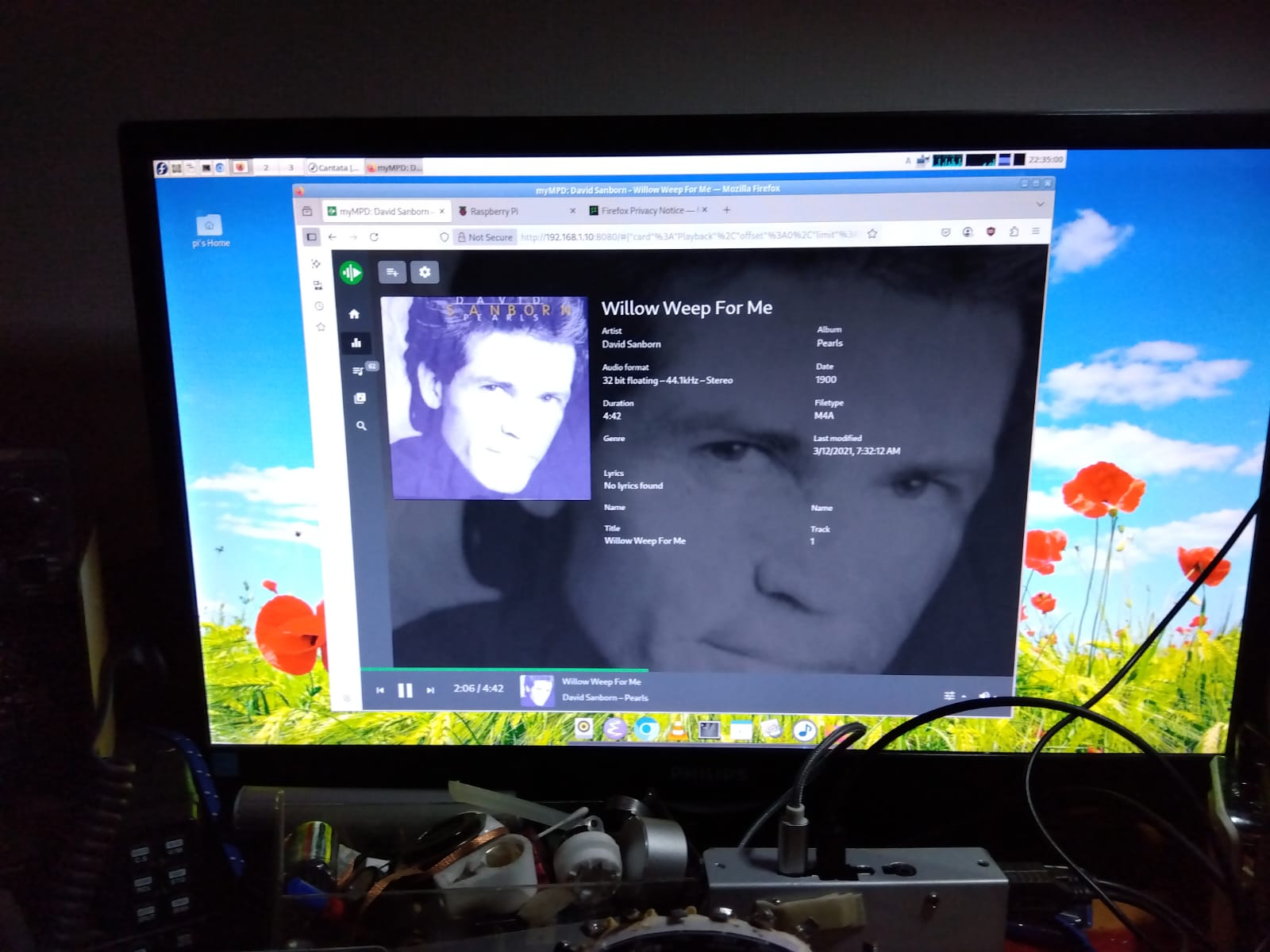
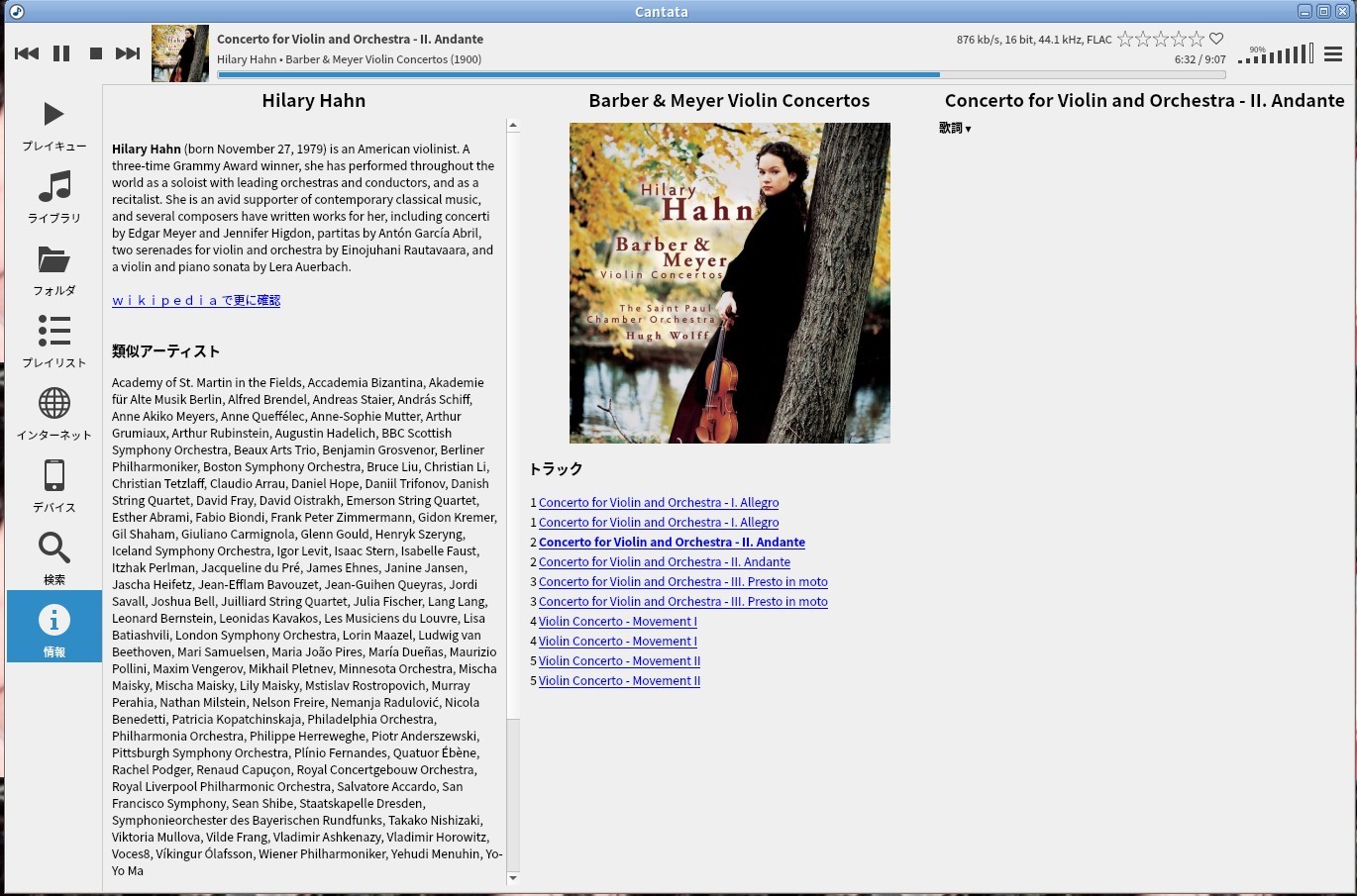
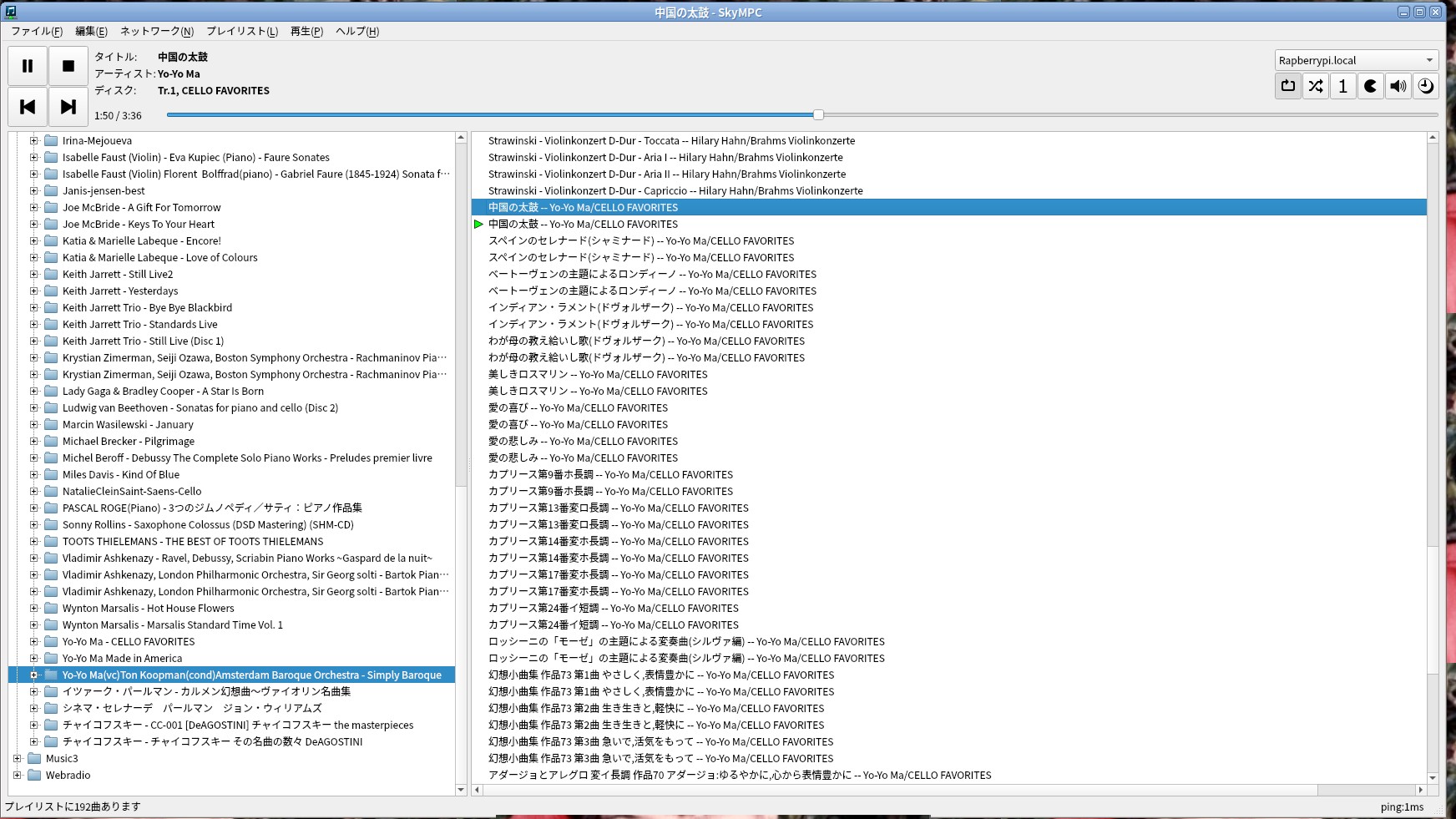
Cantata and SKYMPC are used to operate MPD. The image below shows the amplifier and the board.


cantata     amp and raspberrry


From now on, I will build MYMPD, but I don't know if it will go smoothly. It worked fine on Nanopi, but I'm not sure about Rapberrypi.


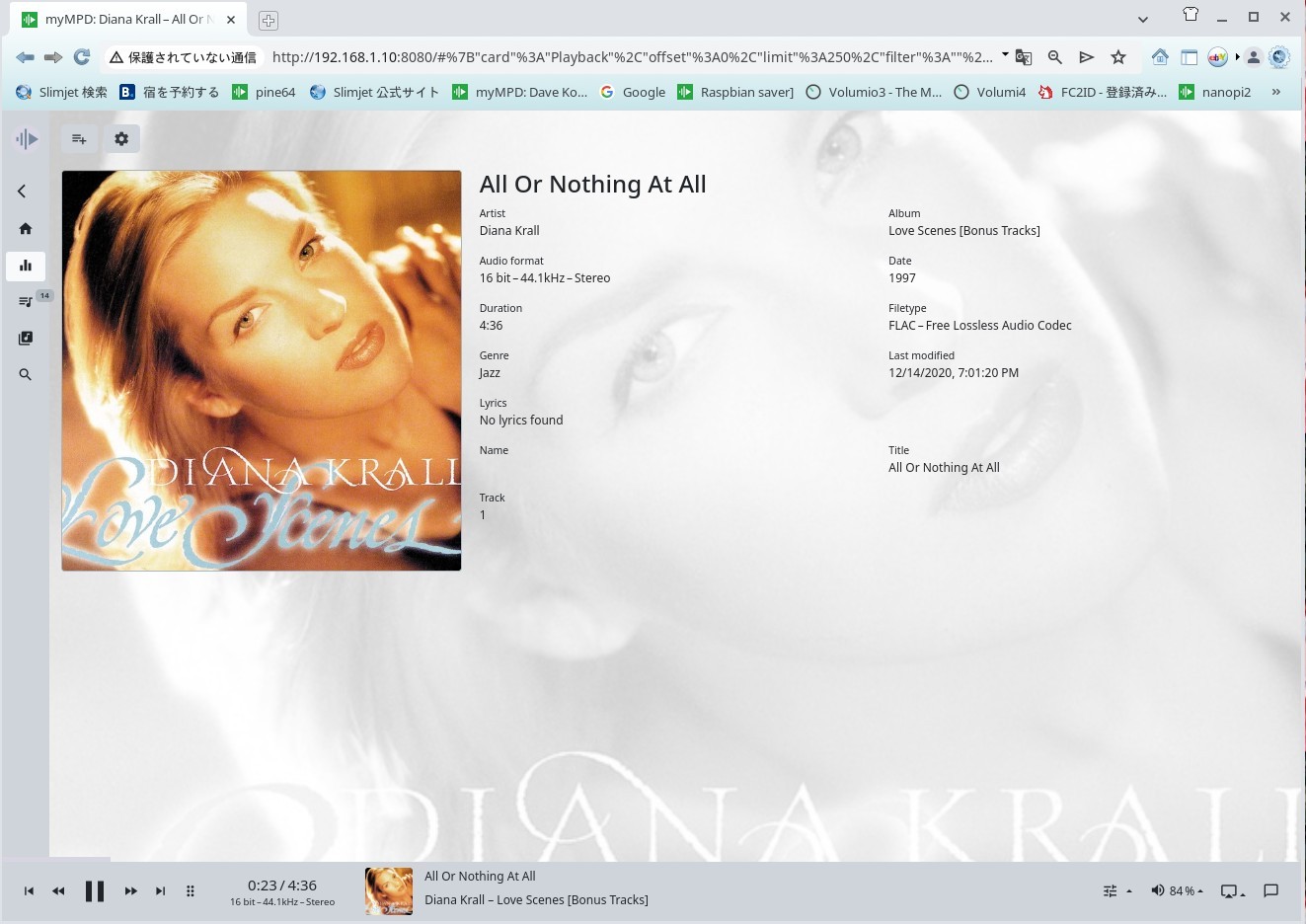
diana krall
Diana Krall sing by Rapbian OS mympd 20.1.3


mympd

I use the 2020 version of bullseys, which has no SSH restrictions. It can't be used after that. I use Dietpi or Armbian.


LAF

Please install niginx and mympd by looking at this site. Before that, install and test samba and mpd. After that, install mympd.


I realized that Sony and the Raspberrypi Foundation are taking measures to deny access to Raspberrypis around the world from hackers.


Rapbian OS has a write denial script in the OS, and if you forcibly rewrite the level, the name of the level will change from lowercase to uppercase, i.e., capital letters.
Generally, there is a program equivalent to MRB that determines the initial settings. Its name is boot. OSs around the world are configured like this, but only in Raspberrypi, its name is bootfs.
Simply put, this alone changes the path of the command string in the application program. This makes SSH impossible. In the initial state, SSH becomes possible if you create an empty file called ssh in the boot area, but in raspberrypi OS from 2020 onwards, the name of boot is boots. This prevents Debian OS from modifying political programs.
rapberrypi has been set to not allow SSH since 2020. This is because Korean hacker groups living in Japan are being denied the ability to hack using SSH. If Korean residents in Japan and Koreans are excluded, I think such problems will disappear. Debian's clone OS, Armobian and Dietpi, and music server OS, Volumio and MoodeAudioOS, are not set up like this. They have been rewritten.
This is a prediction, but in order to be attacked by hackers, they are basically designed so that SSH is possible but editing via SSH is not possible. Bootfs display is also set to Boot once accessed. The location of config.txt has also been moved to fireware. There is config,txt in it. Edit that. Edit config.txt to make sound.
When burning the OS, install it with an imager. If you burn it with echer, SSH will fail, so please install it using an imager from your PC. At that time, you will choose your password and OS. There was a problem with mympd due to Cmake, so it could not be compiled on a 64-bit OS. Therefore, a 32-bit OS was used. The name of bootfs seen from the line is also Bootfs. It cannot be edited from the line.
traduce by google


my mpd


mt mpd


myMPD myMPD 20.1.3 mpd 0.22.5 Raspian OS bulleye 32 bit versin Raspberrypi 3 A+ Hifiberry digi SPDIF OUT. as Music server


my mpd


mt mpd


myMPD myMPD 20.1.3 mpd 0.22.5 Raspian OS bulleye 32 bit versin Raspberrypi 3 A+ Hifiberry digi SPDIF OUT. as Music server


🍓🍓

To use these, you must have a NAS. For the NAS, use Raspberrypi zero without a playback unit, i.e. without a DAC, and install a hard disk
to create a simple NAS. Or install a hard disk in the main unit. Use SATA for the hard disk. Attach a USB adapter to the hard disk.
This makes it very convenient to use. Use Volumio as the OS for the simple NAS. No DAC is required. Transfer music from this NAS.


When you hear the sound, mount the NAS iP hard disk with the following command. Mount the NAS created with Volumio on the raspberry pi database.
Once executed, the link will not be broken unless the power is turned off, so it can be used continuously for years. Below is the command. For example, create a shared folder called Music on the raspberry pi.
The folder is created using SSH. Create it with $ sudo mkdir Music. Mount the music folder on the NAS to this Music folder. Here is my example.

sudo mount.cifs //192.168.1.6/USB/81EC-DFF5 /var/lib/mpd/music/Music -o vers=2.0 iocharset=utf8

above comand before make ,before install cifs-utils and avahi-daemon must install .
This command can be used for anything, so please take good care of it. 81EC-DFF5 is the hard disk. The hard disk will be displayed on the NAS created with volumio,
so copy it. If you cannot mount it, change vers=2.0 to 1. Be sure to install samba and mpd and check that they work
before proceeding. If it works, expand the area with raspi-config. Now you can save all the music in the free space inside the memory.
mympd is a music server that you create yourself, so it may be a bit difficult, but if you fail, just start over. Please fail as many times as you like and improve the quality.
Linux rules: After creating a directory, make sure to give permission to the path: $ sudo chmod 0777 /var/lib/mpd/music/Music
This will give permission to Music. For a file, use $ sudo touch XXX. For a directory, use $ sudo mkdir XXX.
Check whether it is a directory or a file and create it. When you are done, give permission to the path. You will not get lost. Copy and save complex files.
Do this: $ sudo cp XXX XXX-org. If the original file is incorrect, you can just copy XXX-org again. Do this when you are worried.
If you save mpd.conf etc. somewhere, you can use it many times. You cannot save it on another PC from the command line, so copy it to the music file folder.
traduce from japanese by google


importante Reference Site

very important page must be read


mympd

myMPD on 2025 version 0.20.3 OS is 2020.30th Oct Bullseye version


The 2025 version of Raspbian OS is unstable in every respect. Samba is bad, SSH is unstable. Burn it with the imager application. However
the operation is unstable. There are 32-bit and 64-bit versions, but they are unstable. If possible, please use the 2020.10.30 version.


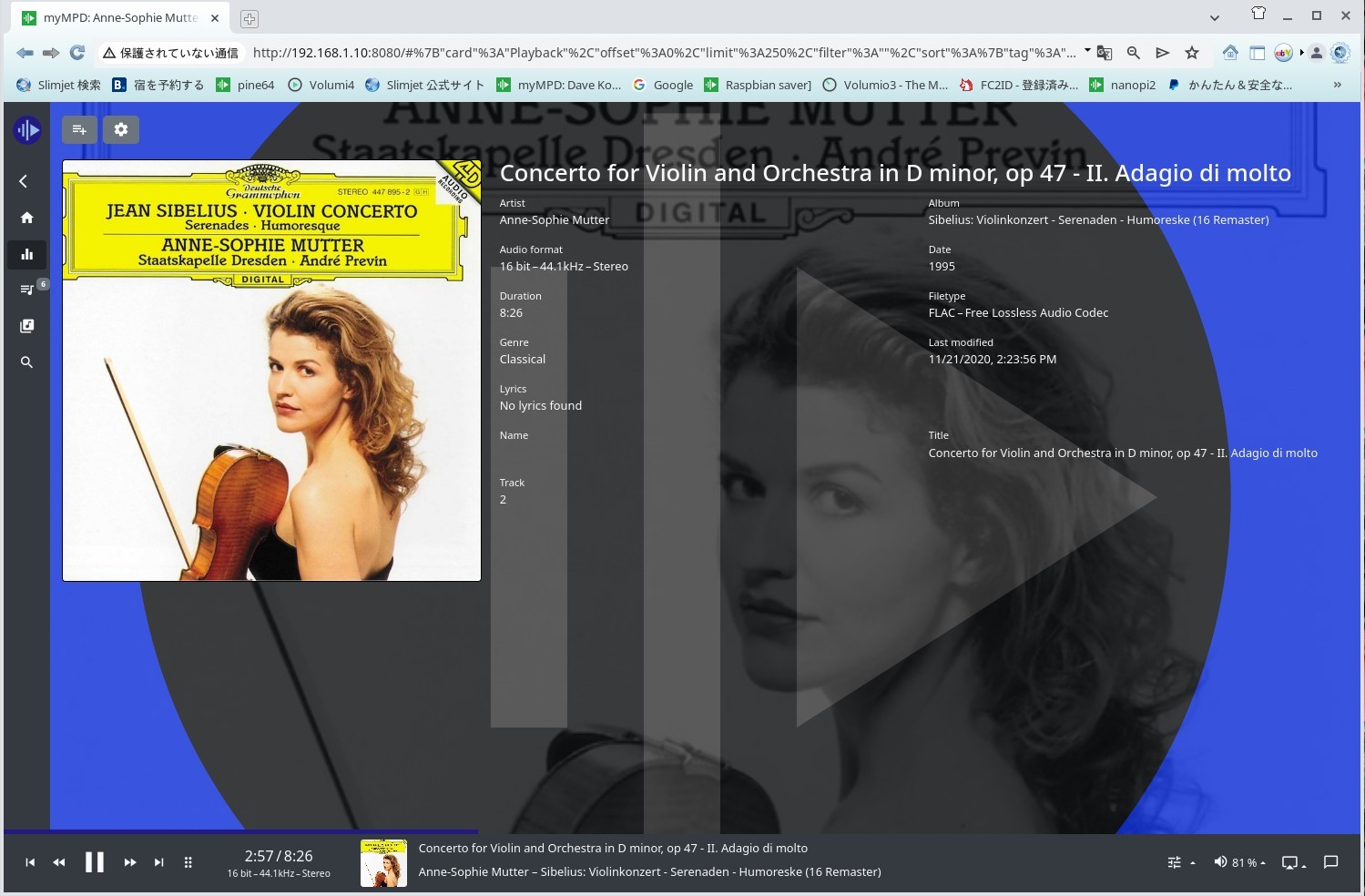
mutter

Mutter  myMPD by Bullseye Debian 2020 30th Oct version


I found a way to use SPDIF without a Hat, so I'll introduce it here

SPDIF with out Hat daughter board

SPDIF with out Hatt board 🍓


I'll do more experiments in the future. This is for B+, but I think it can be done with A+. That's because recent boards are 32-bit compatible boards
First, read the article and install the driver. You can also convert HTML to PDF for free. Use the add-on. It was possible by default before


🍓The file with the URL solidified into PDF is as follows. PDF file

🍓🍓 I tried again with a new attitude

I burned it again from the internet onto the microSD of my raspberrypi late last night on May 4th. This time it was the 64bit version of Bookworm. I wrote it when there were no hackers around. This version cannot be attacked by hackers. It is a distribution that is difficult to hack from an outside line. It is quite stable after installation. samba is also normal.
The RapbianOS net image is probably updated over time, and it has improved a lot. In my case, I use Fedora core Linux, so I write it from the command line with # rpi-imager. If you type this from the command line like this, the raspbianOS installation window will open.


raspbian 64bit


raspbian music server

SPDIF out Raspbien Music Server 5th May 2025


NASmount is next show when you have volumio as NAS.
pi@raspberrypi:~ $ sudo mount.cifs //192.168.1.6/USB/81EC-DFF5 /var/lib/mpd/music/Music -o vers=2.0 iocharset=utf8
Password for root@//192.168.1.6/USB/81EC-DFF5: password
pi@raspberrypi:~ $ sudo mount.cifs //192.168.1.6/USB/6E24-5D74 /var/lib/mpd/music/Music -o vers=2.0 iocharset=utf8
Password for root@//192.168.1.6/USB/6E24-5D74: password


nympd 1

Mympd 10.3.0 very much stable .bookwoam 64 bit version


mympd  2

Mympd 10.3.0 very much stable .bookwoam 64 bit version 5th May 2025


SPDIF music server

using Just boom -digi music server. 6th May 2025 Can not attack by hacker


mympd

This music server uses an OS that hackers cannot attack. mympd v 10 bookworm raspbian OS


You'll get better results if you create the OS from the Internet. You can write the latest archive to the microSD. SSH can also be set up without any problems.
The BOOTFS format is BOOT, but it looks like BOOTFS from the outside. config.tex is not placed under boot, but is in the fireware below it.
These are probably to prevent hackers from attacking. It's a pretty good process for an apartment like mine, where there are Korean hackers living in Japan.


new one 20th May 2025

No errors occur during data loading for Bookworm Raspbian 20th May 2025 samba


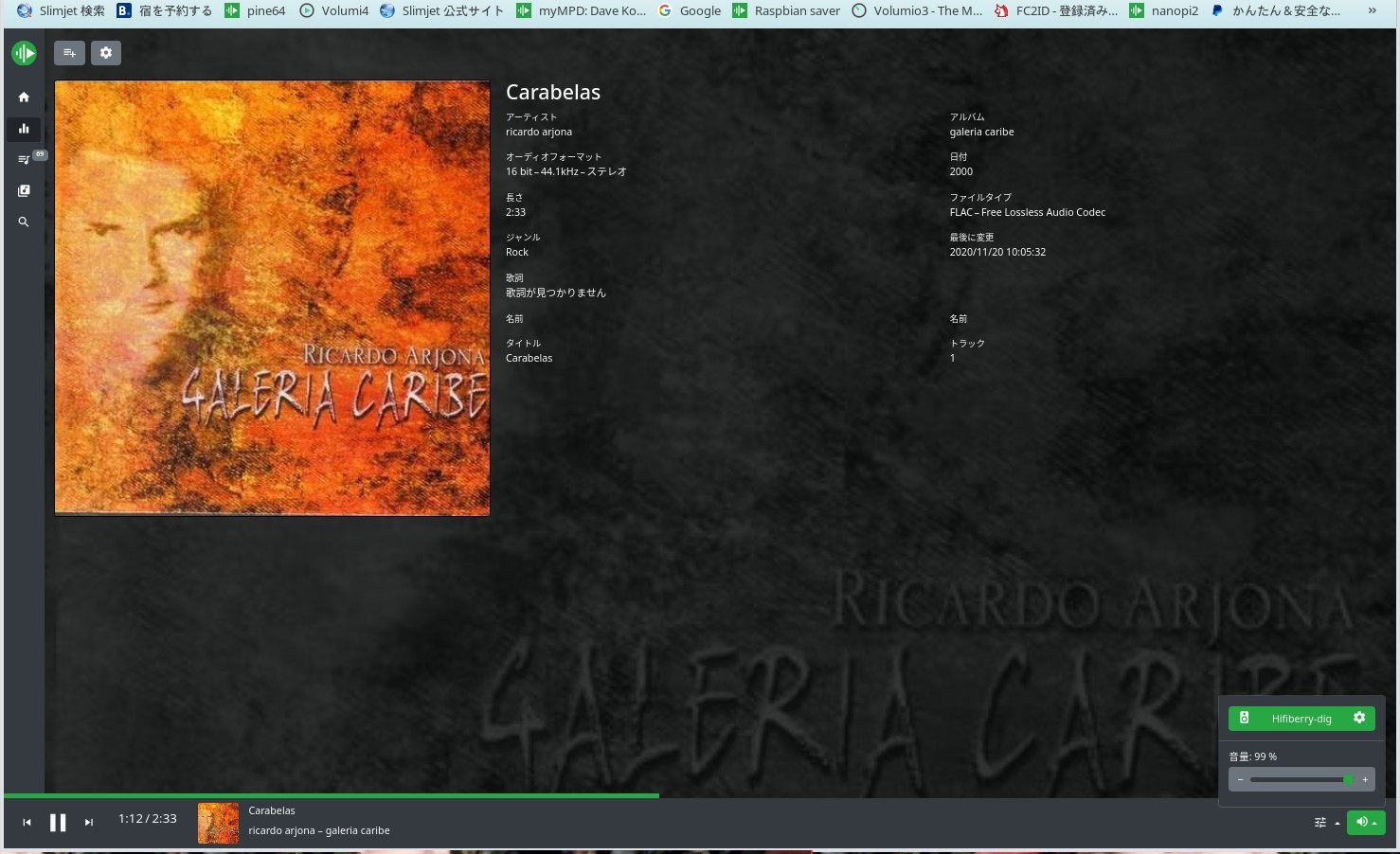
Caribe

rapberrypi OS Bookwoarm 64bit samba is good function image is by net install


my mpd

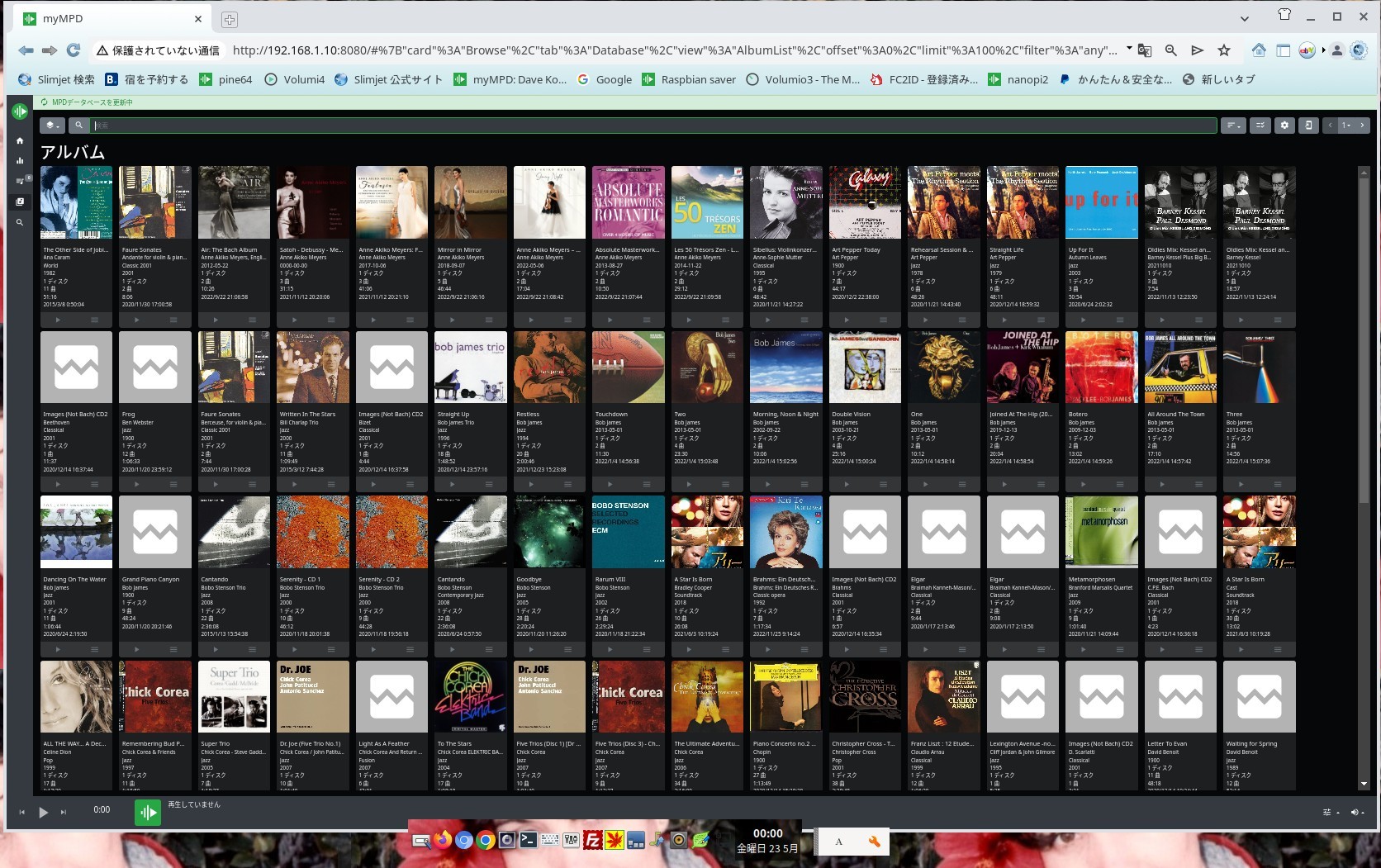
Mympd is neatly organized with 24-hour database updates. Please turn off wifi in the settings.


WIFI OFF SET UP

Settings to turn WIFI OFF


Dtoverlay=disable-wifi
If you want to disable it on a hardware level, add dtoverlay=disable-wifi to the end of config.txt. If you also want to disable Bluetooth, add dtoverlay=disable-bt.
You must restart the OS to reflect the settings. # Disable onboard Bluetooth dtoverlay=disable-bt


Learn how to build it on the Nanopi-neo page on another page. Once you can get sound out of the mpd music server, install mympd.
How to install


Linux

Look at the items in this link and install NGINX. After that, install MYMPD.
It's not a difficult operation, and you'll be successful. The secret to success is to make sure the MPD server works perfectly
and then install these. You can build a beautiful MYMPD in your music server.

Be sure to do the following operations. This is different from MPD's mpd detection and mympd's mpd detection. So, do it like this:
sudo mkdir /run/mpd : then
sudo systemctl disable mpd.socket
Please try this first. I think that the socket will come out with this.
If it doesn't come out # systemctl enable mpd.socket
If you enable it, it may appear.
simlink /etc/systemd/system/sockets.target.wants/mpd.socket → /usr/local/lib/systemd/system/mpd.socket It will be linked to
, so # reboot after this. # If you type ls /run/mpd/ and socket is displayed in red
mpd is linked. For mympd mpd sees /run/mpd/socket. It should now appear.
when no started mympd automatically
# mympd #####checked mympd on browser
$ sudo systemctl enable mympd
$ sudo service mympd start
If no message appears, enter
sudo mympd. I'm sure it will start. Anyone can do it.


mympd


myMPD 21.0.0
(c) 2018-2025 Juergen Mang
https://github.com/jcorporation/myMPD

configure my Raspbian OS music server but using hifiberry digi SPDIF out


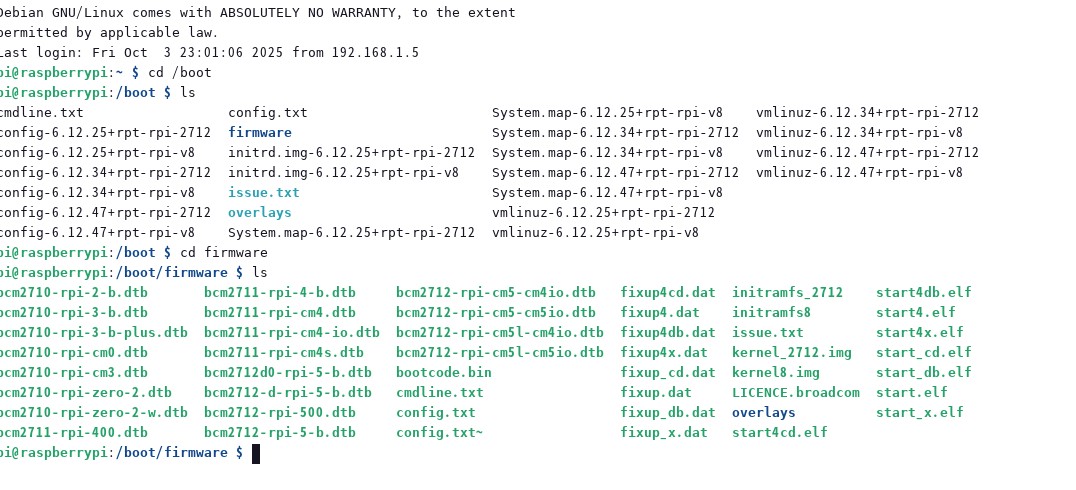
show you asignment of directly on under boot section. new raspbian does not have normal position of config.txt. they said for
protect by hacker attack . so position of config does not located normal position . deap of directly which is under fireware .
show you figuire and show script for confix.tex by text. config.tex の場所は一般的な位置にはなくこのバージョンからは別の位置になっている。


place

directly on /boot/firmware


show you config.text

Show config.txt on /boot/raspberrypi: /boot/firmware/config.txt


please see as just my case using SPDIF out on Raspberry pi music server


raspbian OS mympd monitaring


mpd config example

I want a Raspberrypi-os server, it's heavy for a workstation


Install mpd 0.24.1 version on Raspberrypi OS Note


After careful investigation, I found that RapbianOS does not have a swap area. It seems that adding swap area will solve the problem. First, add swap area. There is a link to a detailed explanation of how to add swap on this site
on Nanopi-only, so first add swap. I think the compilation will go smoothly.
The bottleneck is to update cmake and fmt if possible. At the moment cmake is 31 and fmt is 11. I was able to install 11 until a few weeks ago,
but it seems that the thread was deleted and only up to 9 can be installed. When I try to install 11, I get a compilation error. It's a dirty way to use Microsoft applications like this, I would like them to compile on Linux without using Visual or whatever application. If engineers can't use Linux,
put an end to their engineering career. It's a nuisance. I would like the calculation formulas and compilation methods to be clearly written, but I guess young people who don't compile manually can't do that?
It's unfortunate. Also, this site will be closed on August 31st and will move to a US site. The domain will also change, so it will take some time for automatic hits.
These are caused by welfare, but they are also harassment from NTT Onamae.com. Recently, NTT Communications has been harassing me a lot, raising the rental server fee without permission,
canceling the server support phone, and doing whatever they want. NTT's management is sloppy. It's a bit excessive to also abolish phone support. I write it in a message board-like email,
and call, but I can't accept the system where I can't get a proper answer because I get a half-hearted response from a robot lady.

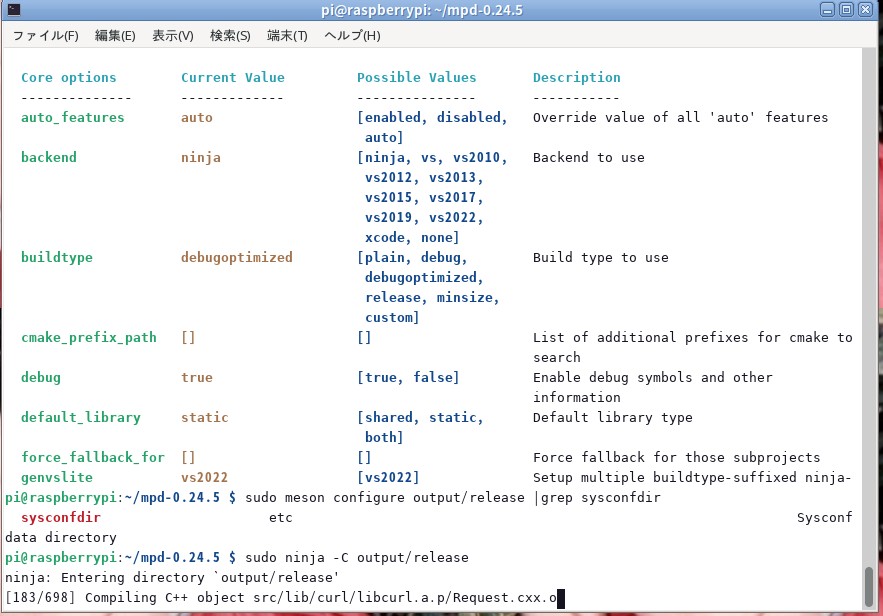
Compiling mpd source

Continuing with the compilation. It's already the third day. It's the second day since I adjusted the swap. The compilation is almost done, but I think it will take another day.
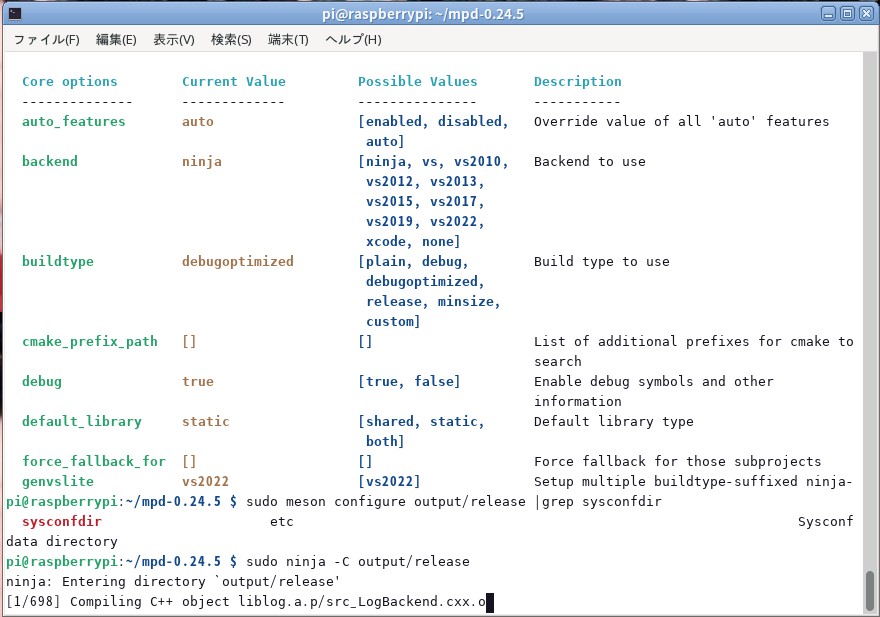
ninja: Entering directory `output/release'
[231/388] Compiling C++ object src/db/....a.p/simple_SimpleDatabasePlugin.cxx.o
157 remain. It will complete after that, but I think the remaining time will be a day or more. It is normal for compilation to take a long time. If FMT was 11, it might be faster.
If cmake version was 31, it might be faster. These two could not be compiled.I do not have a time for stay this server I will soon move to other server in USA,
this server is too expensive for me. I will be single-ended.org soon.
this part traduced by google


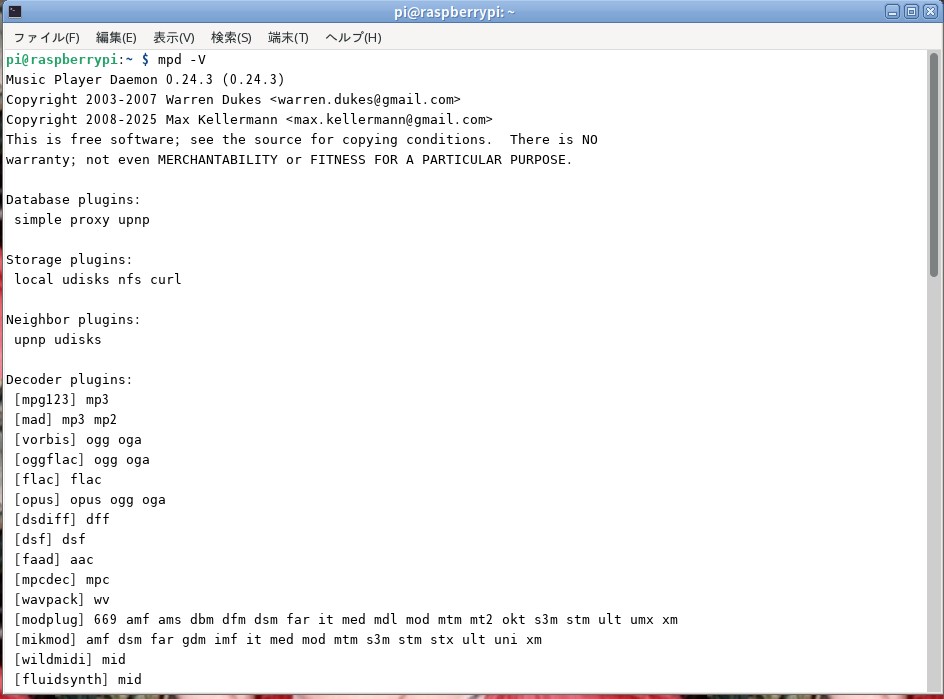
mpd 024.3


new mpd

finally installed mpd new one 0.24.3 on 18th July 2025


cmake version 3.25.1 and fmt (GNU coreutils) 9.1
Copyright (C) 2022 Free Software Foundation, Inc. and Music Player Daemon 0.24.3 (0.24.3)
Copyright 2003-2007 Warren Dukes


mpd 0.24.3

mpd 0.24.3 got now and install mid night Raspbian music server


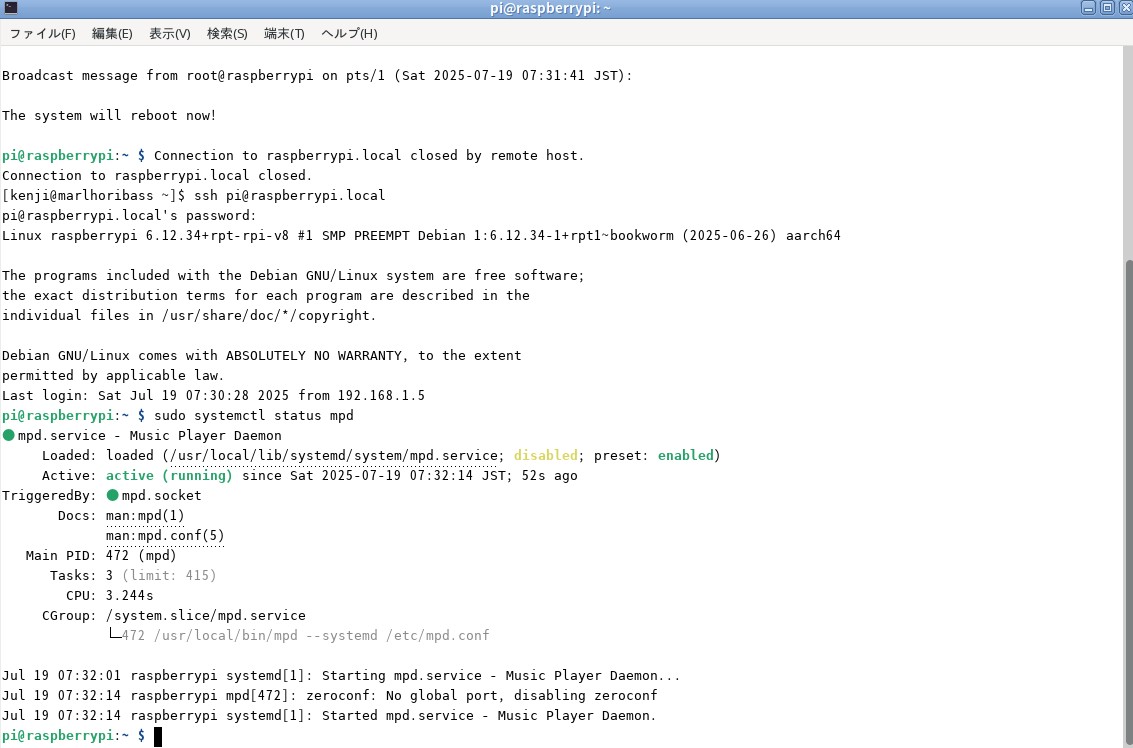
Status

Make sure status is show above


If you can not compile from source mpd please install correct fmt and cmake ricently version and very important
swap directly so need adjust swap memory more information please see next URL for update


thiking about FMT update and cmake on Raspberrypi OS

Nanopi-neo no need daughter board for SPDIF because this one has SPDIF Port on GPIO


It is very important to add SWAP


One-board PCs do not have a built-in SWAP area, at least in the case of Armbian, so errors may occur during compilation due to the absence of this SWAP area. There is
. In the early compilations of mpd, the application occupied only a small amount of memory, so there is no need to worry, but in the latest compilations of MPD, the application may freeze or
It stops with an error. Errors can be avoided by using the information obtained to save SWAP space. It took half a day to compile.
The compilation will be completed in just a few hours. There are no errors at all. So, we will make money in the SWAP area. external site
There is, so I will link it. I've also saved it so it doesn't get lost. I think this will reduce compilation errors and hurdles.
Compilation speed is several tens or even 100 times faster. Compilation that used to take half a day is now completed in a few hours.

 
hint

LAF

mpd

You can download the mpd source from the above two URLs and get the method to install mympd etc. Each URL is explained in detail, so there is no need to be confused.
I think so. mpd compiles mpd by referring to musicpd.org's docmentation. Anyone can create binaries from source relatively easily.
Follow the instructions on the website here, download the source, and compile it using SSH.
Compiling the source takes a lot of time, but the result
is a very good standalone music server. You can also use the latest MPDs. Anyone can do this if they take the time.
Enjoy high-quality music.


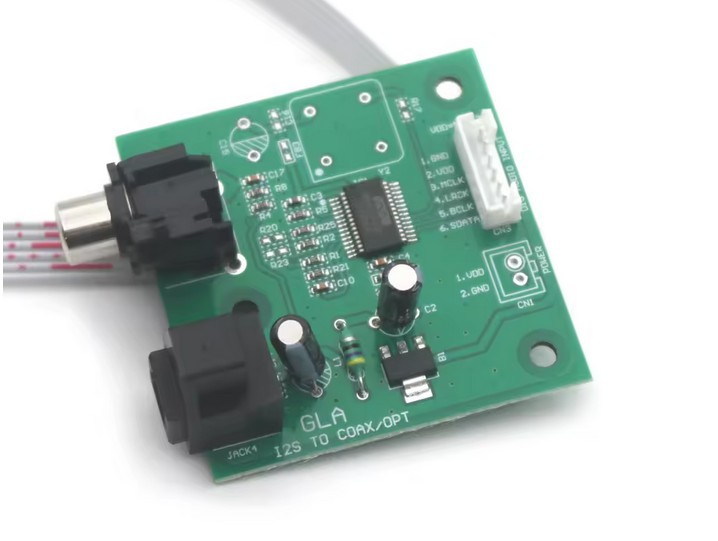
最近 中国製の小型基板でI2S SPDIF変換基板が販売されています。10ドル以下です。これを使えばI2S信号でSPDIFを得ることが出来ます。I2S DACとして
使えます。問題は販売ルートです。高価なHifiberry digi を使う必要がなくなります。安価でこの基板を使うとRaspberrypiからSPDIFを得ることが出来ます。


SPDIF converter

設定は Hifiberry DACで良いでしょう


Recently, a small I2S to SPDIF converter board made in China has been sold. It costs less than $10.
Using this, you can obtain SPDIF from an I2S signal. It can be used as an I2S DAC.
The problem is the sales route. There's no need to use the expensive Hifiberry Digi. This inexpensive board allows you to obtain SPDIF from a Raspberry Pi.


SPDIF converter

The Hifiberry DAC setup is fine.


音について、 about sound


see mpd.conf の中に記載してある指数を変更します。

connection_timeout "30"
max_connections "20"
max_playlist_length "81920"
max_command_list_size "81920"
max_output_buffer_size "11920"
audio_buffer_size "1096"
filesystem_charset "UTF-8"
#audio_output_format "44100:16:2"
#id3v1_encoding "UTF-8"
この中の数カ所です。max_output_buffer_size 
audio_buffer_size  に割り当てた数字を変更して少なめに変更します。
メモリーを少なく変更して影響を軽くしましたら音飛びがなくなりました。

A few of these: max_output_buffer_size
Change the number assigned to audio_buffer_size to a lower value.
By reducing the memory and reducing the impact, the dropouts decreased.
These values are not predefined indices, but are information added when creating mpd.conf.
zero conf error was this version does not have any posision of zero conf so can not eliminate application.
show error but nothing problem for play music.
zeroconf_enabled "yes" replace "no" to get correct configure at mpd.conf
then restart mpd then will get no error at systemctl status mpd.


Inside of Music Server

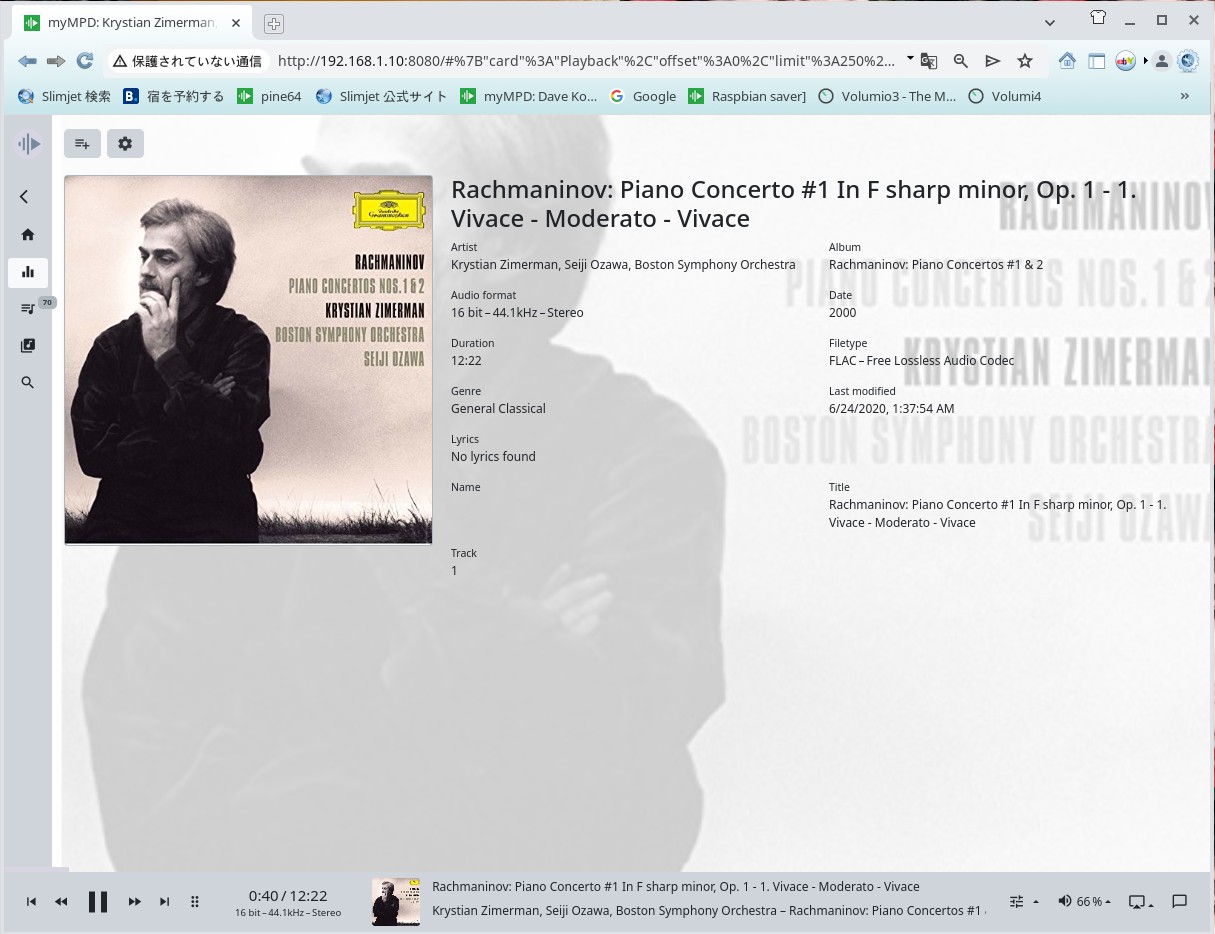
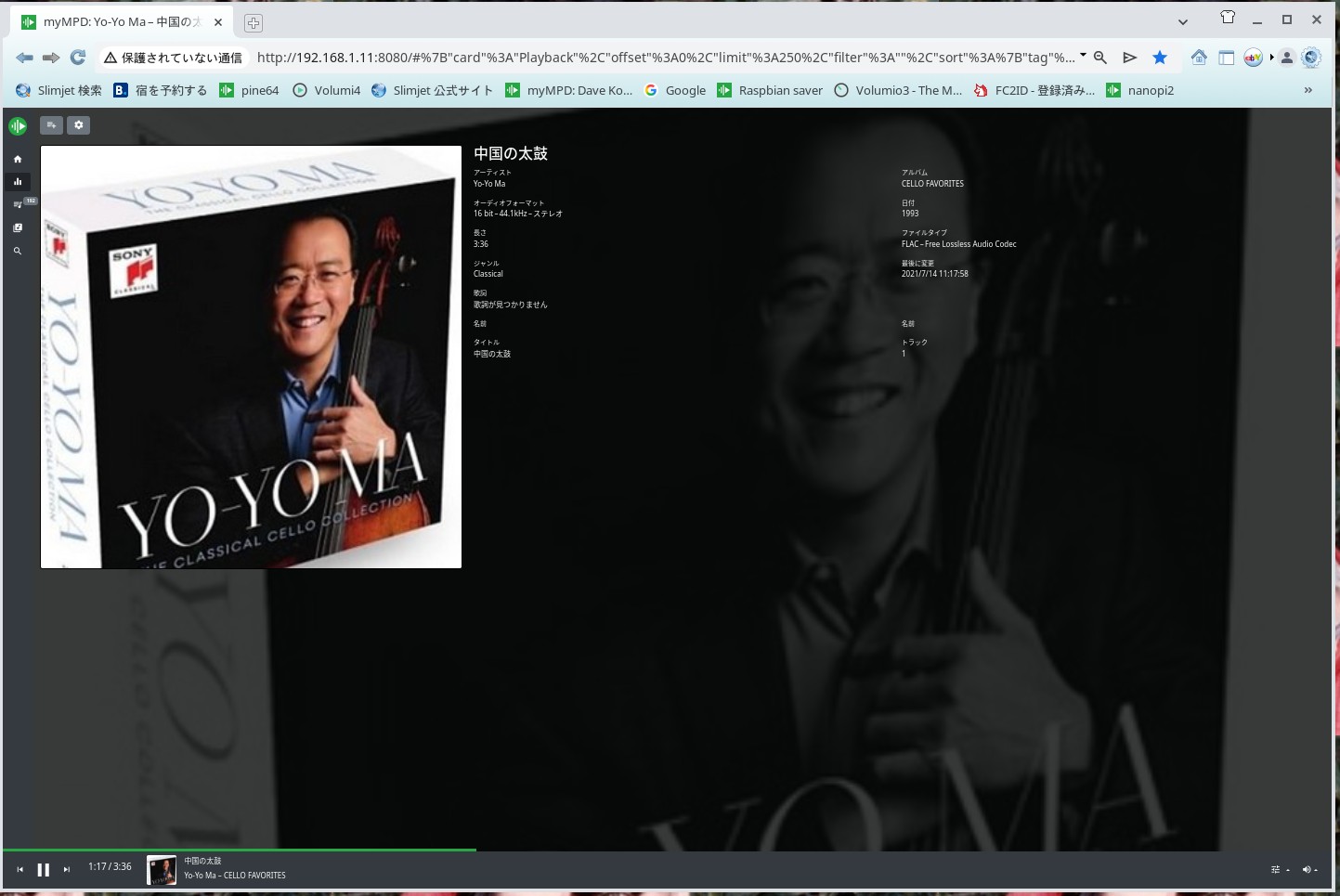
Yo Yo Ma


Sky Mpc

self compile mpd version is 0.24.3 on 1st Aug 2025 by Raspbian lite OS bookworm with Spdif out


SKY MPC install into your PC


Without daughter board for SPDIF

ところがです、こ細工で少しの改造でGPIOポートからSPDIFを追加出来ると言う項目がありました。ドライバーのバイナリーをコンパイルして
インストールすればドーター基盤は必要なくPCMをSPDIFに変換出来るとのことです。参考は以下。


with out SPDIF Board

SPDIF が 好きです。その他 I2S から SPDIF にする基盤も販売されています。最近は HDMIからSPDIFにする基盤も販売されています。
Hifiberry digi 系のICを使った回路が安定しています。Adafruteからも基板を販売しています。SPDIFに固執するのはどんなDACでも使う事が出来るメリットがある。


However, I found an option that said that with a little tinkering and modification, you could add SPDIF from the GPIO port. Compiling and installing the driver binary would allow you to convert PCM to SPDIF without the need for a daughter board. See below for reference.


Without SPDIF Board

I like SPDIF. There are also boards available for converting I2S to SPDIF. Recently, boards for converting HDMI to SPDIF have also become available.
Circuits using Hifiberry Digi-based ICs are stable. Adafrute also sells boards. Sticking to SPDIF has the advantage of being compatible with any DAC.


music server

mod 0.24.3 by raspbian OS lite music server sound is quite good


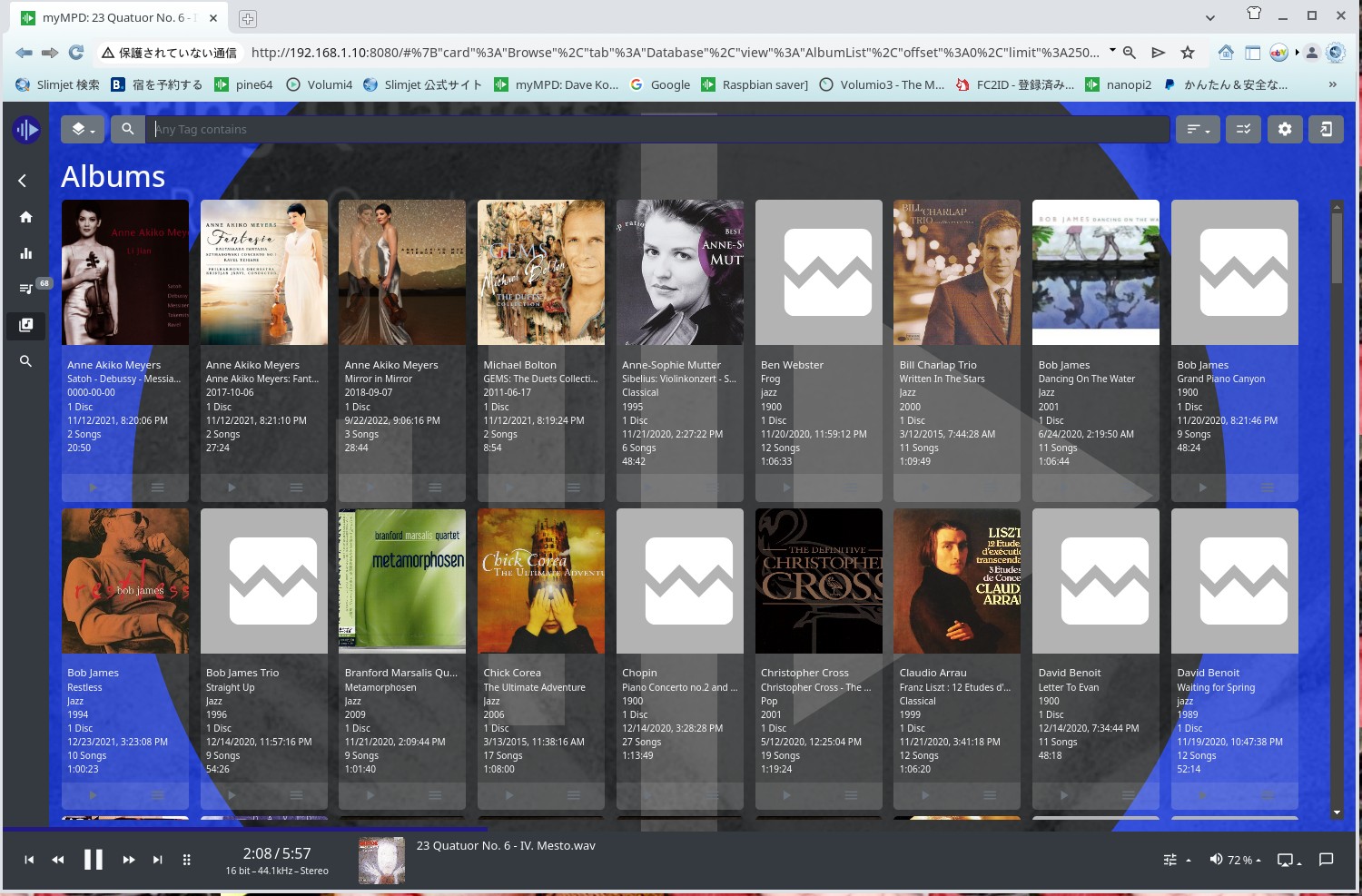
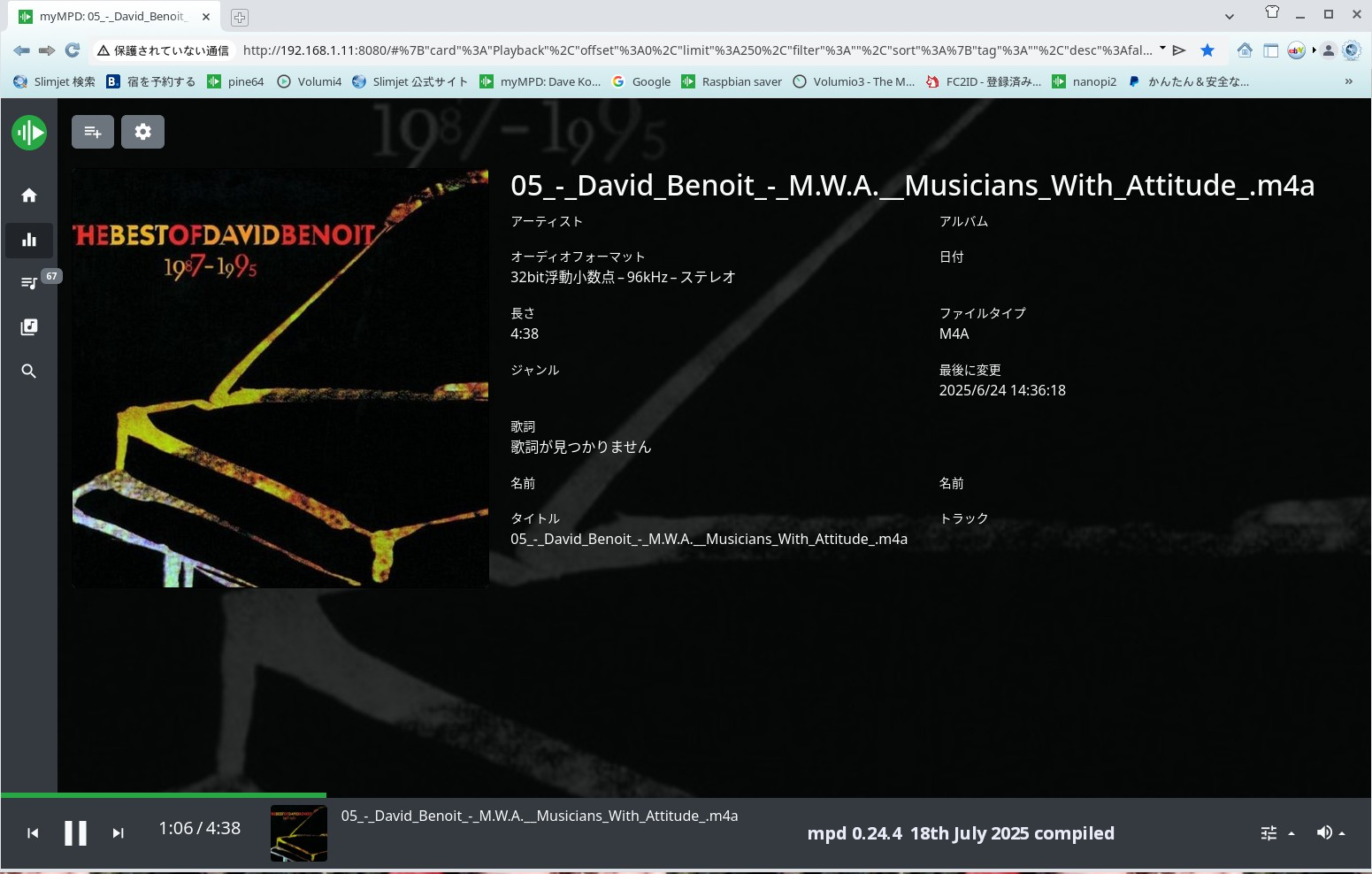
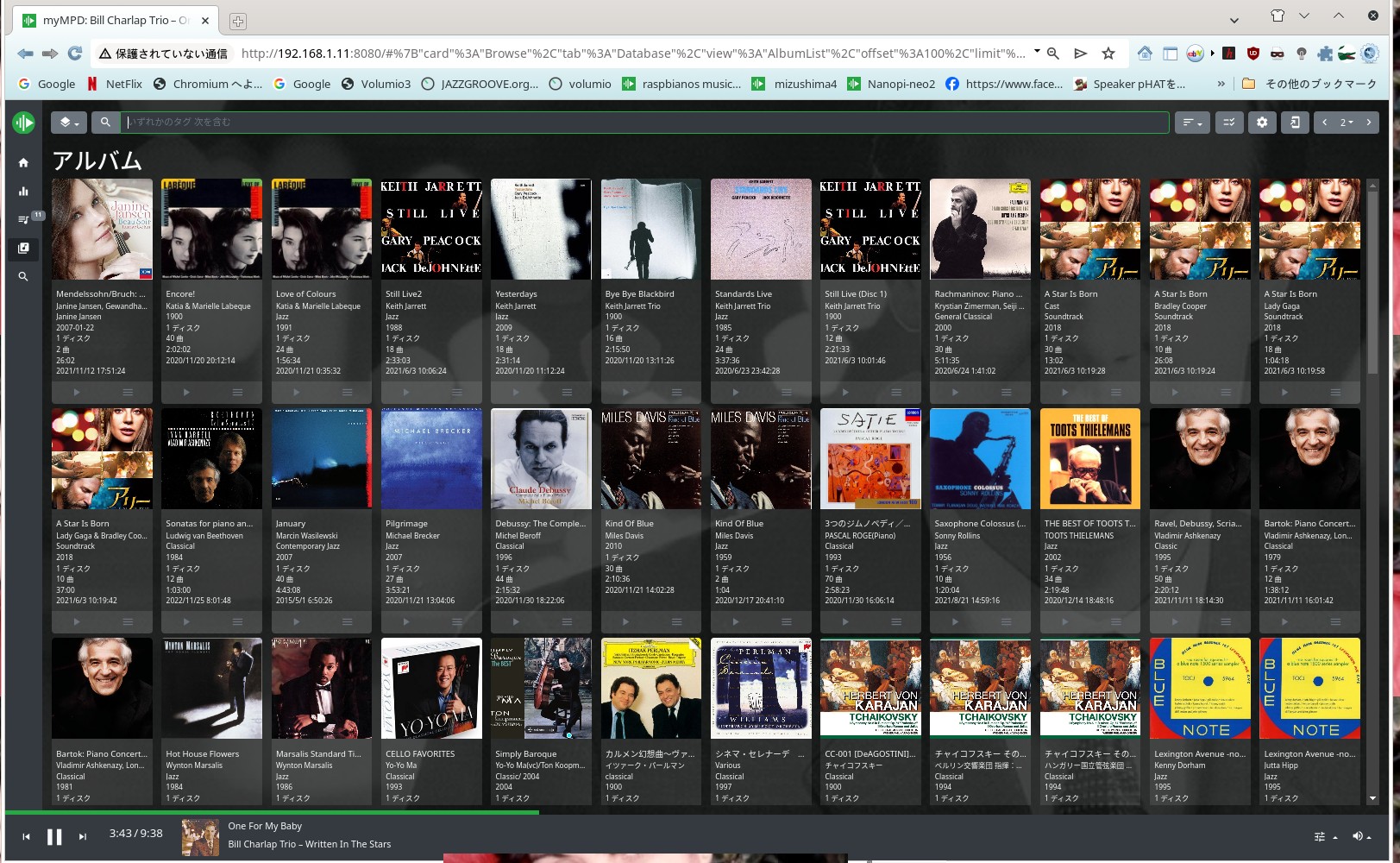
mympd

mympd on 27th Sep 2025 mpd 0.24.3 by self compile from source


Raspbian OS mpd コンパイル中
mpd 0.24.5 new one です。又永遠と数10時間かかります。
多分音楽聞くので1週間ほどかかると思います。

Compiling Raspbian OS mpd
This is mpd 0.24.5 new one. It's taking tens of hours again.
I'll probably be listening to music, so it'll probably take about a week.


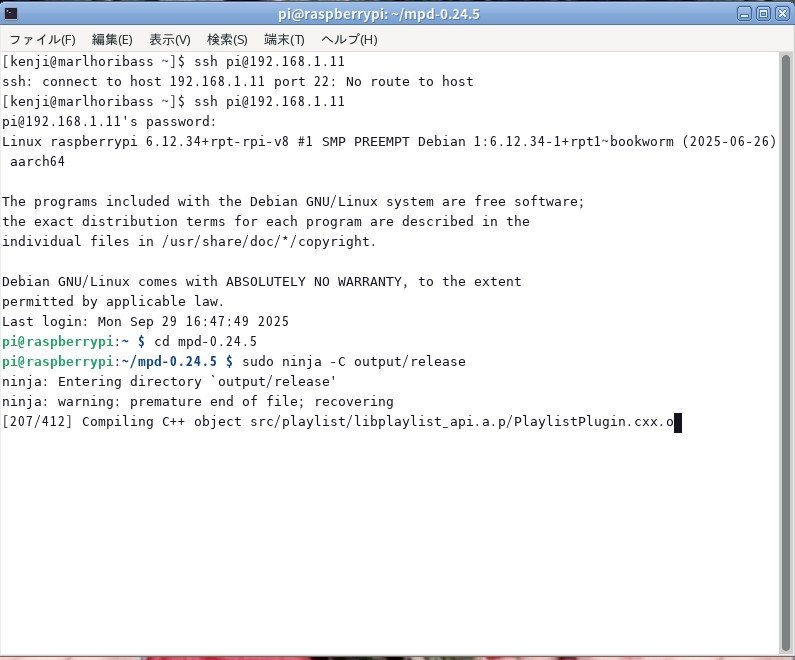
conpile new mpd


after 2 hours

this is after 2 hours later figure of mpd quite fast conpiling mpd


mpd 0.24.5

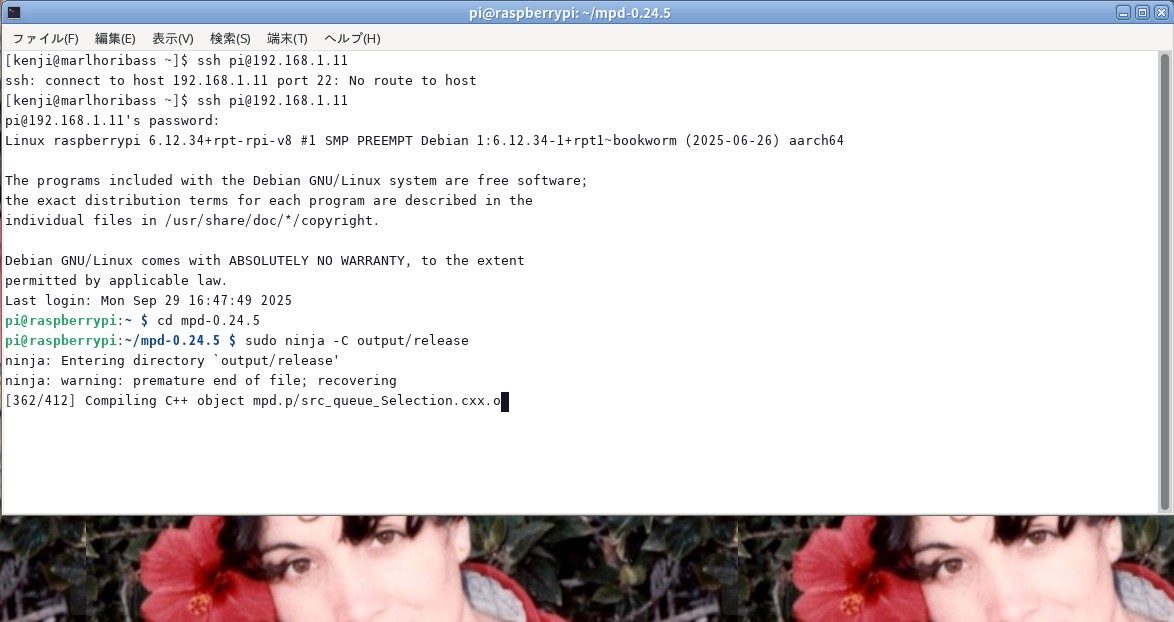
after 3 day mpd 0.24.5 doing comile on 01:43 AM 30.Sep 2025

3day after speed of compiling is fast 3日過ぎるとコンパイルのスピードが少し早くなってきました 01:55 AM 30th Sep 2025


簡易 NAS の作り方 How to make NAS Server at home


NAS です。🍆 茄子ではありません。Raspberrypi はどんな機種でも構いませんが出来たら Raspberrypi 3B+が一番良いと思います。
必要な物が全てついているからです。Raspberrypi 3B+ is good for NAS and install volumio and no need DAC because this is for NAS.
this is can do any things as NAS for your home LAN system . may be can be use as access point for Wifi and blue tooth.
even can send music to other music server and cellphone too.
これで 音楽サーバーが簡単に出来ますし勿論優秀な NASとしても使うことが出来ます。ハードディスクは数テラバイトの USBタイプのハードディスクを使います。
マウントはOSが自動的にやってくれます。 Hard Desk need SATA USB using. much better few Tera Byte. for NAS. automatically can mount
Raspberrypi and if you would like to add DAC I2S type or USB DAC easly to get sound from this music server.
勿論 音楽を鳴らしたい場合はこのサーバに DACを追加することも出来ます。I2S DACやUSB DACが良いと思います。これらも半自動的に構築出来ます。
OS は Volumioを使います。 must use Volumio OS.


net work

Network at home 家庭内 LAN と 音楽サーバーとNAS


mpd

mpd on 30th Sep 2025 with Marlhori


1 hour ago finished compile mpd on 30th Sep 2025 show you file and status mpd


end of mpd


mpd staus

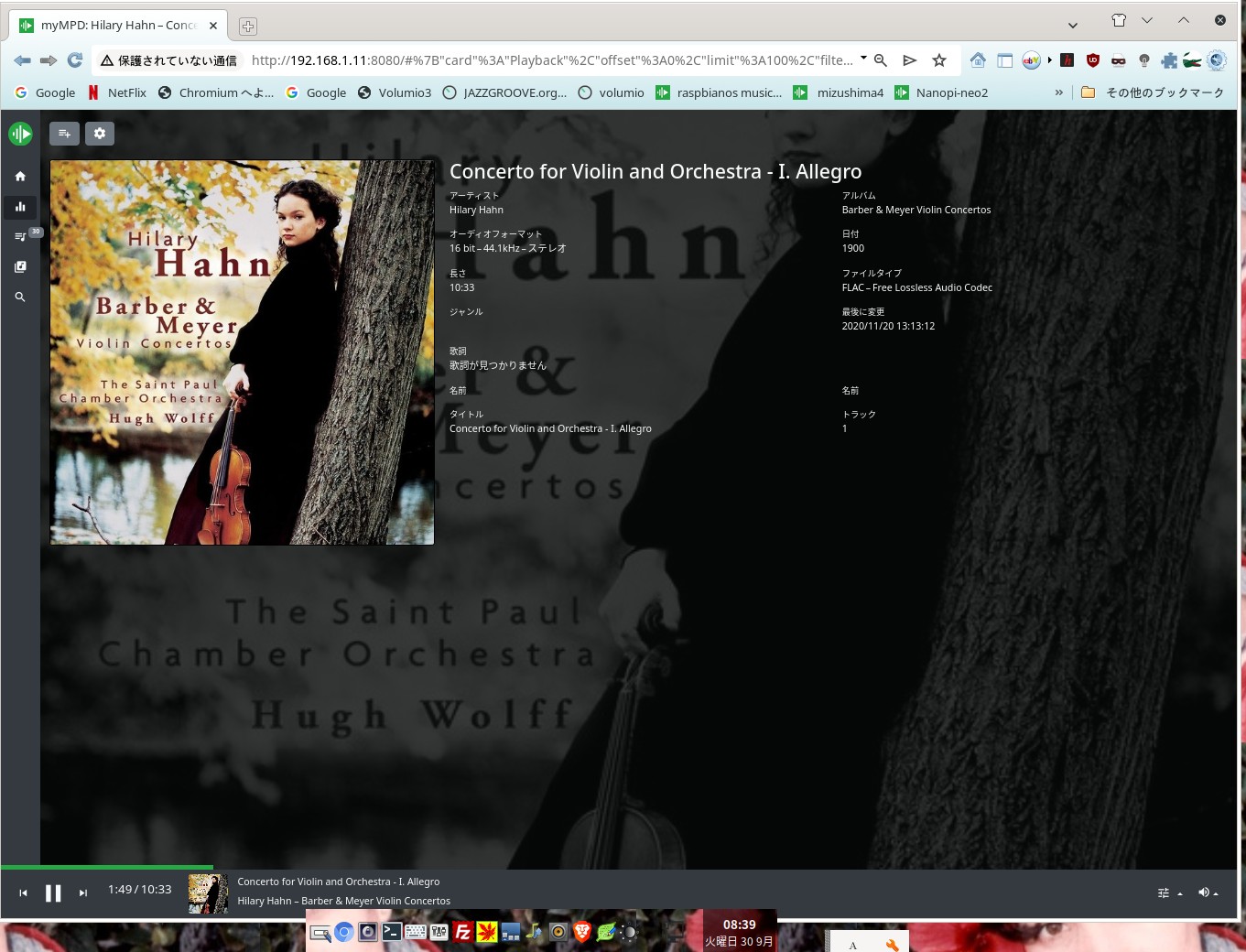
mpd status 0.24.5 on 30th 2025 08:30 AM 30th Sep 2025 Yachiyo Chiba Japan


mpd 0.24.5 new mpd by raspbian OS


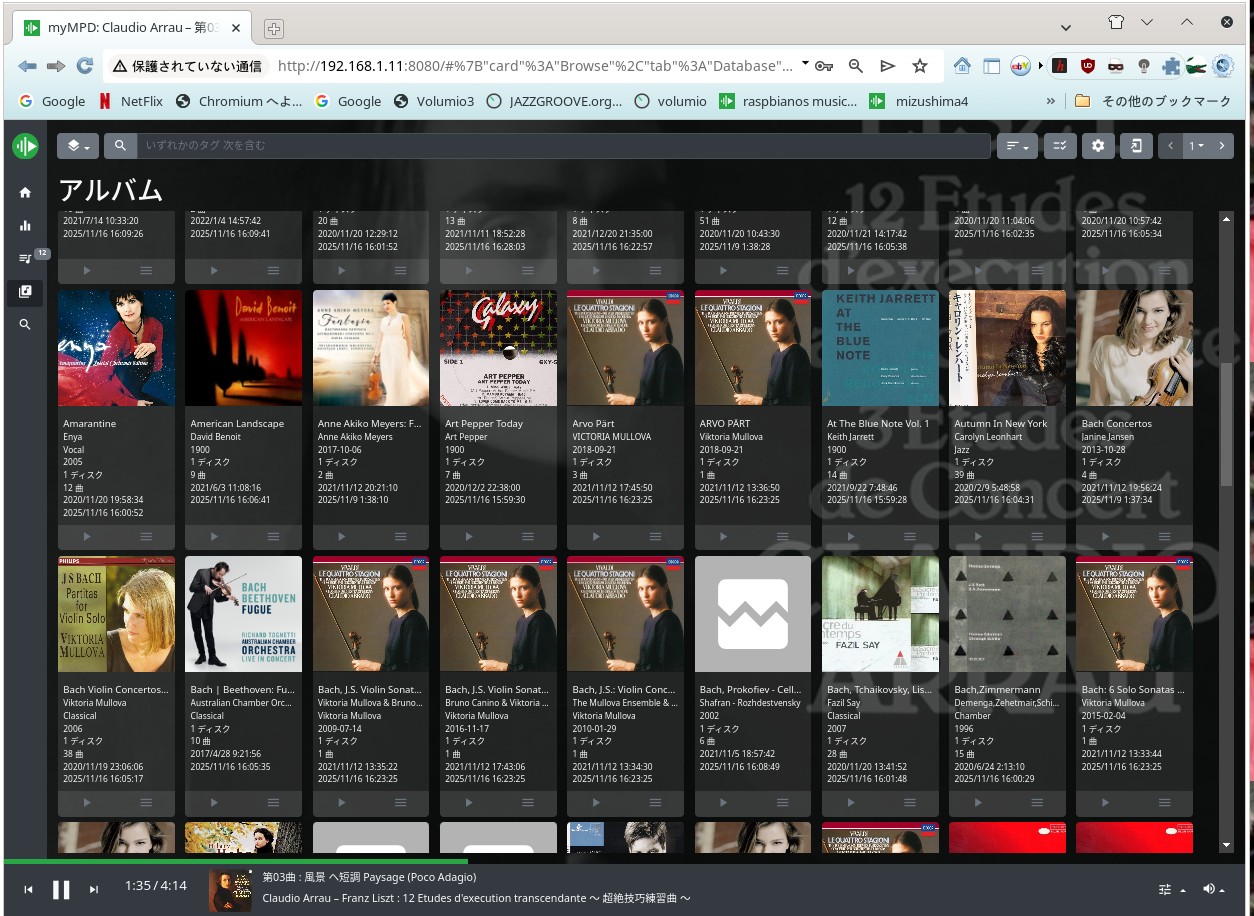
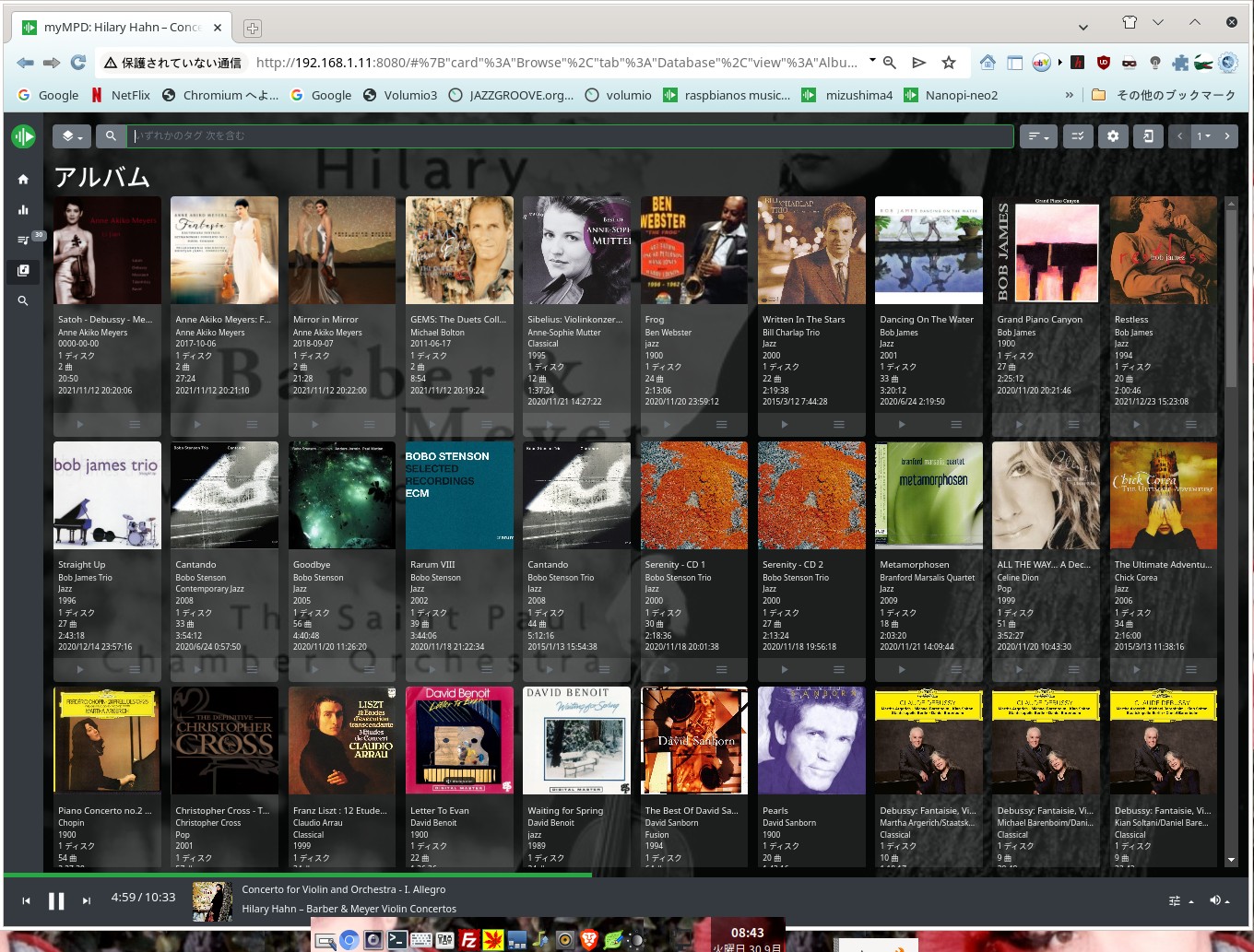
mympd


音は繊細な音です。問題はまったくなく動作しています。現在 6V6 シングルアンプで音楽サーバーをテストしています。
I am using 6V6 single ended amplifier for test new mpd .nothing problem by new mpd 0.24.5
コンパイル時間は丁度3日かかりましたコンパイルに費やした時間はかなり早いと思います。音が綺麗になったのが感じます。
feel like clear sound than before .right now play by mpd 0.24.5 from 0.24.3 very fine music.

linux-image-rpi-v8
dpkg
linux-image-6.12.34+rpt-rpi-2712
mpg123 ffmpeg
libraspberrypi-dev
initramfs-tools
などもインストールしましょう。コンパイル時にエラーが出なくなります


Dop

Dop under Raspberrypi 3+A Raspbian OS mpd 0.24.5 on 30th Sep 2025


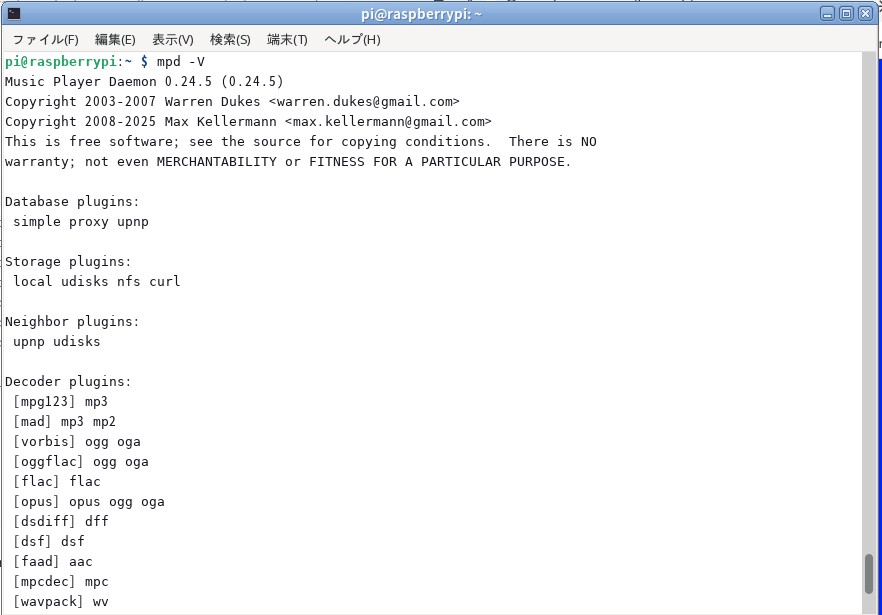
mpd -V

out put mpd -V 0.24.5 on 30th Sep 2025


コンパイルについての要点

新しい方式でコンパイルが始まっていますが、コンパイルにはかなり時間がかかります。私のコンパイルの環境はワーストと思います。それは回線のスピードが
大変遅いのです。最高のスピードで深夜で89 MBPSです。これは光回線なのですが光回線はこのアパートの向こう側に立っている電柱までの回線です。
そこからVSDL回線を使ってアパートの配電盤に入るのがVSDLです。そこからは最大で100M BPSです。時間によっては60 MBPSになってしまいます。
このスピードでもスマートフォンのスピードよりは早いのです。これでもソースのコンパイルは可能です。最小でも一日かかりますが条件によっては
数日かかる場合もあります。コンパイルのスピードは最低2日待って下さい。急に速度を早める時間があります。その後は気が付かないうちにコンパイルが終了します。
エラーの出ているマークのアーカイブは極力ハンドでインストールしましょう。ライブラリーが追加されてコンパイルの速度が増します。CMakeを最新にすること
Boostを最新にして下さい。ソースをコンパイルしてインストールすることも必要と思います。どうしても改善出来ない場合は関係のアプリケーションを
インストールして改善出来る場合があります。関係のアプリケーションをインストールすることにより必要なライブラリーが自動でインストール出来るからです。


Key Points About Compiling

Compiling has begun using the new method, but it's taking a long time. I think my compilation environment is the worst. The reason is my internet connection speed.
It's extremely slow. At its best, it's 89 MBPS late at night. This is a fiber-optic connection, but the fiber-optic connection only goes to a utility pole on the other side of my apartment.
From there, VSDL connects to the apartment's electrical panel. From there, the speed is a maximum of 100 MBPS. At times, it drops to 60 MBPS.
Even at this speed, it's faster than a smartphone. It's still possible to compile the source code. It takes at least a day, but depending on the conditions,
it may take several days. Please wait at least two days for the compilation speed to improve. There will be a period when the speed suddenly increases. After that, the compilation will finish before you even notice.
Whenever possible, manually install archives with error marks. This will add libraries and increase compilation speed. Update CMake.
Update Boost to the latest version. You may also need to compile and install the source. If you cannot resolve the issue, installing related applications may help.
This is because installing related applications automatically installs the necessary libraries.


my mpd

mympd by mpd 0.24.5 Raspbien OS (Debian OS)


コンパイルが終わったら、古いmpdをアンインストールして新しいmpdをコマンドラインからインストールします。
コンパイルのソースのスレッドが残っていれば古いmpdに戻すことも出来ます。新しいmpdをインストールしましたら
周辺のライブラリーの設定を編集します。その後に 
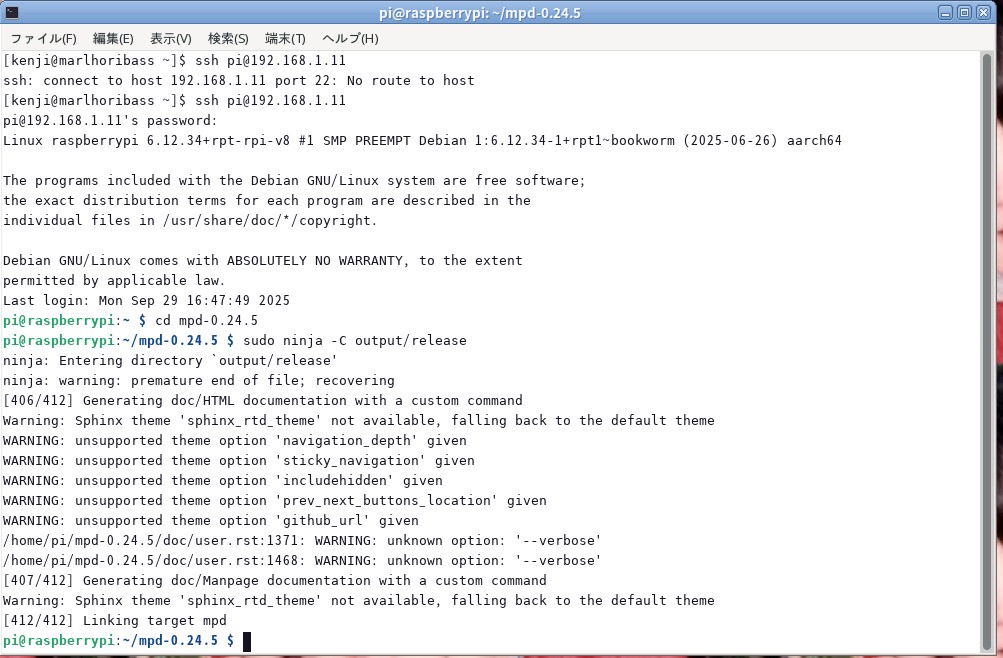
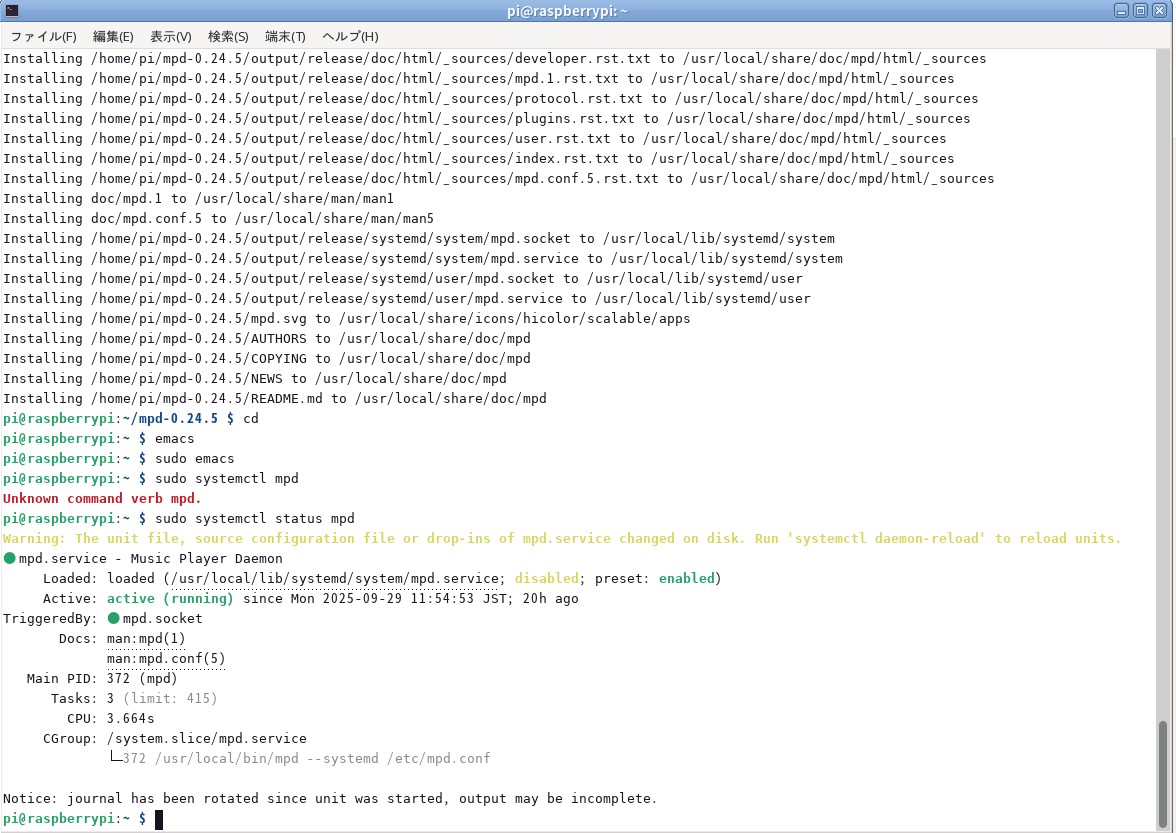
$sudo systemctl status mpd で音楽サーバーの状態を確認出来ます。エラーが出ていましたらファイルの編集を
実施して下さい。mpd を再スタートしてエラーがでなければ完了です。サーバーの状態の確認はこれのみです。


コンパイルが終わりましたら、古い mpd をアンインストール 元のスレッドに移動して以下のコマンドでアンインストールします。
$ sudo ninja -C output/release uninstall
その為にスレッドを残しておきます。その操作で古い mpd アンインストールされます。
その後 当該の新しいmpdのディレクリーでインストールを行います。
$ sudo ninja -C output/release install
これで終了です。新しい mpd 担っているはずです。
$ mpd -V を入力して下さい。新しい mpd のバージョンになっているでしょう。
バイナリーはインストールされましたので後は周辺のファイルの修正を行います。もしエラーを表示した場合はエラーが表示しますので
その文章に従って編集をすれば音が出てきます。簡単でしょ? 詳細は mpd.org に全て出ています。
他のサイトへ行って探さなくても全ての情報はmpd.orgから入手出来ます。


Once the compilation is complete, uninstall the old mpd. Return to the original thread and execute the following command
$ sudo ninja -C output/release uninstall
We'll leave the thread open for this purpose. This will uninstall the old mpd.
Then, install it in the directory of the new mpd.
$ sudo ninja -C output/release install
That's it. The new mpd should be running.
Enter $ mpd -V. The new mpd version should be installed.
The binary is now installed, so all that's left is to modify the surrounding files. If an error is displayed, it will be displayed.
Follow the instructions and edit accordingly, and sound should start. Easy, right? All the details are available on mpd.org.
You don't need to go to other sites to find all the information; you can get it from mpd.org.


Once compilation is complete, uninstall the old mpd and install the new mpd from the command line.
If the compilation source thread remains, you can revert to the old mpd. After installing the new mpd,
edit the settings of the surrounding libraries. Then
you can check the status of the music server with $sudo systemctl status mpd. If an error occurs, edit the file.
Restart mpd and if there are no errors, you're done. This is the only check of the server status.


Note:

編集するのは次の2点です。
 /usr/local/lib/systemd/system/mpd.service
  CGroup: /system.slice/mpd.service
└─372 /usr/local/bin/mpd --systemd /etc/mpd.conf
/usr/local/bin/mpd --systemd に /etc/mpd.conf を追加して下さい。その後にmpdをrestart してから
スタータスをチェックしてエラーがでなければ動作しているはずです。


Note:

The following two items need to be edited:
 /usr/local/lib/systemd/system/mpd.service
 CGroup: /system.slice/mpd.service
└─372 /usr/local/bin/mpd --systemd /etc/mpd.conf
Add /etc/mpd.conf to /usr/local/bin/mpd --systemd. Then restart mpd.
Check the status and if there are no errors, it should be working.


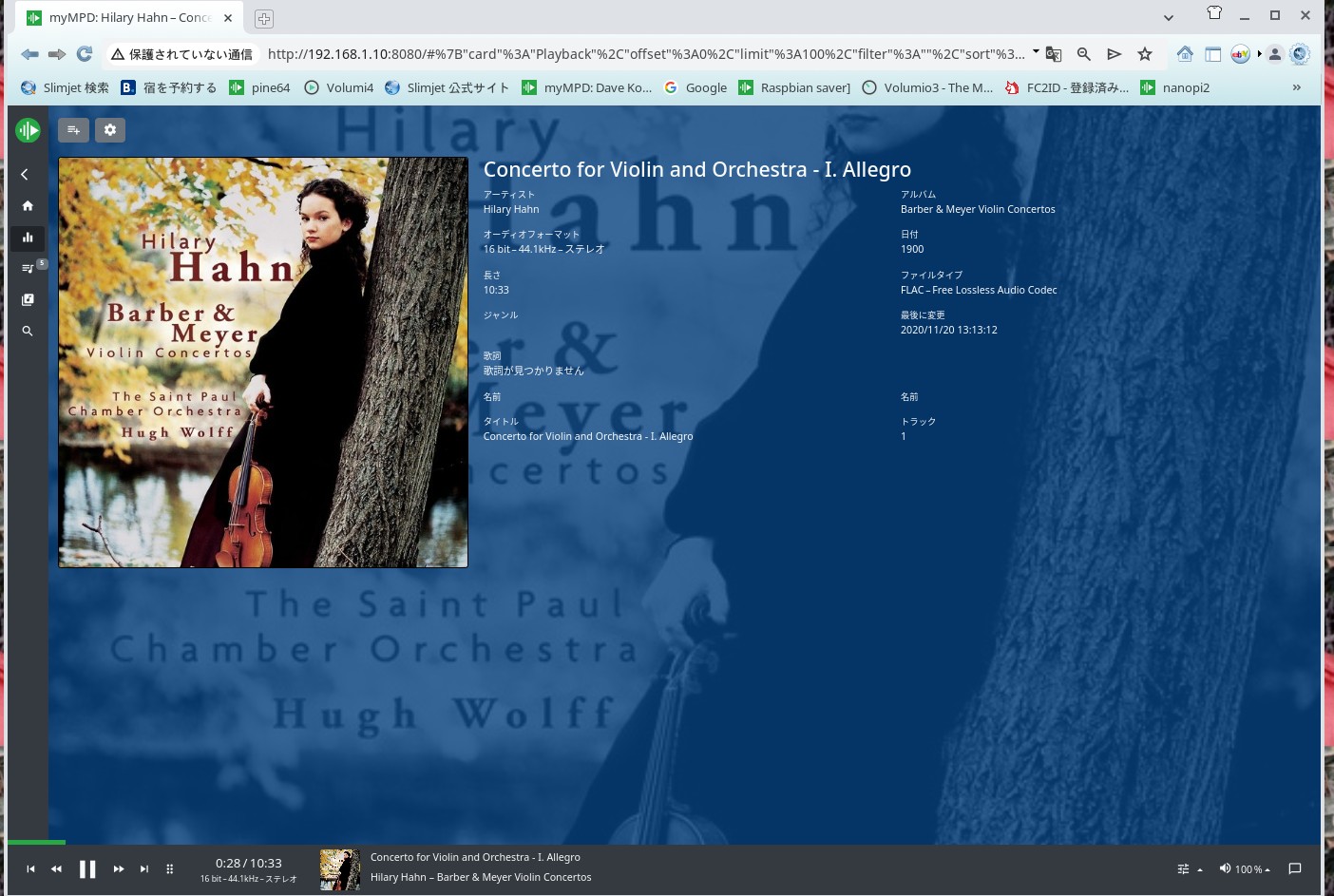
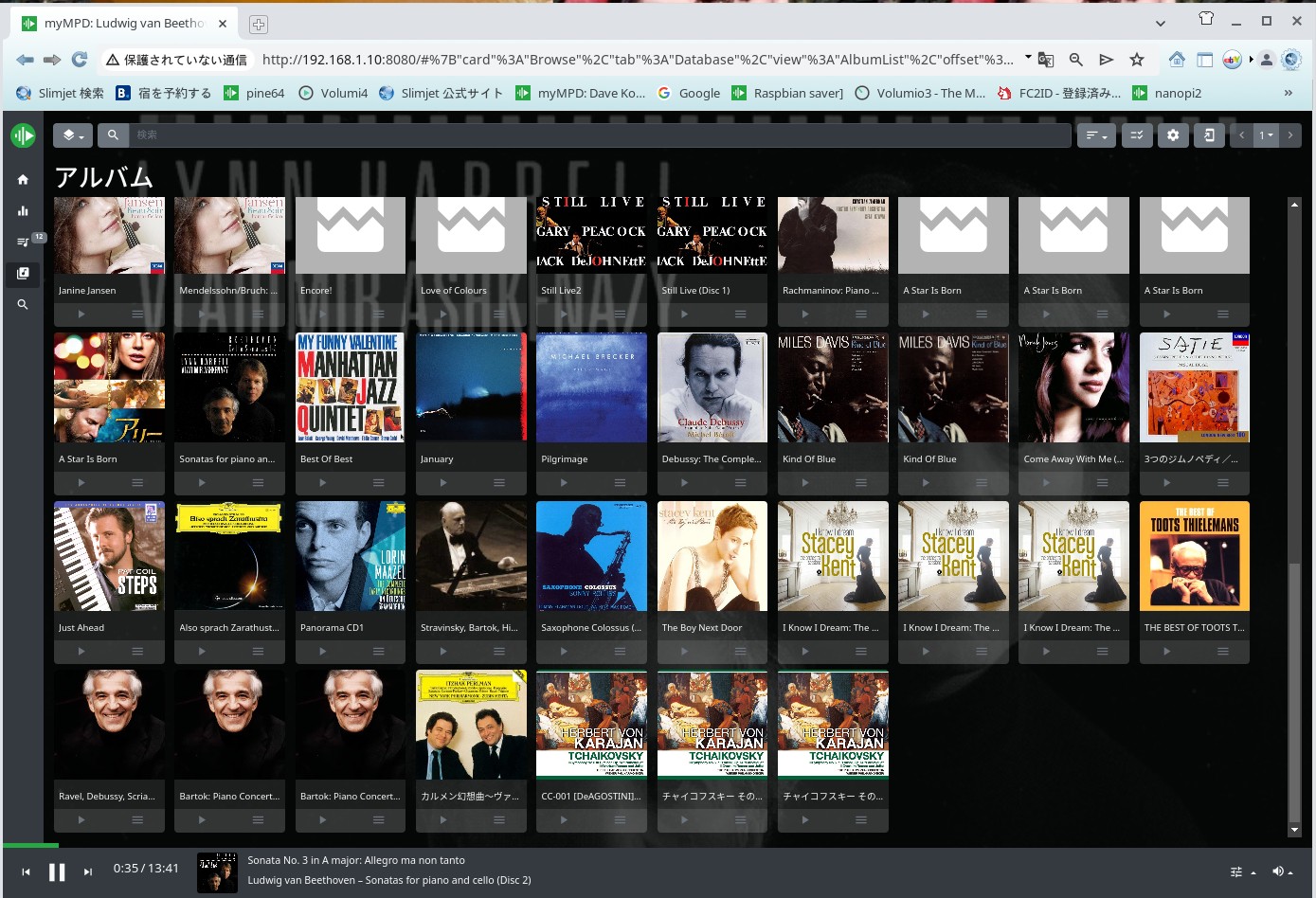
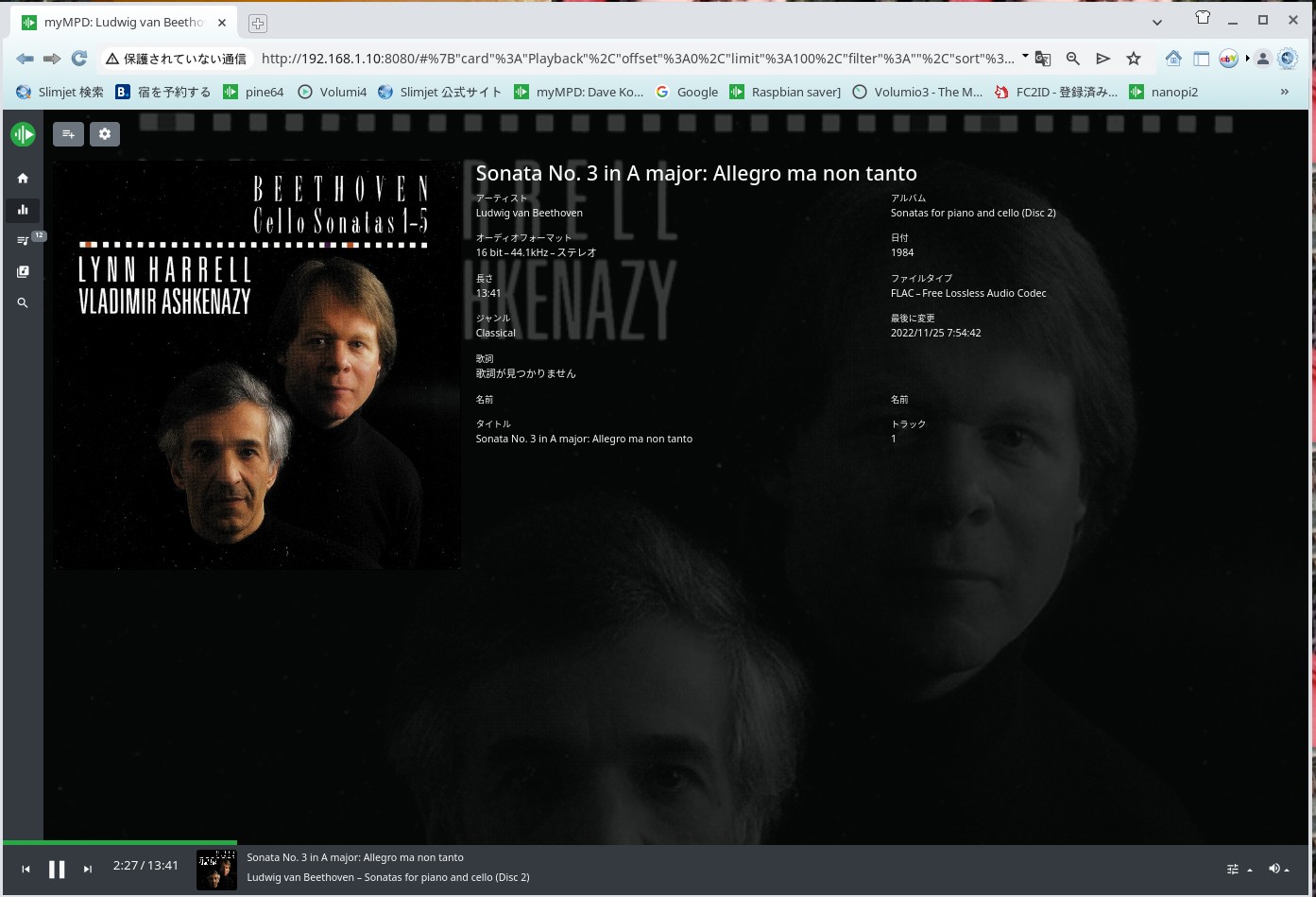
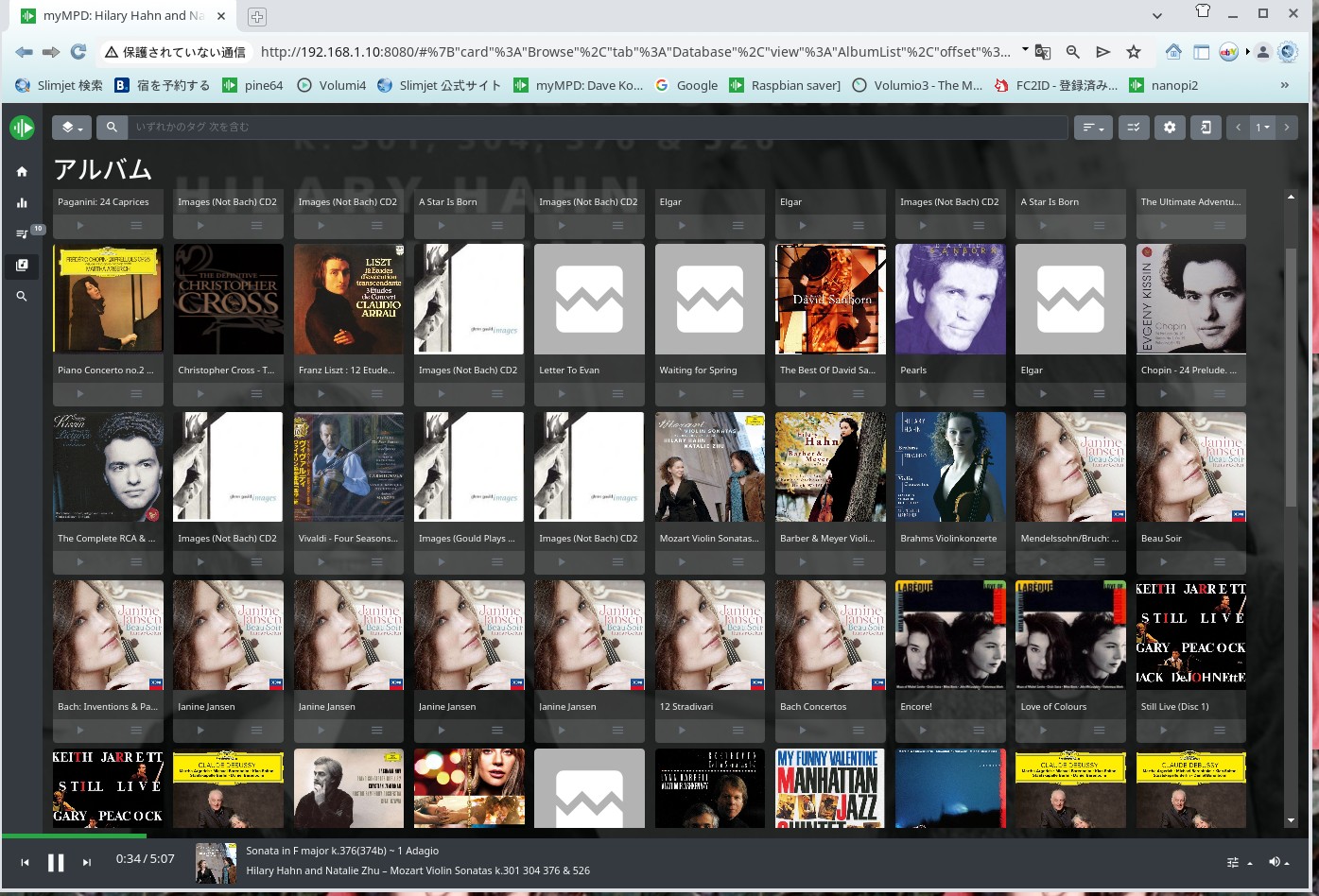
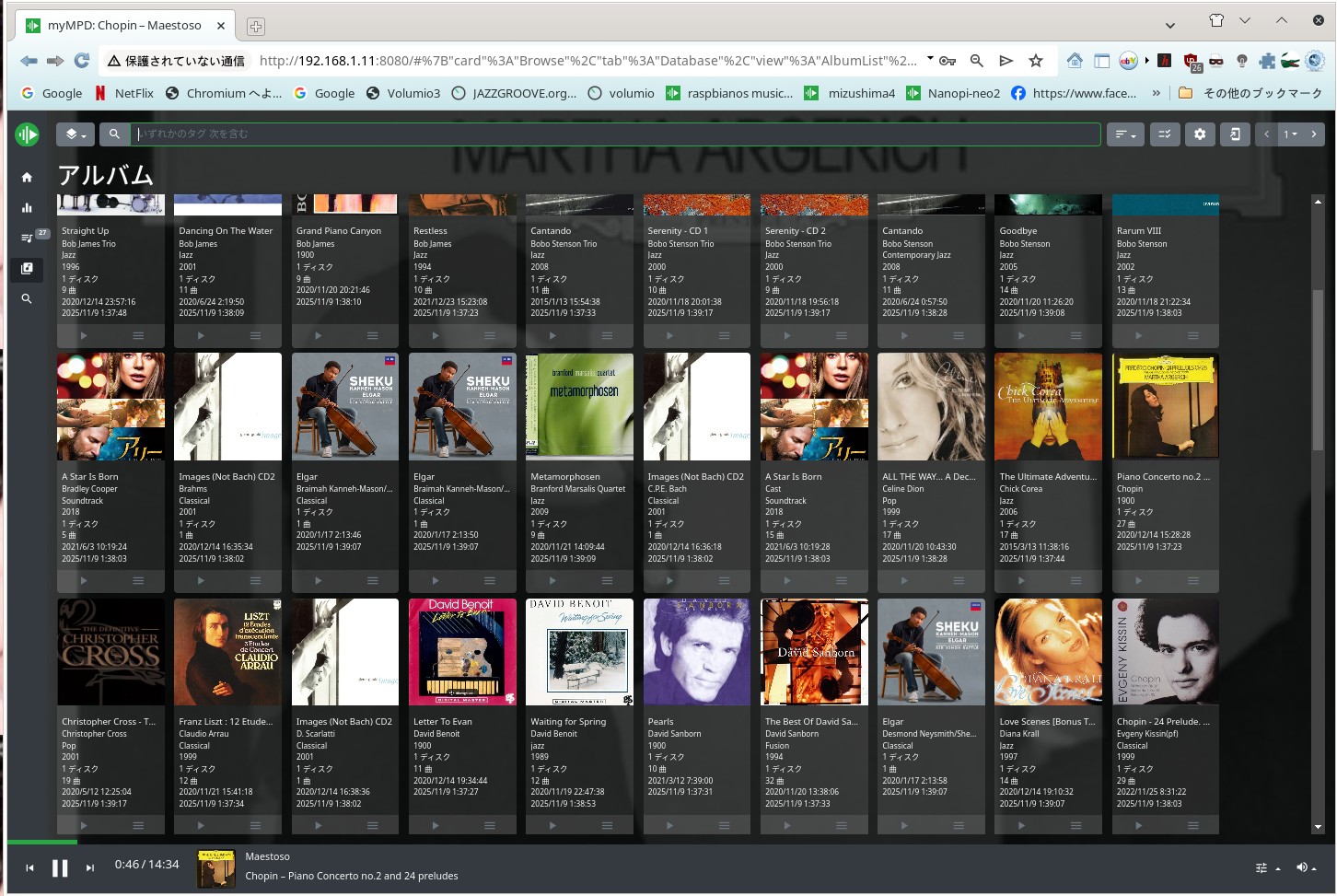
Show mympd and cantata for Raspbian OS Music Server mpd 0.24.5


Mympd


by Cantata


Album Art for music


Album art is saved in the same directory as folder.jpg or cover.jpg. It's not automatic, so you'll need to create it yourself.
In some cases, album art can be automatically found from CDDB (Cantata) and displayed, but in mympd, you'll need to create it yourself.


Some PCs have an application called Audio Tagger, which can open music file images. This is very useful.Kid3 is good for album art maker.

アルバムアートは同じディレクトリーの中にfolder.jpg 若しくはcover.jpg で保存します。自動ではありませんので各人がアルバムアートを作成する必要があります。
場合によってはCDDBから自動的にアルバムアートを見つけてきてCantataの場合は表示出来ますが、mympd の場合は各自が作成する必要があります。
PCによってはオーディオ Tagger と言うアプリケーションがあります。それによって、音楽ファイル画像を取り組むアプリケーションがあります。大変便利です。
Linux では、Kid3が有名です。

reinstall Rapbian OS

音が出る様にするには raspi-config で設定をしますが厳密にはconfig.txtを編集しないと音が出ません。このページに記載があります。
2025年10月1日のRaspbianOSは 何とSSHが出来なかったのです。11月6日にインストールしましようと想いましが出来ないのです。Etcherではエラーになりました。
Etcherでは不良ファイルがあるとエラーになると説明していましたが rpi-imager では書き込めるがSSHがエラーになったのです。パイ側からのSSHは出来ますが
外からのSSHはエラーになったのです。翌朝にRspiのFTPを見ると11月7日付けで新しいアーカイブが公開させていました。名前はNightlyでした。
そうそう、インストールしてSSHをしましたらOKでした。
この話の前にこんな話がありました。
そこでChatGPTに聞きましたらssh ファイルが欠落しているのがわかりました。
彼?彼女?はそこのスクリプトを編集しましょうと言いました。それも文章で教えてくれました、良く朝の 11月の7日にはNightlyが公開されていました。

i@raspberrypi:/etc $ sudo touch asound.conf
pi@raspberrypi:/etc $ emacs asound.conf
pi@raspberrypi:/etc $ sudo emacs asound.conf

-----------------------------------------------------------------------------------
pcm.!default {
type hw card 0
}
ctl.!default {
type hw card 0
}
以上を asound.conf に書き込んで下さい。

pi@raspberrypi:$ aplay -l
**** List of PLAYBACK Hardware Devices ****
card 0: Headphones [bcm2835 Headphones], device 0: bcm2835 Headphones [bcm2835 Headphones]
Subdevices: 7/8
Subdevice #0: subdevice #0
Subdevice #1: subdevice #1
Subdevice #2: subdevice #2
Subdevice #3: subdevice #3
Subdevice #4: subdevice #4
Subdevice #5: subdevice #5
Subdevice #6: subdevice #6
Subdevice #7: subdevice #7
card 1: vc4hdmi [vc4-hdmi], device 0: MAI PCM i2s-hifi-0 [MAI PCM i2s-hifi-0]
Subdevices: 1/1
Subdevice #0: subdevice #0
card 2: sndrpihifiberry [snd_rpi_hifiberry_digi], device 0: HifiBerry Digi HiFi wm8804-spdif-0 [HifiBerry Digi HiFi wm8804-spdif-0]
Subdevices: 1/1
Subdevice #0: subdevice #0
これが出ていれば音が出ます。


重要 Important files for Setup

myMPD

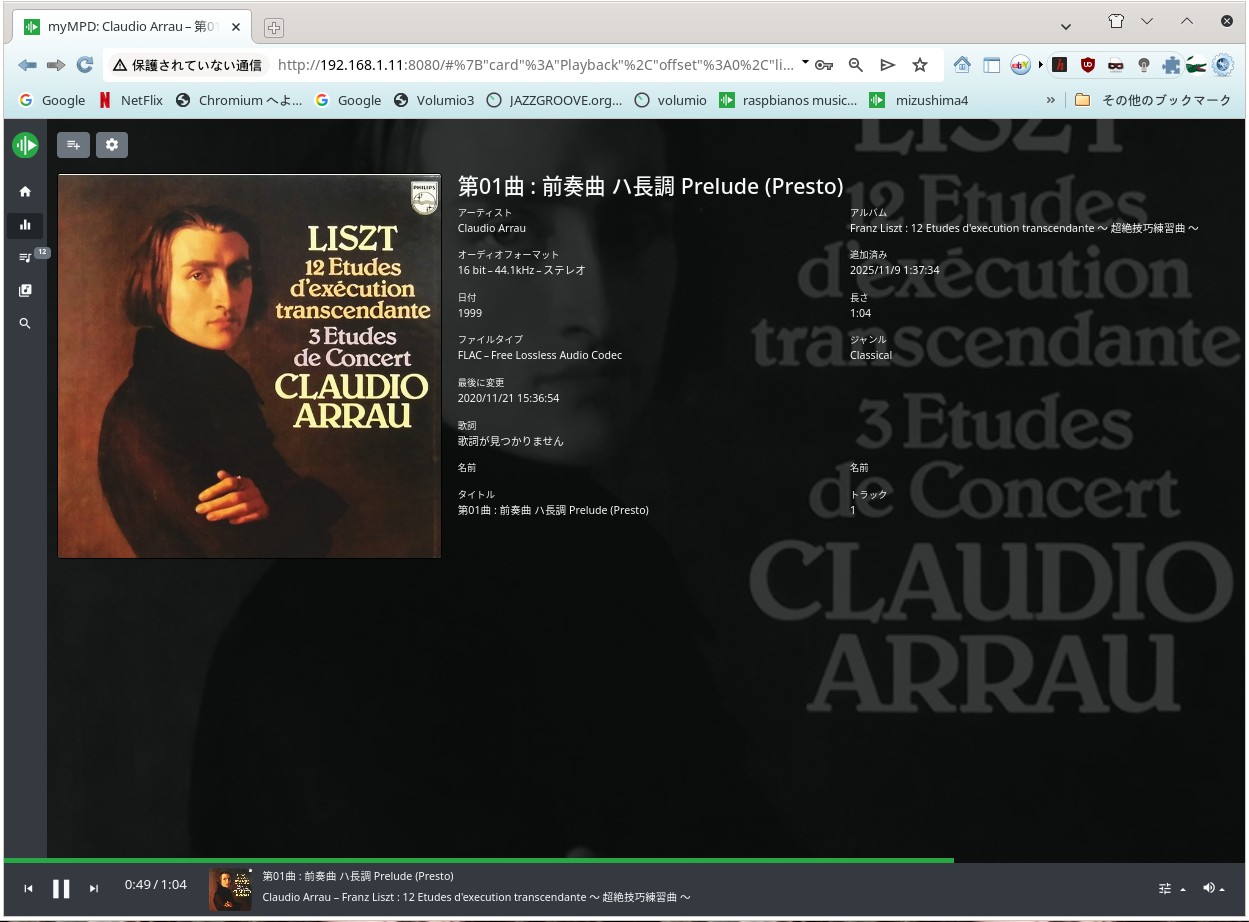
Raspbian OS Nightly version 7th Nov this is myMPD and mpd 0.24.5


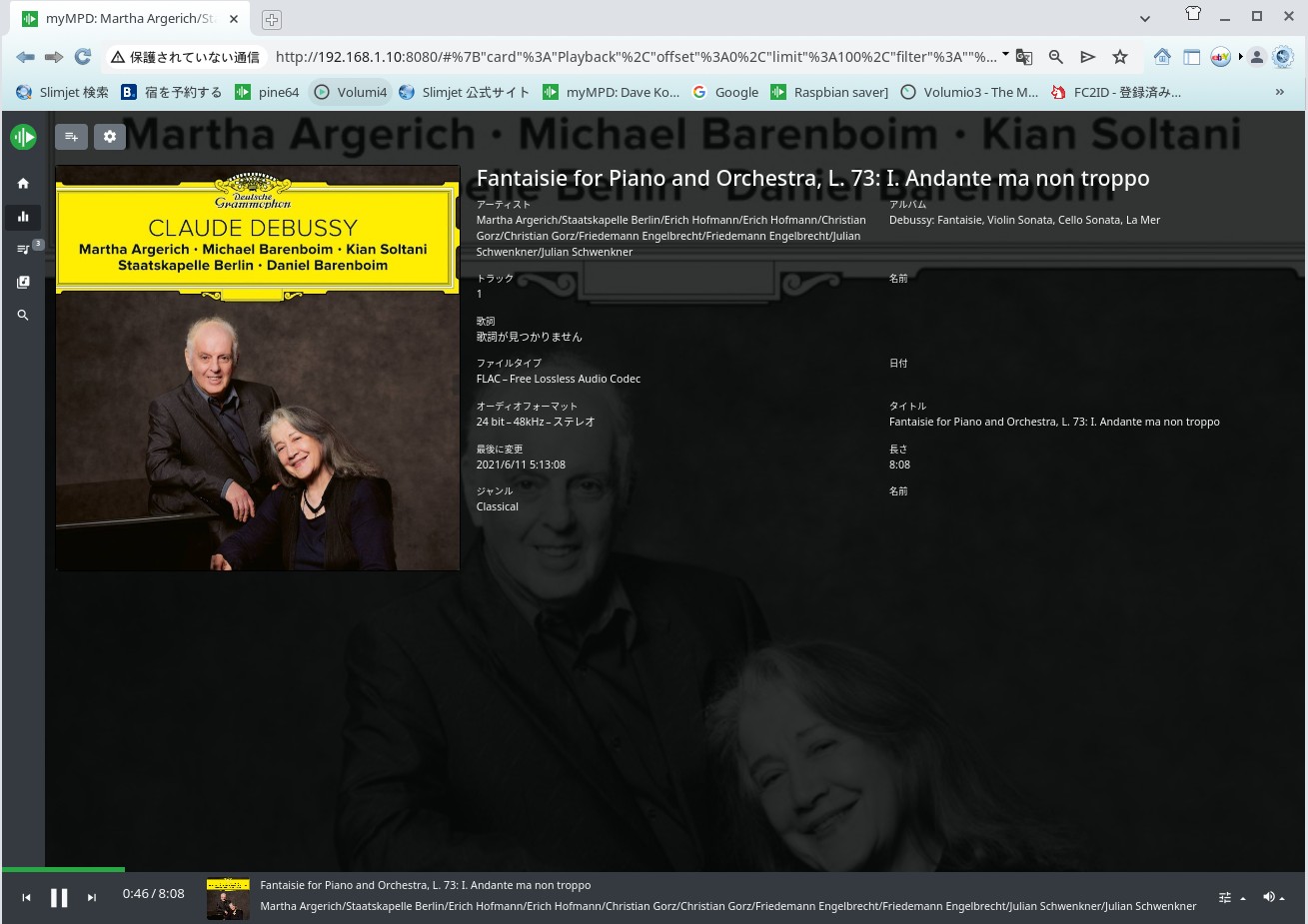
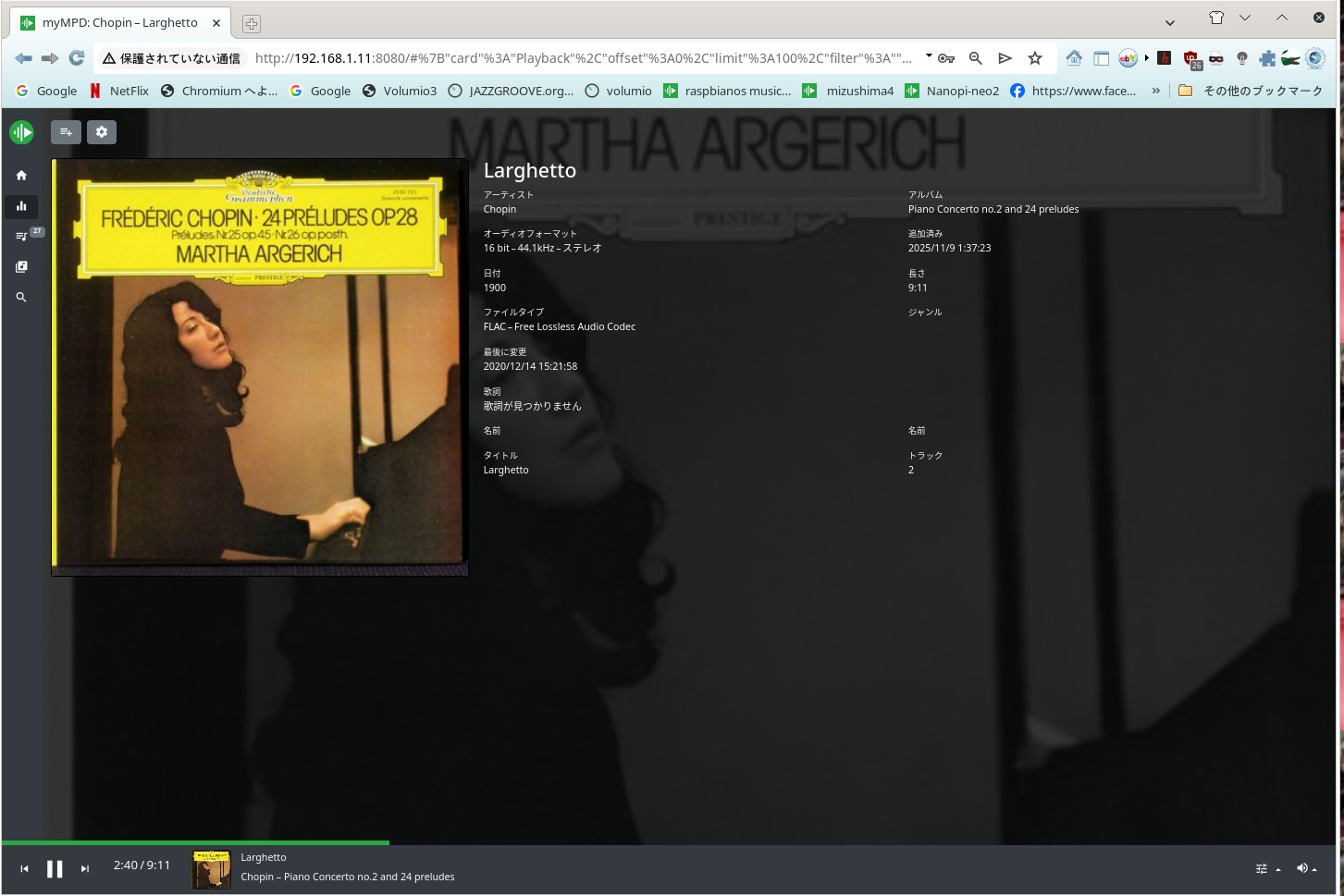
Piano by Argentina

By myMPD Nightly Raspbian OS on 15th Nov 2025


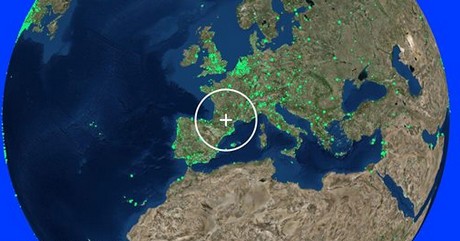
radio garden

Radio Garden warld wide live radio ,you can find any small town's station any counry and country side


Fm Steram ORG

Station Finder


DAC etc---Show DAC DIY Site in Japan


Very Important :finally " Raspberry Pi 2-3" are very stable One Board PC for C/P and Good for "Experimenter" around OS, programing and hard skill etc


How to install ICEWM into Raspberry pi Linux

How to use ICEWM by Linux x86 x11 only Japanese

You Tube for Tube Amplifier


Facebook


7th Avenue


since 15th JAN 2015 Raspberry Pi B+ Music Server how to last up date 7th Feb 2026

How to build up Amplifier Single Ended Amplifier 2025 Yachiyo Chiba Japan